
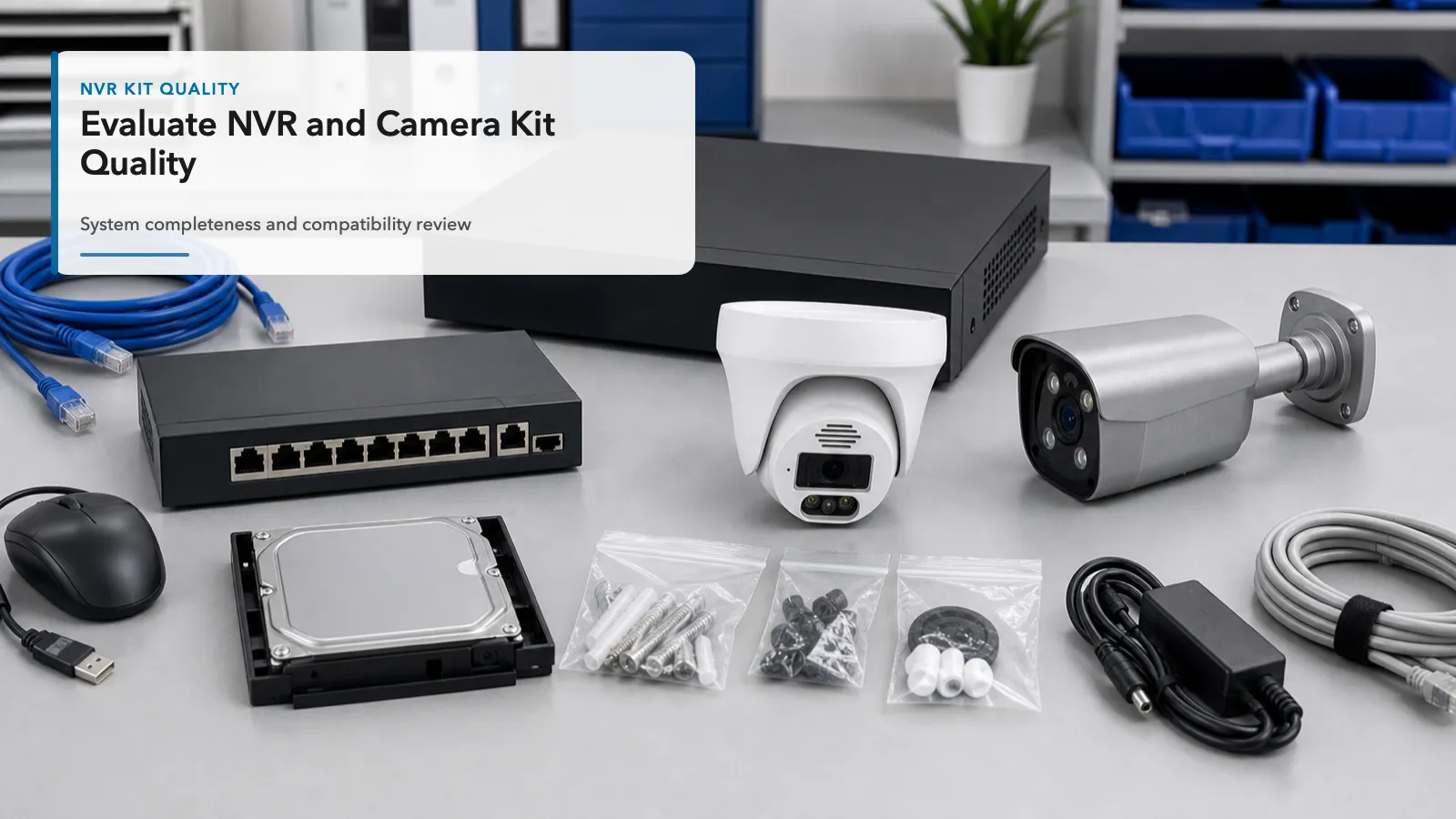
Approve the exact camera, recorder, firmware and packing list together. Keep sample observations separate from supplier specifications. A short working demonstration does not establish full-load recording, long-term reliability or batch consistency.
Build the sample acceptance record
| Gate | Check | Evidence to keep |
|---|---|---|
| Identity | Compare device labels, firmware, drive and power supply with the quotation. | Dated label photos and model/version list. |
| Recording load | Connect the intended camera count and settings while viewing and replaying. | Stream settings, duration, recording gaps and exported clips. |
| Functions | Check audio, events, camera control and remote access individually. | Pass/fail/untested result for each required function. |
| Packing | Count drives, cables, mounts, supplies and instructions. | Approved packing list and carton/connector photos. |
| Repeat order | Agree substitutions, firmware changes and batch acceptance with the supplier. | Approved sample reference and written change conditions. |
Test the complete recording path
- Write the required recording resolution, frame rate, codec, hours and camera count before testing.
- Check day/night movement and busy-scene recordings at those settings.
- Retrieve a known interval and open an export in the intended player; check time and audio where required.
- During an agreed bench test, check recovery after power and network interruption.
- Record failed and untested requirements, with correction and retest conditions before bulk approval.
Documents and support questions
Request documents that match the exact supplied models and destination requirements; a logo or family brochure is not a model-specific approval. Record the firmware update path, access recovery, named support route and written warranty/RMA terms. Confirm shipping origin, lead time and replacement arrangements in the quotation.
Use the NIST IoT device capability baseline for questions about identification, configuration, data protection and updates; it does not certify this camera kit. For mixed brands, use the compatibility guide and test the needed functions.
Installer configurations · OEM requirements · Request a sample and bulk configuration. Include models, quantities, recording settings, destination, packing and acceptance criteria. Keep the detailed sample testing checklist with the acceptance record.