
How to Choose the Right NVR Channel Count

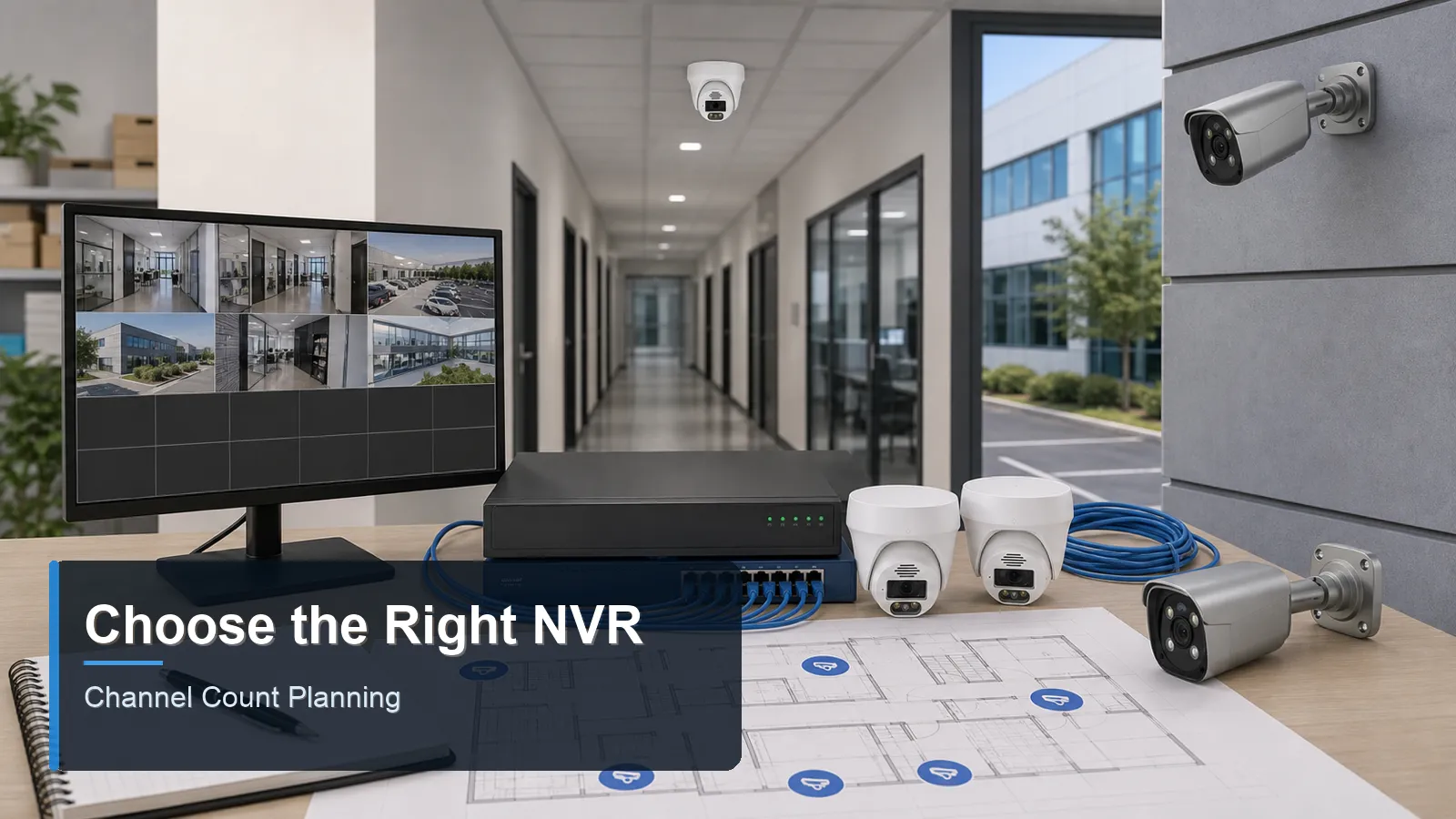
QuarkView NVR channel count planning with recorder PoE switch and security cameras

Main keyword: NVR channel count

Introduction

NVR channel count is one of the first specifications buyers see, but it is also one of the easiest to misunderstand. A channel is a camera connection that the network video recorder can manage and record. If a recorder is advertised as 8-channel, it can normally support up to eight IP camera streams. The channel count does not automatically describe PoE power, storage capacity, decoding ability, or incoming bandwidth. Those specifications must be checked separately.

Choosing the correct NVR channel count is a planning decision. The buyer should estimate current cameras, future cameras, special views, replacement flexibility, and whether the site may expand. A CCTV camera at each entrance, a PoE camera at each exterior approach, and a few interior IP camera views can fill an 8-channel recorder quickly. If the system is a business surveillance system, expansion room often matters because store layouts and risk areas change over time.

This article is prepared as a neutral QuarkView Security Learning Center guide for buyers comparing 4-channel, 8-channel, 16-channel, and larger recorders.

Main Technical Explanation

The first step is to count required camera views, not physical cameras already in a package. If the site needs three entrance views, two outdoor perimeter views, one stock-room view, one cash-area view, and one parking overview, the design already requires eight channels. Buying an 8-channel NVR would work only if there is no need for future additions. A 16-channel NVR may be more practical because it leaves space for a second parking camera, delivery area, or upgraded entry view.

The second step is to understand the difference between NVR channels and NVR PoE ports. Some NVRs include built-in PoE ports, allowing cameras to plug directly into the recorder. Other NVRs record cameras connected through the local network or separate PoE switches. A 16-channel NVR may include 16 PoE ports, 8 PoE ports, or no PoE ports at all. This matters for cabling, switch location, and power budgeting.

NVR channel count selection guide

NVR size

Best fit

Main risk

Recommended check

4 channels

Very small home or single-room business

No expansion room

Confirm every required view fits within four cameras

8 channels

Typical house, small shop, or office

Underestimating future additions

Reserve at least one or two channels if possible

16 channels

Larger home, warehouse, clinic, or multi-zone site

Bandwidth and storage may be undersized

Check incoming Mbps, drive bays, and PoE budget

32 channels or more

Campus, factory, larger commercial property

Network design becomes critical

Use switch segmentation, documentation, and acceptance testing

The third step is bandwidth. An NVR channel may support a camera, but the NVR also has a maximum incoming bandwidth. Sixteen high-resolution cameras at high bitrate can exceed the recorder's recording capacity. A buyer should compare expected bitrate per camera with the NVR's stated incoming Mbps. Substreams may reduce live-view load, but the main recording streams still require storage and network capacity.

The fourth step is surveillance storage. Channel count does not tell the buyer how many days of recording will be retained. A 16-channel NVR with a small drive may overwrite footage sooner than an 8-channel NVR with larger drives and lower bitrates. Recording time depends on camera count, codec, bitrate, frame rate, recording schedule, and drive capacity.

The fifth step is to think about mixed camera roles. A recorder may handle fixed cameras, a PTZ camera, an audio-enabled camera, and outdoor cameras with higher bitrate in the same project. These cameras do not place equal load on the system. A single PTZ or 4K entrance camera may require more bandwidth and storage than several low-motion indoor overview cameras. The NVR channel count tells you how many cameras can be added; the rest of the design tells you whether those cameras can be recorded at the required quality.

A QuarkView educational configuration example might use an 8-channel NVR for six current cameras, leaving two channels for a future gate camera and an additional outdoor security camera.

Key Features or Concepts

Channel count is a ceiling, not a design recommendation. A buyer should avoid filling every channel on day one unless the site will not expand. Spare channels are inexpensive compared with replacing the entire NVR.

PoE ports are power and network connection points. Channels are recording licenses or camera slots. The two numbers may match, but they do not always match. Read both specifications.

Incoming bandwidth defines how much camera data the NVR can record. Outgoing bandwidth affects remote viewing and client access. Decoding capacity affects how many cameras can be viewed in high resolution at the same time.

Compatibility matters when mixing cameras and recorders. ONVIF profiles can help with basic IP camera integration, but analytics, audio, PTZ, smart events, and advanced settings may depend on model-level compatibility.

Buying Considerations

For homes, an 8-channel NVR is often a practical minimum if the buyer wants front door, driveway, garage, side gate, backyard, and indoor entrance coverage. A 4-channel NVR can work for small properties, but it leaves little room for a future camera. For larger residences, a 16-channel NVR may be reasonable even if only eight to ten cameras are installed initially.

For businesses, choose channel count based on operational zones. Entrances, cashier areas, stock rooms, loading docks, back doors, corridors, and outdoor parking all compete for channels. If a business may add warehouse aisles, extra POS stations, or new access points, the NVR security system should have spare capacity.

Check the whole specification sheet before purchase. Review maximum channels, supported resolutions, incoming bandwidth, outgoing bandwidth, PoE power budget, number of drive bays, maximum hard drive size, RAID options if available, alarm inputs, user permissions, remote viewing features, and supported browsers or apps.

The right recorder is not always the largest recorder. A small site with four fixed cameras and no expansion need may not benefit from a 32-channel unit. The goal is enough capacity, enough storage, and enough simplicity for the buyer's maintenance ability.

Before final acceptance, confirm channel use on the actual recorder. The installer should show every camera name, channel number, live view, recording schedule, playback timeline, and storage status. If spare channels exist, they should be left disabled or documented clearly so future service teams know which channels are reserved and which are active.

Common Applications

A small office may choose an 8-channel NVR for five or six IP cameras. This allows coverage of reception, main entrance, corridor, equipment room, rear door, and one spare channel for later expansion.

A restaurant may choose a 16-channel NVR because interior operations, customer areas, storage, back door, delivery lane, and outdoor security camera positions can exceed eight views quickly. The NVR also needs enough storage for dispute review.

A warehouse may require 16 or 32 channels depending on gate count, dock count, aisle layout, yard size, and office areas. Separate PoE switches may be used to organize the wired surveillance system by building zone.

Common Problems

Buyers often select an NVR with the exact current number of cameras. This causes problems when the first new camera is needed. It also leaves no channel for temporary testing or replacement.

Another problem is assuming that all NVR channels can record any resolution at any bitrate. In practice, the recorder has bandwidth and decoding limits. A high-resolution camera mix should be checked against the NVR specification before purchase.

A third problem is overlooking the difference between direct PoE ports and network cameras connected through switches. If the buyer expects all cameras to plug directly into the NVR, the PoE port count must match that plan.


FAQ

What does NVR channel count mean?

It is the maximum number of IP cameras the recorder can manage and record. It does not automatically mean the recorder has the same number of PoE ports.

Should I choose more channels than I need?

Usually yes, within reason. Spare channels make future expansion easier and reduce the chance of replacing the NVR later.

Can I connect cameras through a PoE switch?

Yes, if the NVR supports network camera connections and the switch, IP addressing, and bandwidth are planned correctly.

Does a 16-channel NVR store twice as long as an 8-channel NVR?

No. Recording time depends on hard drive capacity and bitrate. More channels usually reduce retention unless storage is increased.

Do ONVIF cameras work with any NVR?

ONVIF can support interoperability for common functions, but advanced features may vary. Always confirm compatibility for recording, events, audio, and PTZ functions.

Summary

The right NVR channel count is based on current required views, future expansion, PoE port needs, bandwidth, storage, and compatibility. Buyers should avoid choosing a recorder only because the channel number matches today's camera count.

Prepared for international buyers by the QuarkView Security Learning Center, this guide connects NVR channel count with security camera system design, CCTV camera placement, IP camera expansion, PoE camera power, wired surveillance system layout, surveillance storage, outdoor security camera additions, and business surveillance system growth.


Plan Your Security Camera System With QuarkView

QuarkView helps buyers turn these technical choices into practical camera layouts, recording plans, and product shortlists for homes, retail sites, warehouses, gates, parking lots, and installer projects.

If you are comparing NVR channel count, PoE port planning, expansion capacity, and multi-camera recording systems, explore related QuarkView products or contact QuarkView for project and volume inquiry support.

Reference Sources

Next steps

Keep comparing before you choose equipment.

Use the links below to move from this guide into adjacent planning topics, product families, or a short quote request.

Related guides

Open Knowledge Base hub

Shop related systems

Need help choosing?

Share the site type, camera count, and recording target.

QuarkView can narrow PoE, NVR, PTZ, AI, WiFi, or solar options from a short project note.