
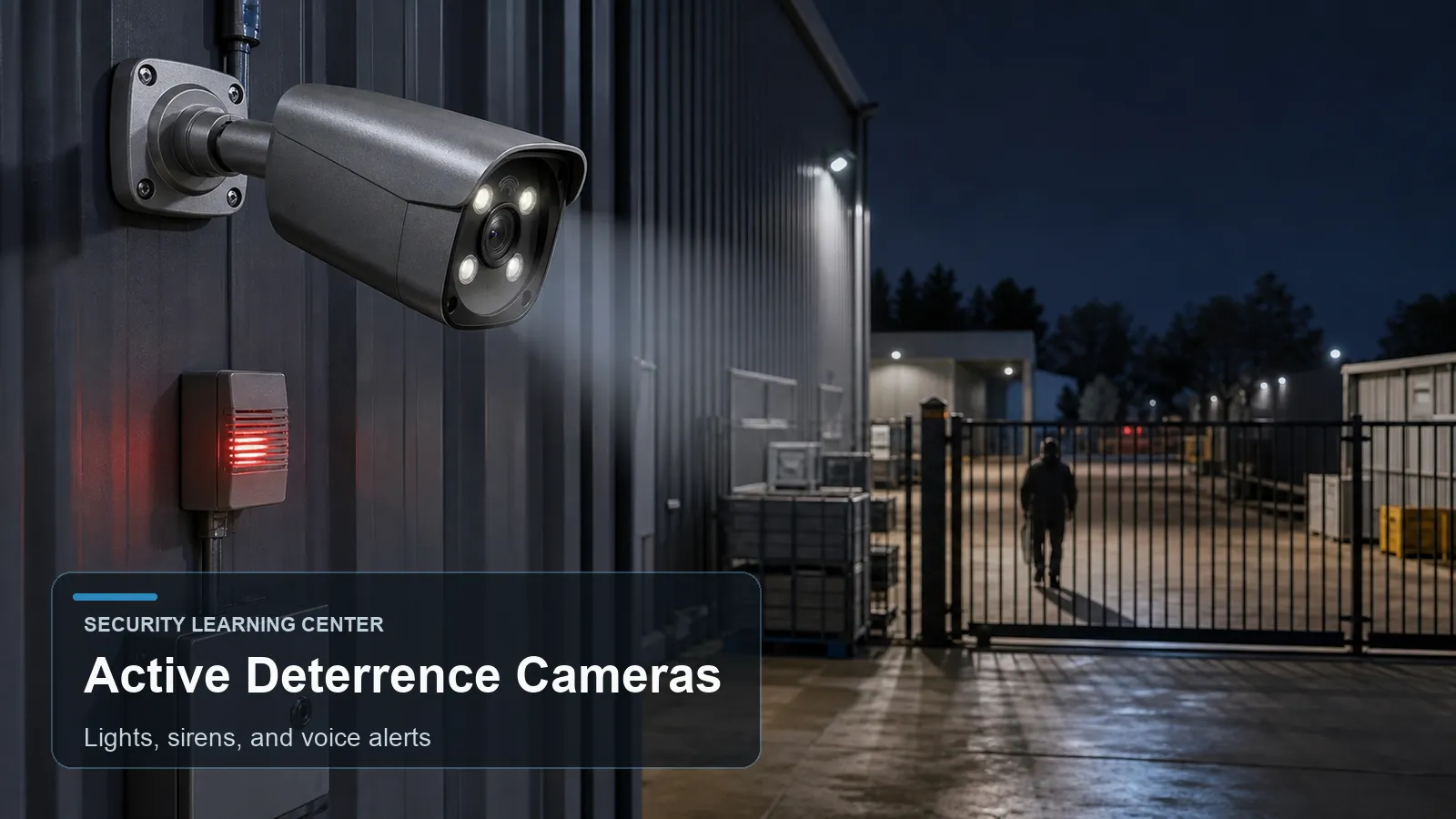
An active deterrence security camera combines video monitoring with response outputs such as white light, flashing light, siren, speaker, prerecorded voice prompt, two-way audio, or alarm relay. The goal is not only to record an event but also to influence behavior while the event is happening. The useful question is not whether the feature sounds advanced, but whether it improves evidence, alerts, and daily operation at a real site.
Readers comparing a CCTV camera, IP camera, PTZ camera, PoE camera, NVR security system, outdoor security camera, night vision camera, smart detection camera, or AI surveillance camera can use this guide to separate feature language from surveillance planning.
The article explains how camera-based audio and visual deterrence works, where it helps, where it can fail, and how buyers should test it before relying on it for homes, small businesses, warehouses, parking lots, gates, and commercial properties.
How it works
A traditional CCTV camera is mainly observational. It records evidence and may send a notification. An active deterrence camera adds an immediate local response. When a rule detects a person in a restricted area, the camera can turn on a light, play a voice message, sound a siren, trigger an alarm output, or notify an operator.
The response chain depends on reliable detection. If the camera triggers deterrence from basic pixel motion, rain and insects may create noise. If it uses AI human or vehicle classification, the response is usually more controlled. The rule still needs a practical zone, a schedule, a minimum object size, and a delay that matches the site.
Voice alerts should be used carefully. A short message such as a site-specific warning can be clearer than a loud siren, but local laws, workplace policies, neighbors, and after-hours operations all matter. The goal is proportionate response, not unnecessary disturbance.
Active deterrence works best as part of a layered plan. Lighting, signage, locks, access control, alarm sensors, fixed cameras, PTZ camera coverage, and operator procedures all support each other. A camera siren alone should not be the only protection for a high-value area.
Every advanced camera feature sits inside a complete video chain. The lens forms the image, the sensor captures light, the processor controls exposure and compression, the network carries video, and the recorder stores evidence. If one part of that chain is weak, the advertised feature may still produce poor operational results.
A useful design starts with a target behavior. The camera might need to show a person entering a doorway, a vehicle crossing a gate, a forklift moving through a warehouse aisle, or an after-hours presence in a restricted zone. The camera feature should support that behavior, not distract from it.
For PoE surveillance, the network side is also part of the design. Cable length, switch power budget, recorder bandwidth, camera stream settings, time synchronization, account permissions, and firmware maintenance all influence reliability. A feature that works in the camera web page may not be fully searchable in the NVR unless compatibility is verified.
Maintenance should be planned before the camera is installed. Lenses and domes need cleaning, vegetation and signage can move into the scene, firmware may change analytics behavior, and seasonal lighting can shift exposure. A quarterly review of live view, event clips, storage health, user accounts, and exported evidence keeps advanced functions useful after the first installation week.
Features to compare
- Visible light can draw attention to the monitored area and improve color recording.
- Siren or voice prompts can warn a person that they entered a restricted zone.
- Two-way audio can support live operator intervention when policy allows it.
- AI classification can reduce nuisance deterrence from animals, rain, and moving shadows.
- Event schedules can prevent alarms during business hours or authorized maintenance windows.
- Alarm outputs can link the camera to a broader security or access control system.
- An NVR security system may record both the event clip and related metadata.
- PoE power budget must support camera operation plus light and audio output.
Check lighting and moving-subject detail
For example, the buyer first marks the real security boundary, then chooses whether camera-based audio and visual deterrence improves that boundary. For example, a gate, loading dock, side yard, lobby, or parking lane may each need a different camera angle and rule design.
Choose active deterrence only where response is appropriate. A quiet indoor office corridor may not need a siren, while a fenced equipment yard may benefit from it after hours.
Check whether the camera supports custom audio, fixed messages, volume adjustment, light duration, flashing pattern, schedules, and rule-based linkage.
Confirm whether deterrence rules live in the camera, the NVR, or a cloud platform. This affects reliability if internet access is lost.
Review local noise and privacy expectations. A loud warning at 2 a.m. may create complaints if the rule is poorly tuned.
For an outdoor security camera, consider rain, wind, insects, headlight glare, and animals before enabling strong deterrent actions.
Document escalation: when the camera warns, when it notifies a person, when staff review footage, and when law enforcement or a guard service should be contacted.
Buyers should request or create test clips under the hardest expected conditions: dusk, full darkness, rain, headlight glare, busy movement, quiet hours, and normal business activity. A feature that looks good at noon may behave very differently during the event window that matters.
Cybersecurity and privacy should be part of the purchase checklist. Use unique accounts, strong passwords, firmware maintenance, appropriate remote access, limited user permissions, and placement that avoids unnecessary monitoring of private areas.
Common Applications
- Construction sites and temporary storage yards after working hours.
- Retail rear entrances and refuse areas where loitering or dumping is a recurring problem.
- Warehouse loading docks where after-hours approach should create a local warning.
- Driveways and gate lanes where a visible response may discourage trespass.
- School, campus, or office exterior areas where deterrence must be scheduled and policy-controlled.
- Parking lots where a smart detection camera can warn only when a person remains in a restricted zone.
- Multi-camera PoE security camera systems where feature-specific cameras cover high-value areas while standard cameras provide general context.
- Sites that need event review in an NVR security system rather than only live monitoring on a phone app.
Common Problems
- Too many false alerts cause users to disable the siren or ignore notifications.
- A deterrence light can wash out the same face or vehicle the camera needs to record.
- Voice messages may be unintelligible in wind, traffic noise, or large open spaces.
- Some third-party recorders show video but cannot configure alarm linkage features.
- The camera may not have enough PoE power if connected to an undersized switch.
- Staff may not know who is responsible for responding to repeated alerts.
- A siren can create legal, labor, or neighbor concerns if used without a policy.
- Specifications are compared without matching the real scene, mounting angle, lighting, target distance, or recorder compatibility.
- Users enable too many rules at once and cannot tell which alert is meaningful.
- The final system is accepted after a daytime live-view check, without night testing and playback export testing.
FAQ
What is an active deterrence security camera?
It is a camera that can respond locally with light, siren, voice, speaker, or alarm output when an event rule is triggered.
Does active deterrence stop crime?
It can discourage some activity, but it is one layer. Physical security, lighting, access control, monitoring, and response procedures still matter.
Should the siren trigger on every motion event?
Usually no. Human or vehicle filtering, schedules, and carefully drawn zones reduce nuisance events.
Can active deterrence work with an NVR?
Yes, but advanced linkage settings may depend on model compatibility and whether events are generated by the camera or recorder.
Is white light required?
No. Some deterrence designs use voice, siren, or alarm output. White light is useful when it also improves video evidence.
What message should a voice alert use?
Use a short, site-appropriate warning that is understandable and compliant with local policy.
Can I use active deterrence indoors?
Yes, but volume, privacy, safety, and employee policy need more careful review indoors.
What is the biggest configuration mistake?
Enabling aggressive alarms before testing detection zones and false triggers after dark.
Summary
A active deterrence security camera discussion should lead to a practical design decision. The feature is valuable when it supports a defined scene, a measurable event, and a review process that the user will actually follow.
Before final acceptance, the camera should be reviewed from live view, recorded playback, event search, and exported evidence. This simple check often reveals mismatched stream settings, missing metadata, weak night performance, or a rule that alerts in live view but is difficult to investigate later.
The strongest systems combine correct camera placement, stable PoE networking, appropriate lighting, careful analytics configuration, recorder compatibility, and responsible privacy practice. Advanced camera functions are useful tools, but they work best when treated as part of a complete surveillance plan.
Plan Your Security Camera System With QuarkView
If you are comparing active deterrence cameras, light alerts, siren rules, voice prompts, and after-hours response planning, explore related QuarkView products or contact QuarkView for project and volume inquiry support.
Related QuarkView Planning Resources
For the next planning step, compare Full Color Night Vision Cameras: How They Work and When to Use Them, ColorVu-Style Full Color Cameras vs Infrared Cameras Explained, Starlight Security Cameras Explained for Low-Light Surveillance, Two-Way Audio Security Cameras: Uses, Benefits, and Limitations, Parking Lot CCTV Systems: Cameras, Lighting, and Recording Strategy. These related guides connect product selection, placement, recording, installation, and long-term reliability decisions.
Related QuarkView Collections
Reference Sources
- Dahua TiOC active deterrence series: https://www.dahuasecurity.com/ph/Products/All-Products/HDCVI-Cameras/Active-Deterrence-Series/TiOC
- Dahua TiOC three-in-one camera leaflet: https://www.dahuasecurity.com/asset/upload/uploads/soft/20200910/Leaflet_Dahua-Three-in-one-camera-%28TiOC%29_V1.0_EN_202009%284P%29-.pdf
- Axis Object Analytics event scenario overview: https://www.axis.com/products/axis-object-analytics
- ONVIF Profile M, metadata and events for analytics applications: https://www.onvif.org/profiles/profile-m/
- ONVIF Profile S, video streaming for IP-based video systems: https://www.onvif.org/profiles/profile-s/
- FTC Consumer Advice, How To Secure Your Home Security Cameras: https://consumer.ftc.gov/articles/how-secure-your-home-security-cameras
- NISTIR 8259 Series, IoT device cybersecurity guidance: https://www.nist.gov/itl/applied-cybersecurity/nist-cybersecurity-iot-program/nistir-8259-series