
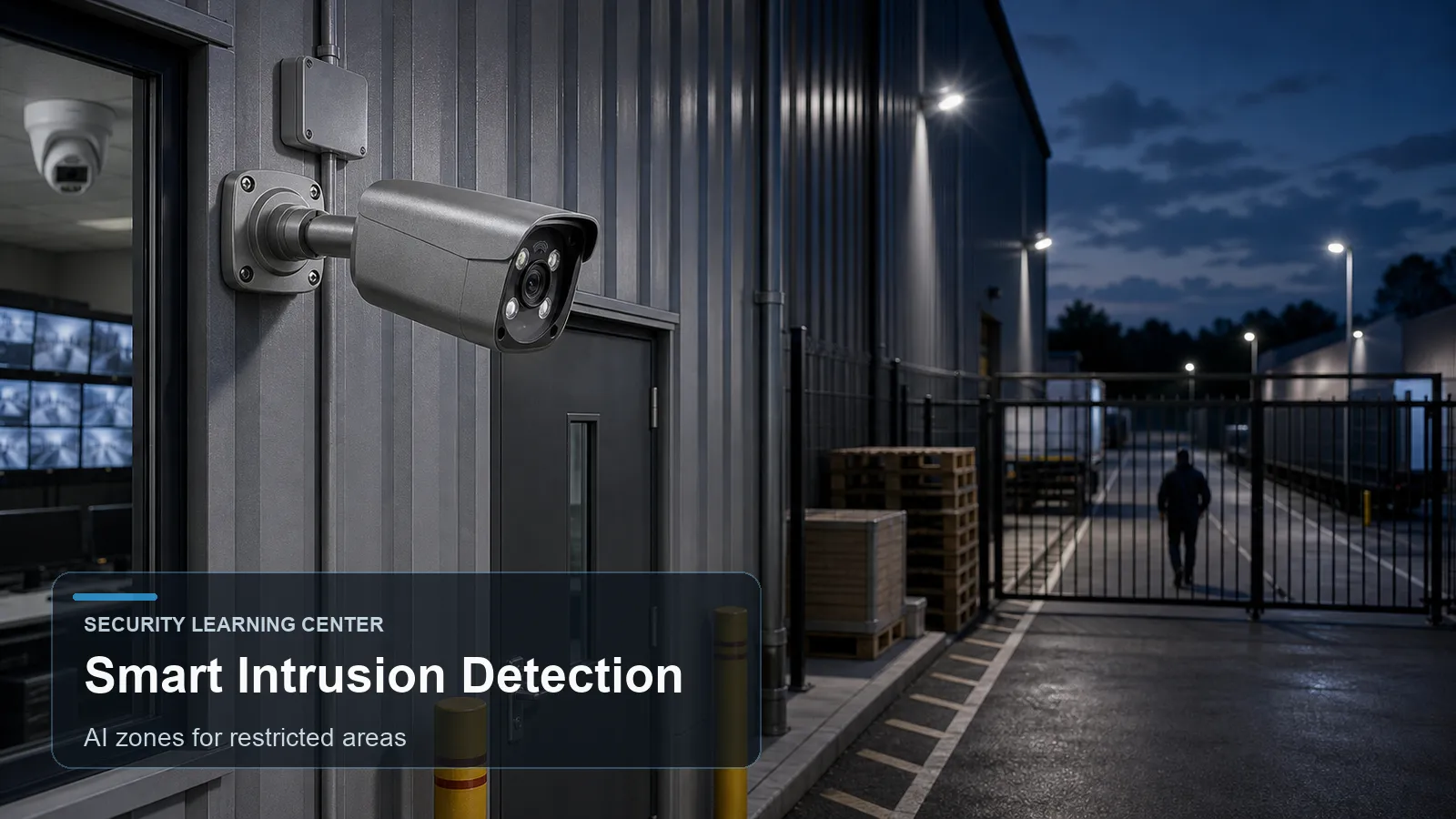
A smart intrusion detection camera monitors a defined area and triggers an event when a relevant object enters, remains in, or moves through that area. Modern systems often classify humans, vehicles, or other object types so the rule is more specific than basic motion detection. The useful question is not whether the feature sounds advanced, but whether it improves evidence, alerts, and daily operation at a real site.
Readers comparing a CCTV camera, IP camera, PTZ camera, PoE camera, NVR security system, outdoor security camera, night vision camera, smart detection camera, or AI surveillance camera can use this guide to separate feature language from surveillance planning.
The article explains how AI-based area entry and restricted-zone analytics works, where it helps, where it can fail, and how buyers should test it before relying on it for homes, small businesses, warehouses, parking lots, gates, and commercial properties.
How it works
Intrusion detection is zone-based. The installer draws a polygon or area in the camera view and tells the camera what object behavior matters. The rule may trigger when a person enters the zone, when a vehicle remains in it, or when an object appears in a restricted area after hours.
AI improves the rule by adding classification. Instead of reacting to every pixel change, a smart detection camera can attempt to decide whether the movement is a human, vehicle, or other object. This can reduce alerts from rain, shadows, leaves, and small animals, but it does not eliminate the need for careful setup.
The zone should be drawn where the camera can see the whole object before the alarm line or area. If the rule starts at the edge of the image, the camera may not have enough time or pixels to classify the target. A better design gives the analytics room to observe the object before it enters the protected zone.
Smart intrusion detection is useful only if the response is defined. The system may record an event clip, send a push alert, trigger a light, move a PTZ camera, bookmark NVR playback, or notify a monitoring center. Without response design, the rule becomes another unused checkbox.
Every advanced camera feature sits inside a complete video chain. The lens forms the image, the sensor captures light, the processor controls exposure and compression, the network carries video, and the recorder stores evidence. If one part of that chain is weak, the advertised feature may still produce poor operational results.
A useful design starts with a target behavior. The camera might need to show a person entering a doorway, a vehicle crossing a gate, a forklift moving through a warehouse aisle, or an after-hours presence in a restricted zone. The camera feature should support that behavior, not distract from it.
For PoE surveillance, the network side is also part of the design. Cable length, switch power budget, recorder bandwidth, camera stream settings, time synchronization, account permissions, and firmware maintenance all influence reliability. A feature that works in the camera web page may not be fully searchable in the NVR unless compatibility is verified.
Maintenance should be planned before the camera is installed. Lenses and domes need cleaning, vegetation and signage can move into the scene, firmware may change analytics behavior, and seasonal lighting can shift exposure. A quarterly review of live view, event clips, storage health, user accounts, and exported evidence keeps advanced functions useful after the first installation week.
Features to compare
- Area-based detection focuses on a restricted zone instead of the whole image.
- Human and vehicle filtering can reduce irrelevant alarms.
- Schedules can apply rules only after hours or during specific risk periods.
- Minimum object size and duration filters help ignore brief or tiny movement.
- Exclusion zones can remove roads, trees, screens, and reflections from the rule.
- Event metadata can improve search in an NVR security system.
- A PTZ camera can be cued to a preset when a fixed camera detects intrusion.
- A PoE camera with edge analytics can continue local detection even if internet access is unavailable.
Match equipment to the site requirements
For example, the buyer first marks the real security boundary, then chooses whether AI-based area entry and restricted-zone analytics improves that boundary. For example, a gate, loading dock, side yard, lobby, or parking lane may each need a different camera angle and rule design.
Ask what object classes the camera supports. Human and vehicle detection are common, but not every camera supports the same classes or rule types.
Confirm whether intrusion rules run on the camera, on the NVR, or in cloud software. Edge rules can reduce bandwidth and latency.
Check the maximum number of rules per camera, supported schedules, linkage actions, and event search interface.
Evaluate the scene for object size. A camera mounted too high or too far away may not give analytics enough pixels for reliable classification.
For outdoor security camera scenes, test after dark, in rain, and during normal lighting changes before relying on alerts.
Make sure privacy expectations are documented. Intrusion detection should focus on legitimate security zones, not unnecessary monitoring.
Buyers should request or create test clips under the hardest expected conditions: dusk, full darkness, rain, headlight glare, busy movement, quiet hours, and normal business activity. A feature that looks good at noon may behave very differently during the event window that matters.
Cybersecurity and privacy should be part of the purchase checklist. Use unique accounts, strong passwords, firmware maintenance, appropriate remote access, limited user permissions, and placement that avoids unnecessary monitoring of private areas.
Common Applications
- Fenced yards and loading docks after hours.
- Warehouse restricted aisles or high-value storage areas.
- Office server rooms, stockrooms, and back-of-house doors.
- Parking lots where unauthorized loitering or vehicle presence matters.
- Residential side gates, driveways, and backyard entries.
- Perimeter systems where a fixed AI surveillance camera cues lighting or a PTZ camera.
- Multi-camera PoE security camera systems where feature-specific cameras cover high-value areas while standard cameras provide general context.
- Sites that need event review in an NVR security system rather than only live monitoring on a phone app.
Common Problems
- The rule is drawn too close to the image edge and misses classification.
- A public sidewalk or road is included in the zone and creates constant events.
- The camera is mounted too high, making people look too small for reliable analytics.
- Headlights, shadows, and rain create contrast changes that require zone tuning.
- The NVR receives video but not analytics metadata from a third-party IP camera.
- Users enable too many alerts and then ignore all of them.
- The event schedule conflicts with cleaning, deliveries, or authorized night work.
- Specifications are compared without matching the real scene, mounting angle, lighting, target distance, or recorder compatibility.
- Users enable too many rules at once and cannot tell which alert is meaningful.
- The final system is accepted after a daytime live-view check, without night testing and playback export testing.
FAQ
What is smart intrusion detection?
It is a camera rule that monitors a defined area and triggers when a relevant object enters or remains in that area.
How is it different from motion detection?
Basic motion detection reacts to pixel changes. Smart intrusion detection can use object classification and zone logic.
Does AI remove false alarms?
No. It can reduce many false alerts, but placement, lighting, zone design, and filters still matter.
Should the rule cover the whole image?
Usually not. A focused zone gives better results and avoids roads, trees, and irrelevant movement.
Can intrusion detection trigger a light or siren?
Yes, if the camera and recorder support event linkage and the action is configured.
What camera angle is best?
Use an angle where the subject is visible, not too small, and not severely backlit before entering the zone.
Can smart intrusion detection work indoors?
Yes. Warehouses, offices, stockrooms, and service corridors are common indoor uses.
What should I verify in playback?
Verify event bookmarks, object filters, exported clips, and whether the NVR security system shows the correct rule name.
Summary
A smart intrusion detection camera discussion should lead to a practical design decision. The feature is valuable when it supports a defined scene, a measurable event, and a review process that the user will actually follow.
Before final acceptance, the camera should be reviewed from live view, recorded playback, event search, and exported evidence. This simple check often reveals mismatched stream settings, missing metadata, weak night performance, or a rule that alerts in live view but is difficult to investigate later.
The strongest systems combine correct camera placement, stable PoE networking, appropriate lighting, careful analytics configuration, recorder compatibility, and responsible privacy practice. Advanced camera functions are useful tools, but they work best when treated as part of a complete surveillance plan.
Plan Your Security Camera System With QuarkView
If you are comparing AI intrusion zones, human and vehicle classification, restricted-area rules, and alert review, explore related QuarkView products or contact QuarkView for project and volume inquiry support.
Related QuarkView Planning Resources
For the next planning step, compare Human Detection Technology in Modern Security Cameras, Wide Angle vs Zoom Security Cameras: Field of View and Detail Explained, Two-Way Audio Security Cameras: Uses, Benefits, and Limitations, Active Deterrence Security Cameras: Lights, Sirens, and Voice Alerts, Auto Tracking PTZ Cameras: How They Work and When to Use Them. These related guides connect product selection, placement, recording, installation, and long-term reliability decisions.
Related QuarkView Collections
Reference Sources
- Axis Object Analytics overview: https://www.axis.com/products/axis-object-analytics
- Axis Object Analytics user manual: https://help.axis.com/en-gb/axis-object-analytics
- Hikvision AcuSense product leaflet: https://www.hikvision.com/content/dam/hikvision/en/brochures-download/product-brochures/Hikvision%20AcuSense%20Products%20Leaflet.pdf
- ONVIF Profile M, metadata and events for analytics applications: https://www.onvif.org/profiles/profile-m/
- ONVIF Profile S, video streaming for IP-based video systems: https://www.onvif.org/profiles/profile-s/
- FTC Consumer Advice, How To Secure Your Home Security Cameras: https://consumer.ftc.gov/articles/how-secure-your-home-security-cameras
- NISTIR 8259 Series, IoT device cybersecurity guidance: https://www.nist.gov/itl/applied-cybersecurity/nist-cybersecurity-iot-program/nistir-8259-series