
QuarkView Security Learning Center. This guide is part of QuarkView's practical security camera knowledge base for buyers, installers, and project teams planning connected surveillance systems.
Use it to connect default password prevention, installer account control, credential changes, and secure CCTV handover with practical procurement, installation, support, and long-term operation decisions.
QuarkView Security Learning Center | IP Camera Cybersecurity, Responsible CCTV, and Smart Surveillance Knowledge Base
Default Password Risks in CCTV Systems and How to Prevent Them explains CCTV default password risk as a practical operating discipline for modern surveillance, not a one-time product setting. It focuses on the credential lifecycle for cameras, recorders, mobile accounts, installer accounts, cloud portals, and service users. The topic sits at the intersection of cybersecurity, privacy, compliance awareness, responsible surveillance, and future-ready system design.
Within the QuarkView cybersecurity knowledge base, the goal is to make surveillance technology easier to evaluate without turning the article into legal advice or a sales pitch. Security buyers should use these ideas to ask better questions, document decisions, and coordinate with qualified IT, privacy, or legal professionals when the risk profile requires it.
The same principles apply whether the organization operates a single CCTV camera, a mixed IP camera fleet, a PoE security camera system, an NVR security system, remote viewing for supervisors, AI surveillance analytics, an edge AI security camera, a smart video surveillance platform, or a broader business surveillance system.
How it works
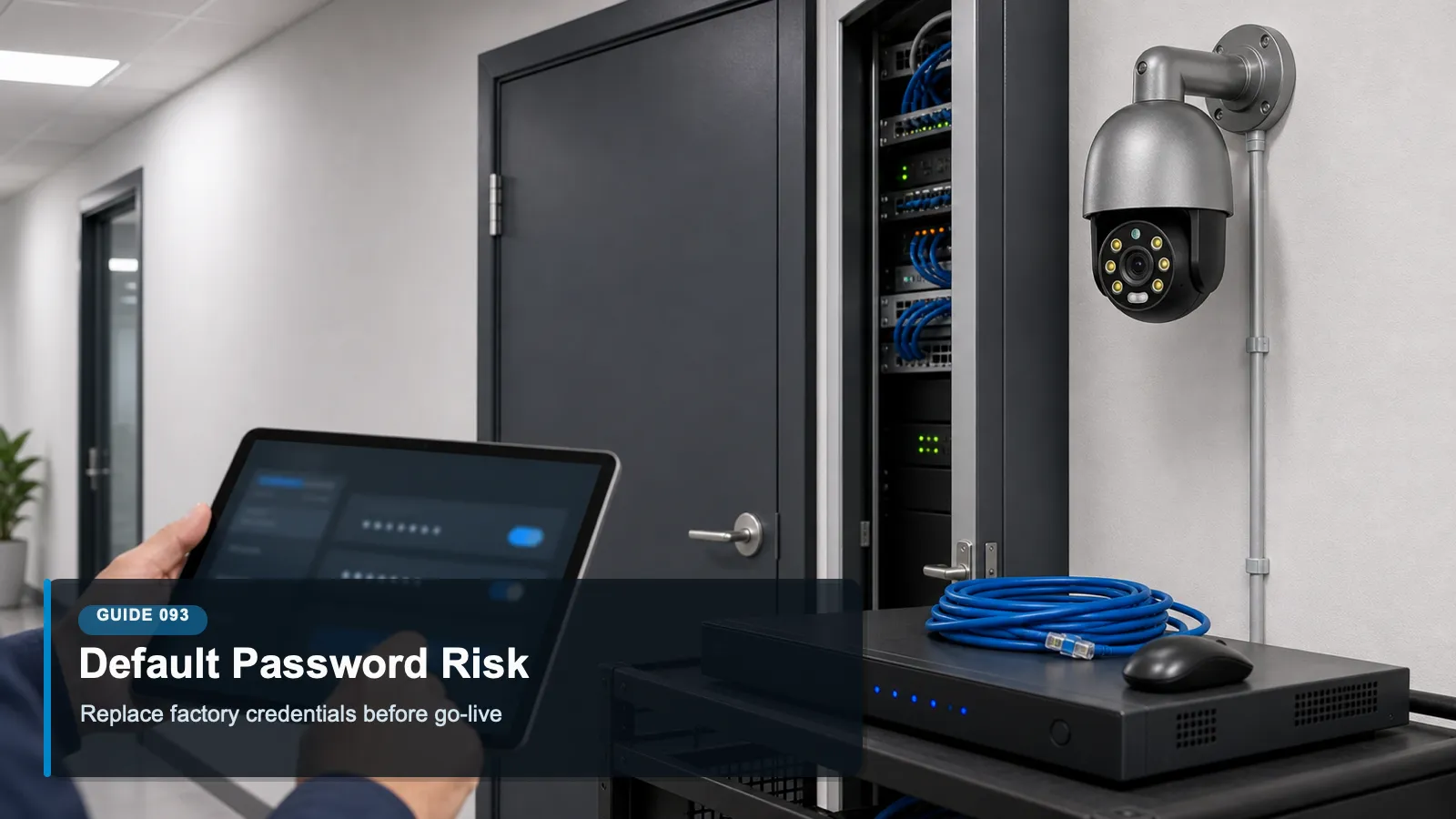
CCTV default password risk is not a theoretical issue. Cameras and recorders are often installed quickly, and installers may be tempted to leave factory credentials in place until later. Later may never come. If the default password is published in a manual, reused across a model line, shared by installers, or easy to guess, an attacker may not need a sophisticated exploit to gain access. The weakness is administrative rather than technical, which is why it is also preventable.
Default credentials are especially dangerous when combined with remote exposure. A camera on an internal management VLAN is still a risk, but a recorder login page exposed through port forwarding or weak cloud account protection is much easier to attack at scale. Automated scanning tools look for recognizable login pages, old firmware, and known credential pairs. Once access is gained, the attacker may view live video, change configurations, create new accounts, disable recording, or use the device as a foothold.
Credential replacement must be part of commissioning. A responsible installer should not treat password changes as optional customer education. The setup record should show that defaults were removed, unique administrator accounts were created, emergency recovery procedures were documented, and any vendor or integrator support accounts were named, limited, and revocable. The customer should receive credentials through a secure channel rather than a sticker, email chain, or shared spreadsheet with broad access.
Password controls also need to extend beyond the first day. Staff turnover, contractor changes, forgotten mobile devices, and periodic support work all create opportunities for account drift. Password risk is reduced by unique accounts, role-based permissions, MFA where supported, scheduled access reviews, and a policy that prohibits permanent shared installer logins. The best outcome is not a single strong password; it is an account lifecycle that can survive normal business change.
Features to compare
Mandatory setup change: The system should force a new administrator password or enrollment process before live operation or remote access begins.
Unique credentials: Each camera, recorder, administrator, and cloud account should avoid reused default or installer passwords.
Named accounts: Named accounts create accountability because logs can connect actions to an individual rather than a shared credential.
Password vaulting: Administrative credentials should be stored in an approved password manager or business credential vault with access history.
MFA where available: MFA reduces the risk that a stolen password alone can open remote viewing or administration.
Access review: Accounts should be checked after staff changes, contractor changes, ownership changes, and system expansions.
A useful way to apply these concepts is to write them into the commissioning checklist. When a new camera, recorder, switch, mobile app, or analytics feature is added, the team should ask how that change affects inventory, accounts, network exposure, data protection, and ongoing maintenance.
Review access, updates and responsibilities
Avoid devices that ship with universal default passwords and no forced change process.
Ask whether the product supports per-user accounts, strong password rules, account lockout, MFA, and audit logs.
Review installer handoff procedures so the site owner controls final administrator credentials.
Check whether service accounts can be disabled, limited, renamed, or rotated without breaking recording.
Prefer vendors that publish secure setup guidance and avoid insecure default configurations.
Common Applications
CCTV default password risk applies differently across environments, but the same governance pattern repeats: define the purpose, limit access, protect the network path, manage stored footage, and review the system as business needs change.
Small businesses replacing a legacy analog CCTV camera system with networked IP cameras and a shared NVR.
Multi-tenant buildings where installers, property managers, and guards need different levels of access.
Retail chains that standardize camera deployments but must avoid one password being reused across many locations.
Warehouses where third-party maintenance teams need temporary access to recorder settings.
Homes and small offices where owners may depend heavily on mobile remote viewing accounts.
Common Problems
Most surveillance problems do not come from one dramatic failure. They come from small gaps that compound over time: devices outside the inventory, shared accounts, unpatched firmware, unclear ownership, unmanaged exports, and settings that remain unchanged after the site layout or staffing model changes.
A default administrator account is never changed after installation, and the login page is later exposed remotely.
Several sites reuse the same installer password, so compromise of one location creates risk at other locations.
Former employees still know the recorder password because everyone used one shared account.
Password reset procedures are unclear, so staff avoid rotating credentials for fear of locking themselves out.
Support accounts are left permanently enabled even though the vendor or integrator only needs occasional access.
The best response is a calm review process. Identify the device or workflow, document the risk, decide whether configuration, training, network controls, vendor support, or replacement is the right fix, and then verify that the change actually worked.
FAQ
Q: Why are default passwords still common?
A: They make mass installation easier, especially when setup is rushed. Secure products increasingly force credential changes, but many legacy systems and careless deployments still depend on defaults.
Q: Is changing the NVR password enough?
A: No. Cameras, cloud accounts, mobile apps, service users, and switch or router administration may also have credentials that need to be changed and documented.
Q: Should passwords be written in the equipment room?
A: No. Emergency access is important, but visible passwords can be photographed or misused. Use an approved credential vault or sealed emergency procedure controlled by management.
Q: Do strong passwords replace MFA?
A: No. Strong passwords help, but MFA adds protection when a password is stolen, phished, reused, or discovered from an old installation record.
Q: How often should camera passwords change?
A: Change passwords when staff roles change, contractors leave, devices are reassigned, compromise is suspected, or policy requires rotation. Avoid unnecessary rotation that leads to weaker storage habits.
Q: What should be done with old shared accounts?
A: Create named replacement accounts, test permissions, transfer needed ownership, update documentation, and then disable or delete the shared account.
Summary
Default password prevention is a commissioning discipline and an ongoing account lifecycle. The practical standard is to force changes during setup, use unique named accounts, protect administrator credentials, require MFA where possible, remove shared installer accounts, and review access as the organization changes. This is one of the simplest ways to reduce preventable CCTV exposure.
For practical implementation, start with the controls that are easiest to verify: inventory, unique accounts, secure remote access, firmware review, retention settings, export discipline, and periodic access review. These basics create a foundation for more advanced analytics, cloud workflows, and future system expansion.
A useful review habit is to assign one owner for the camera environment, one owner for network and identity controls, and one owner for footage handling. Even in a small business, naming responsibilities prevents security, privacy, and maintenance tasks from becoming assumptions that nobody verifies.
For larger deployments, the same idea can be expanded into a quarterly checklist that records device changes, account changes, firmware status, retention exceptions, export requests, remote access reviews, and unresolved risks.
Plan Your Security Camera Project With QuarkView
QuarkView helps buyers review default password prevention, installer account control, credential changes, and secure CCTV handover before choosing cameras, NVRs, PoE infrastructure, remote access methods, and support workflows.
Explore QuarkView security camera systems or contact QuarkView for project and volume inquiry support.
Related QuarkView Planning Resources
For the next planning step, compare CCTV Troubleshooting Guide for Common Camera and NVR Problems, Common Mistakes When Buying CCTV Systems from Overseas Suppliers, How to Choose Security Camera Kits for Retail or Distribution, How to Compare Security Camera Specifications Before Buying, How to Evaluate NVR and Camera Kit Quality Before Bulk Purchase. These related guides connect product selection, placement, recording, installation, and long-term reliability decisions.
Related QuarkView Collections
Reference Sources
CISA Secure by Design guidance on eliminating default passwords. https://www.cisa.gov/securebydesign
FTC, Careful Connections: Keeping the Internet of Things Secure. https://www.ftc.gov/business-guidance/resources/careful-connections-keeping-internet-things-secure
NISTIR 8259A, IoT Device Cybersecurity Capability Core Baseline. https://csrc.nist.gov/pubs/ir/8259/a/final
NISTIR 8425, Profile of the IoT Core Baseline for Consumer IoT Products. https://csrc.nist.gov/pubs/ir/8425/final
NIST SP 800-63B, Digital Identity Guidelines: Authentication and Lifecycle Management. https://pages.nist.gov/800-63-4/sp800-63b.html
CISA Secure Our World, Require Multifactor Authentication. https://www.cisa.gov/secure-our-world/require-multifactor-authentication