
QuarkView Security Learning Center. This guide is part of QuarkView's practical security camera knowledge base for buyers, installers, and project teams planning connected surveillance systems.
Use it to connect edge AI security cameras, cloud AI analytics, bandwidth, latency, privacy, and system architecture with practical procurement, installation, support, and long-term operation decisions.
QuarkView Security Learning Center | IP Camera Cybersecurity, Responsible CCTV, and Smart Surveillance Knowledge Base
Edge AI vs Cloud AI in Security Camera Systems explains edge AI security camera as a practical operating discipline for modern surveillance, not a one-time product setting. It focuses on the architectural choice between analytics performed on the camera or local recorder and analytics performed in a remote cloud platform. The topic sits at the intersection of cybersecurity, privacy, compliance awareness, responsible surveillance, and future-ready system design.
Within the QuarkView cybersecurity knowledge base, the goal is to make surveillance technology easier to evaluate without turning the article into legal advice or a sales pitch. Security buyers should use these ideas to ask better questions, document decisions, and coordinate with qualified IT, privacy, or legal professionals when the risk profile requires it.
The same principles apply whether the organization operates a single CCTV camera, a mixed IP camera fleet, a PoE security camera system, an NVR security system, remote viewing for supervisors, AI surveillance analytics, an edge AI security camera, a smart video surveillance platform, or a broader business surveillance system.
How it works
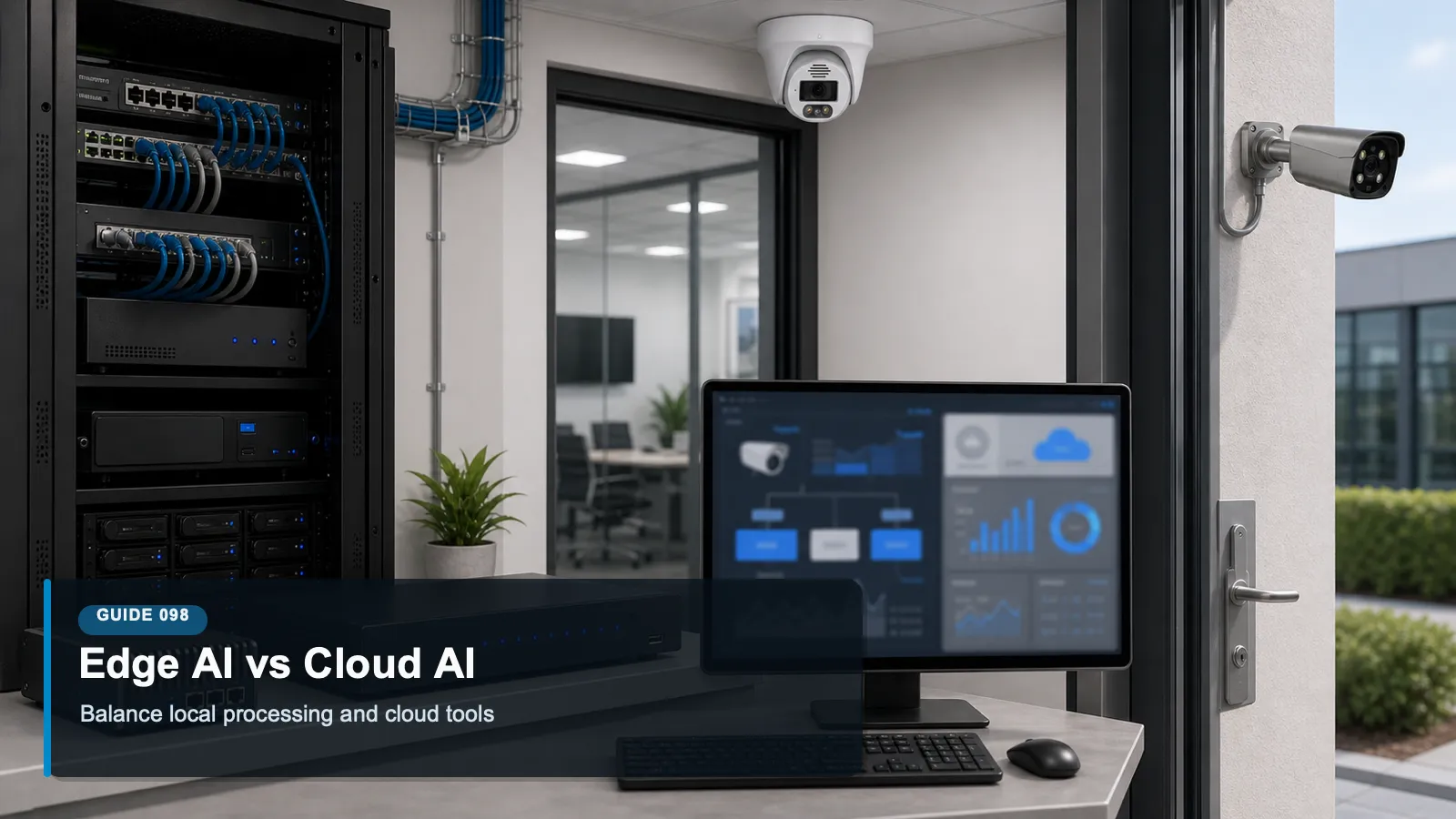
An edge AI security camera performs some analytics close to the video source, often inside the camera, an edge appliance, or a local NVR. Cloud AI sends video, thumbnails, event clips, or metadata to a remote platform for analysis, storage, search, or management. Many modern systems are hybrid. The important buying question is not which model sounds more advanced; it is which architecture best fits bandwidth, latency, privacy, cybersecurity, cost, and operational needs.
Edge AI has several practical advantages. It can reduce bandwidth because the camera sends events or metadata instead of continuous high-resolution video. It can lower latency for local alarms because detection happens near the scene. It can also reduce the amount of sensitive footage transmitted outside the site when configured carefully. However, edge AI depends on the processing power, firmware quality, model update process, and configuration limits of local devices.
Cloud AI has different strengths. It can make cross-site search, centralized model updates, scalable storage, and advanced analytics easier to deliver. A business with many locations may value a single dashboard, consistent analytics, and remote investigation tools. Cloud platforms can also improve when providers update models centrally. The tradeoff is that cloud AI may require more data transfer, stronger account protection, clear data location answers, and careful review of retention and support access.
Hybrid designs are common because surveillance workloads vary. A camera may perform motion or object detection locally, send only selected event clips to the cloud, and store full-resolution recordings on an NVR. Another system may keep local recording for resilience while using cloud analytics for searchable events. The best architecture is often the one that limits unnecessary data movement while preserving the functions that operators actually need.
Features to compare
Latency: Edge analytics can trigger local responses quickly, while cloud analytics depend on network availability and round-trip time.
Bandwidth: Edge processing can reduce continuous upload needs by sending events, metadata, or selected clips instead of all video.
Privacy exposure: Cloud workflows may move footage or metadata off site, so buyers should understand data location, retention, and access controls.
Model updates: Cloud platforms may update centrally, while edge devices may require firmware or model package updates managed per site.
Resilience: Local analytics and recording can continue during internet outages if the system is designed for offline operation.
Search and scale: Cloud systems may make multi-site search, dashboards, and centralized administration easier for distributed organizations.
A useful way to apply these concepts is to write them into the commissioning checklist. When a new camera, recorder, switch, mobile app, or analytics feature is added, the team should ask how that change affects inventory, accounts, network exposure, data protection, and ongoing maintenance.
Match equipment to the site requirements
Ask which analytics run on the camera, on the NVR, on an edge appliance, and in the cloud.
Estimate upload bandwidth for continuous video, event clips, thumbnails, and metadata before choosing an architecture.
Review how model updates, firmware updates, and analytics changes are approved and logged.
Check data location, retention, encryption, access roles, and support access for any cloud processing.
Confirm how the system behaves during internet outages and whether local recording and alerts continue.
Common Applications
edge AI security camera applies differently across environments, but the same governance pattern repeats: define the purpose, limit access, protect the network path, manage stored footage, and review the system as business needs change.
A small site using local person and vehicle detection to reduce false alarms without uploading every stream.
A retail chain using cloud event search across many locations while keeping full-resolution recording on local NVRs.
A warehouse using edge alerts for dock safety where low latency matters.
A property manager using cloud dashboards for multiple buildings while limiting exported footage to incidents.
A privacy-conscious office using local analytics and short retention to reduce unnecessary data movement.
Common Problems
Most surveillance problems do not come from one dramatic failure. They come from small gaps that compound over time: devices outside the inventory, shared accounts, unpatched firmware, unclear ownership, unmanaged exports, and settings that remain unchanged after the site layout or staffing model changes.
A buyer chooses cloud AI without calculating bandwidth, creating poor performance or unexpected network costs.
Edge models become stale because nobody manages firmware or analytics package updates.
Cloud dashboards are protected only by passwords, increasing risk if credentials are reused or phished.
Metadata retention is longer than video retention, creating an overlooked searchable history.
The system stops generating alerts during an internet outage because the buyer assumed analytics were local.
The best response is a calm review process. Identify the device or workflow, document the risk, decide whether configuration, training, network controls, vendor support, or replacement is the right fix, and then verify that the change actually worked.
FAQ
Q: Is edge AI always more private?
A: Not automatically. Edge processing can reduce data transfer, but privacy also depends on camera placement, retention, access controls, logs, exports, and whether metadata is sent elsewhere.
Q: Is cloud AI always more powerful?
A: Cloud platforms may offer more centralized compute and search, but practical value depends on the use case, data quality, latency tolerance, and governance controls.
Q: Can a system use both edge and cloud AI?
A: Yes. Hybrid designs are common, such as local detection with cloud event search or local recording with cloud management.
Q: What should be tested before buying?
A: Test detection accuracy in the actual scene, bandwidth impact, alert latency, outage behavior, user permissions, mobile access, and export workflows.
Q: Does edge AI require firmware updates?
A: Yes. Cameras and local recorders still need updates for security, stability, model improvements, and compatibility.
Q: Which architecture is best for multi-site businesses?
A: Many multi-site businesses use hybrid designs: local recording and selected edge analytics for resilience, plus cloud dashboards for administration and search.
Summary
Edge AI and cloud AI are architectural choices with different risk and performance profiles. Edge processing can reduce latency and bandwidth. Cloud processing can improve centralized management and multi-site search. Hybrid designs often provide the most balanced result when buyers understand what data moves, who can access it, how models are updated, and how the system behaves during failures.
For practical implementation, start with the controls that are easiest to verify: inventory, unique accounts, secure remote access, firmware review, retention settings, export discipline, and periodic access review. These basics create a foundation for more advanced analytics, cloud workflows, and future system expansion.
A useful review habit is to assign one owner for the camera environment, one owner for network and identity controls, and one owner for footage handling. Even in a small business, naming responsibilities prevents security, privacy, and maintenance tasks from becoming assumptions that nobody verifies.
For larger deployments, the same idea can be expanded into a quarterly checklist that records device changes, account changes, firmware status, retention exceptions, export requests, remote access reviews, and unresolved risks.
Plan Your Security Camera Project With QuarkView
QuarkView helps buyers review edge AI security cameras, cloud AI analytics, bandwidth, latency, privacy, and system architecture before choosing cameras, NVRs, PoE infrastructure, remote access methods, and support workflows.
Explore QuarkView security camera systems or contact QuarkView for project and volume inquiry support.
Related QuarkView Planning Resources
For the next planning step, compare Cybersecurity Basics for IP Camera and NVR Systems, How to Secure Remote Viewing for Security Camera Systems, Future Trends in PoE Security Camera Systems, Firmware Updates for Security Cameras and NVRs Explained, Data Protection Basics for Business Surveillance Systems. These related guides connect product selection, placement, recording, installation, and long-term reliability decisions.
Related QuarkView Collections
Reference Sources
NIST Artificial Intelligence Risk Management Framework. https://www.nist.gov/itl/ai-risk-management-framework
NISTIR 8259A, IoT Device Cybersecurity Capability Core Baseline. https://csrc.nist.gov/pubs/ir/8259/a/final
ONVIF Profile M for metadata and analytics events. https://www.onvif.org/profiles/profile-m/
ONVIF Profile T for advanced video streaming. https://www.onvif.org/profiles/profile-t/
NIST SP 800-207, Zero Trust Architecture. https://csrc.nist.gov/pubs/sp/800/207/final
NIST Privacy Framework. https://www.nist.gov/privacy-framework