
QuarkView Security Learning Center. This guide is part of QuarkView's practical security camera knowledge base for buyers, installers, and project teams planning connected surveillance systems.
Use it to connect secure remote viewing, mobile access, VPN planning, cloud relay review, and NVR administration with practical procurement, installation, support, and long-term operation decisions.
QuarkView Security Learning Center | IP Camera Cybersecurity, Responsible CCTV, and Smart Surveillance Knowledge Base
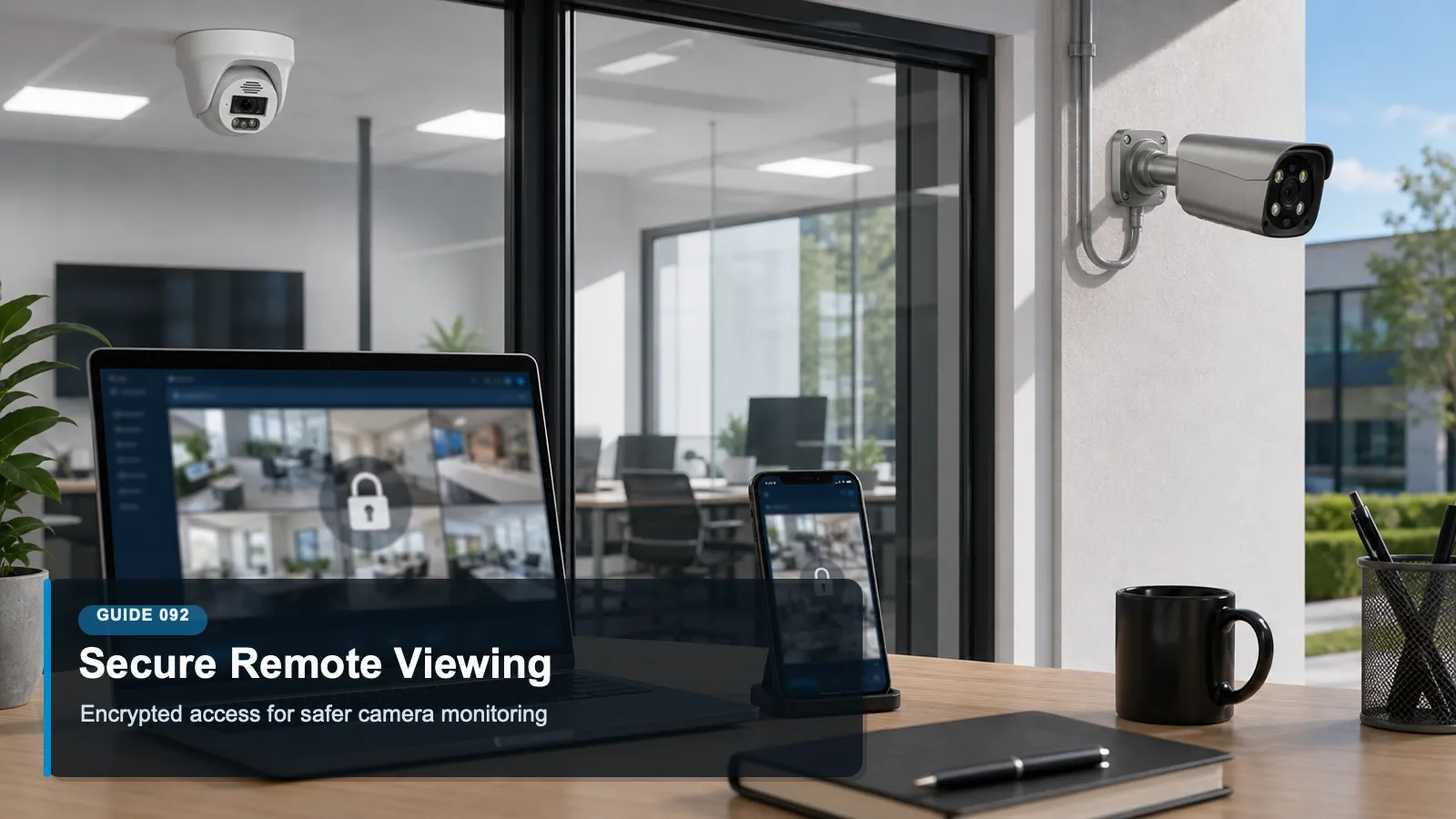
How to Secure Remote Viewing for Security Camera Systems explains secure remote viewing security camera as a practical operating discipline for modern surveillance, not a one-time product setting. It focuses on the path that lets authorized users view video from outside the camera site, including mobile apps, browser portals, VPNs, cloud relays, and remote NVR administration. The topic sits at the intersection of cybersecurity, privacy, compliance awareness, responsible surveillance, and future-ready system design.
Within the QuarkView cybersecurity knowledge base, the goal is to make surveillance technology easier to evaluate without turning the article into legal advice or a sales pitch. Security buyers should use these ideas to ask better questions, document decisions, and coordinate with qualified IT, privacy, or legal professionals when the risk profile requires it.
The same principles apply whether the organization operates a single CCTV camera, a mixed IP camera fleet, a PoE security camera system, an NVR security system, remote viewing for supervisors, AI surveillance analytics, an edge AI security camera, a smart video surveillance platform, or a broader business surveillance system.
How it works
Secure remote viewing security camera design begins with a simple question: who needs access, from where, on which device, for what purpose, and for how long? Remote viewing is useful for owners, managers, guards, investigators, and integrators, but convenience can become exposure if every user receives broad access or if the NVR is opened directly to the internet. A good design treats remote viewing as a controlled access workflow rather than a checkbox.
The safest remote viewing architecture usually avoids direct public access to camera or NVR administration pages. Instead, access should pass through a service that can authenticate users, encrypt traffic, log sessions, and revoke access when a phone is lost or a contractor relationship ends. Depending on the organization, that service may be a VPN, a zero-trust network access platform, a vendor cloud relay, or a managed video portal with strong identity controls.
Authentication is the center of the control model. Passwords alone are weak when users reuse them across services or when attackers automate credential stuffing. Multifactor authentication, unique accounts, and device-level controls make it harder for a stolen password to become live video access. Remote viewing roles should also be narrow. A person who needs to check whether a gate is open does not automatically need permission to export recordings, change recording schedules, or reboot the recorder.
Remote viewing also depends on endpoint discipline. A secure camera platform can still leak footage if video is viewed on an unmanaged phone, shared tablet, or infected laptop. Organizations should decide whether personal devices are allowed, whether screenshots are restricted by policy, how lost devices are handled, and whether exported clips must be stored only in approved locations. Remote access is not only a network feature; it is a data handling practice.
Features to compare
No unnecessary port forwarding: Avoid exposing camera and recorder web interfaces directly to the public internet unless there is a documented, protected, and monitored reason.
MFA for remote users: Require multifactor authentication for owners, administrators, guards, and integrators who can view or administer video remotely.
Role-based access: Separate live view, playback, export, configuration, and user administration so remote users receive only the access they need.
Session logging: Record successful logins, failed attempts, device changes, exports, and administrative actions so unusual remote activity can be reviewed.
Device revocation: Make sure phones, tablets, browsers, and contractor accounts can be disabled without replacing the entire system.
Encrypted transport: Use protected tunnels or encrypted application sessions to prevent credentials and video streams from being exposed in transit.
A useful way to apply these concepts is to write them into the commissioning checklist. When a new camera, recorder, switch, mobile app, or analytics feature is added, the team should ask how that change affects inventory, accounts, network exposure, data protection, and ongoing maintenance.
Review access, updates and responsibilities
Ask whether the remote viewing platform supports MFA, per-user accounts, session logging, and fast revocation.
Confirm how the vendor cloud relay works, which regions process the connection, and whether direct camera exposure is required.
Evaluate whether remote users can be limited to specific cameras, sites, time ranges, and features.
Check whether the app supports device management controls, notification of new logins, and password reset discipline.
Require clear documentation for secure setup, including firewall rules, port requirements, and administrator account protection.
Common Applications
secure remote viewing security camera applies differently across environments, but the same governance pattern repeats: define the purpose, limit access, protect the network path, manage stored footage, and review the system as business needs change.
A restaurant owner checking closing procedures from home while limiting managers to the cameras they supervise.
A property manager reviewing lobby incidents across several buildings without exposing NVR administration pages publicly.
A warehouse security lead monitoring after-hours dock activity through a controlled mobile app with MFA.
An integrator providing temporary support access that expires after maintenance is complete.
A retail investigation team exporting selected clips through a logged workflow instead of sharing a common recorder password.
Common Problems
Most surveillance problems do not come from one dramatic failure. They come from small gaps that compound over time: devices outside the inventory, shared accounts, unpatched firmware, unclear ownership, unmanaged exports, and settings that remain unchanged after the site layout or staffing model changes.
Port forwarding exposes old recorder interfaces to internet scanning and password attacks.
Shared remote accounts make it impossible to trace which user viewed or exported footage.
Users retain access after leaving the company because account reviews are informal or absent.
Remote viewing works only by giving every user administrator rights, creating unnecessary operational risk.
Exported video is downloaded to personal devices and then sent through unsanctioned messaging apps.
The best response is a calm review process. Identify the device or workflow, document the risk, decide whether configuration, training, network controls, vendor support, or replacement is the right fix, and then verify that the change actually worked.
FAQ
Q: Is vendor cloud viewing always safer than VPN access?
A: Not always. Cloud relays can simplify secure access, but buyers should evaluate MFA, logging, privacy controls, support history, and account management. VPNs can be strong when configured and monitored well.
Q: Should I disable remote viewing completely?
A: Some sites can operate locally, but many businesses need remote oversight. The goal is not to reject remote viewing by default; it is to make access specific, authenticated, encrypted, logged, and revocable.
Q: What is the biggest remote viewing mistake?
A: Directly exposing camera or NVR interfaces to the internet with weak or shared credentials is one of the most common and avoidable mistakes.
Q: Can remote viewing be safe on mobile phones?
A: Yes, if users have unique accounts, MFA, current apps, device lock screens, revocation procedures, and clear rules for storing or sharing exported footage.
Q: How should contractors receive access?
A: Use individual named accounts, time-bound permissions, and logs. Avoid permanent shared installer accounts, especially if they can change network or recorder settings.
Q: What should be logged?
A: Log successful and failed logins, password changes, device enrollments, camera access, playback, export, configuration changes, and administrator actions.
Summary
Remote viewing is most secure when it is designed as a governed service. The practical baseline is to avoid direct public exposure, require MFA, assign narrow roles, log activity, revoke access quickly, and control where exported footage goes. A camera system that can be viewed from anywhere should still be managed as if every remote session is a sensitive business event.
For practical implementation, start with the controls that are easiest to verify: inventory, unique accounts, secure remote access, firmware review, retention settings, export discipline, and periodic access review. These basics create a foundation for more advanced analytics, cloud workflows, and future system expansion.
A useful review habit is to assign one owner for the camera environment, one owner for network and identity controls, and one owner for footage handling. Even in a small business, naming responsibilities prevents security, privacy, and maintenance tasks from becoming assumptions that nobody verifies.
For larger deployments, the same idea can be expanded into a quarterly checklist that records device changes, account changes, firmware status, retention exceptions, export requests, remote access reviews, and unresolved risks.
Plan Your Security Camera Project With QuarkView
QuarkView helps buyers review secure remote viewing, mobile access, VPN planning, cloud relay review, and NVR administration before choosing cameras, NVRs, PoE infrastructure, remote access methods, and support workflows.
Explore QuarkView security camera systems or contact QuarkView for project and volume inquiry support.
Related QuarkView Planning Resources
For the next planning step, compare Cybersecurity Basics for IP Camera and NVR Systems, Firmware Updates for Security Cameras and NVRs Explained, Future Trends in PoE Security Camera Systems, Edge AI vs Cloud AI in Security Camera Systems, Default Password Risks in CCTV Systems and How to Prevent Them. These related guides connect product selection, placement, recording, installation, and long-term reliability decisions.
Related QuarkView Collections
Reference Sources
NIST SP 800-46 Rev. 2, Guide to Enterprise Telework, Remote Access, and BYOD Security. https://csrc.nist.gov/pubs/sp/800/46/r2/final
NIST SP 800-63B, Digital Identity Guidelines: Authentication and Lifecycle Management. https://pages.nist.gov/800-63-4/sp800-63b.html
CISA Secure Our World, Require Multifactor Authentication. https://www.cisa.gov/secure-our-world/require-multifactor-authentication
NIST SP 800-207, Zero Trust Architecture. https://csrc.nist.gov/pubs/sp/800/207/final
NIST Cybersecurity Framework 2.0. https://www.nist.gov/cyberframework
FTC, Careful Connections: Keeping the Internet of Things Secure. https://www.ftc.gov/business-guidance/resources/careful-connections-keeping-internet-things-secure