
QuarkView Security Learning Center. This guide is part of QuarkView's practical security camera knowledge base for buyers, installers, and project teams planning connected surveillance systems.
Use it to connect IP camera cybersecurity, NVR security, account control, firmware maintenance, and network protection with practical procurement, installation, support, and long-term operation decisions.
QuarkView Security Learning Center | IP Camera Cybersecurity, Responsible CCTV, and Smart Surveillance Knowledge Base
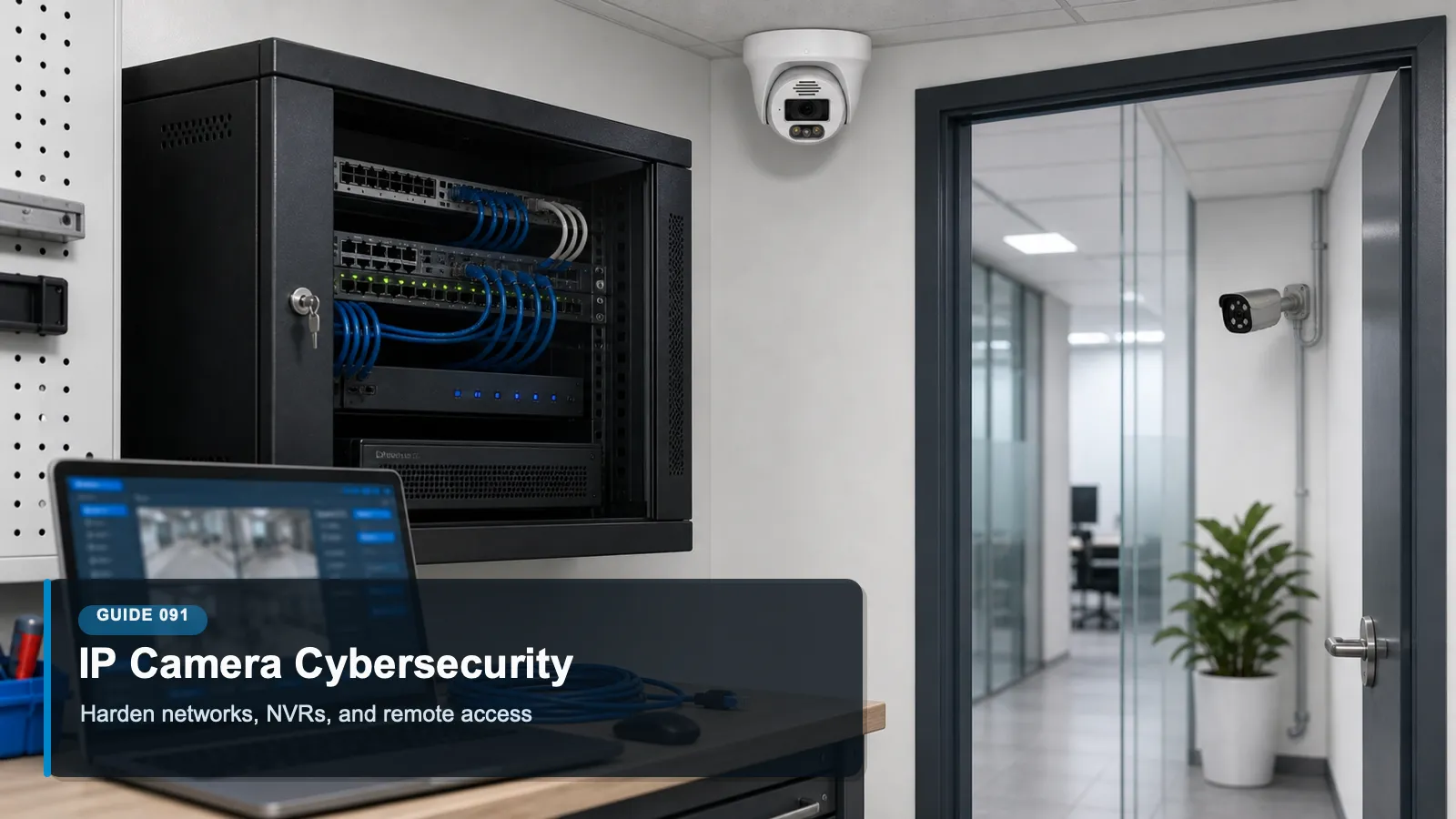
Cybersecurity Basics for IP Camera and NVR Systems explains IP camera cybersecurity as a practical operating discipline for modern surveillance, not a one-time product setting. It focuses on the full camera-to-recorder environment, including cameras, switches, storage, user accounts, mobile access, and administrative maintenance. The topic sits at the intersection of cybersecurity, privacy, compliance awareness, responsible surveillance, and future-ready system design.
Within the QuarkView cybersecurity knowledge base, the goal is to make surveillance technology easier to evaluate without turning the article into legal advice or a sales pitch. Security buyers should use these ideas to ask better questions, document decisions, and coordinate with qualified IT, privacy, or legal professionals when the risk profile requires it.
The same principles apply whether the organization operates a single CCTV camera, a mixed IP camera fleet, a PoE security camera system, an NVR security system, remote viewing for supervisors, AI surveillance analytics, an edge AI security camera, a smart video surveillance platform, or a broader business surveillance system.
How it works
IP camera cybersecurity starts with the idea that a video system is a networked computing system, not only a collection of lenses and cables. Every camera has firmware, configuration settings, network services, credentials, logs, and sometimes local storage. Every recorder has disks, management interfaces, user roles, export tools, and integrations with mobile apps or video management software. When those elements are treated as ordinary IT assets, the system becomes easier to inventory, patch, segment, monitor, and recover.
A secure baseline usually begins before installation. The buyer or integrator should document each device model, serial number, firmware version, network address, physical location, administrator owner, and expected service life. That inventory is not paperwork for its own sake. It is the map that tells the team which devices need updates, which cameras are exposed to sensitive areas, which ports should be open, and which old units may need replacement when vendor support ends.
The network design matters as much as the camera settings. Cameras should not sit on the same flat network as finance laptops, point-of-sale terminals, guest Wi-Fi, or office printers. Segmentation through VLANs, firewall rules, and dedicated management paths limits what an attacker can reach if one camera account or one device is compromised. A strong design also avoids unnecessary inbound internet exposure and routes remote viewing through controlled services that support authentication, encryption, and logging.
The human process is equally important. Administrators need unique accounts, strong authentication, documented change control, and a habit of reviewing access rights when staff roles change. Operators who only need live viewing should not have export, deletion, firmware, or user-management privileges. A basic NVR security system can often become much safer simply by separating administrator, supervisor, investigator, and viewer roles.
Features to compare
Asset inventory: Maintain a current list of cameras, NVRs, switches, firmware versions, network locations, owners, and support status so risk decisions are based on facts.
Credential control: Replace defaults, avoid shared accounts, use unique administrator credentials, and enable multifactor authentication where the remote access path supports it.
Segmentation: Place cameras and recorders on controlled network zones so a compromised camera cannot freely communicate with business systems.
Encrypted access: Prefer HTTPS, secure mobile access, trusted certificates, and protected management channels over legacy plaintext administration.
Patch lifecycle: Track firmware advisories, test updates when possible, and retire devices that no longer receive security fixes.
Logging and recovery: Keep system logs, configuration backups, and restore procedures so incidents can be investigated and service can be restored quickly.
A useful way to apply these concepts is to write them into the commissioning checklist. When a new camera, recorder, switch, mobile app, or analytics feature is added, the team should ask how that change affects inventory, accounts, network exposure, data protection, and ongoing maintenance.
Review access, updates and responsibilities
Ask whether the vendor publishes firmware updates, security advisories, and end-of-support dates.
Confirm that default passwords must be changed during setup and that user roles are granular enough for daily operations.
Look for support for HTTPS, modern TLS, certificate management, audit logs, and secure export controls.
Check whether the NVR supports configuration backup, encrypted storage options, and clear retention settings.
Evaluate whether the mobile or cloud viewing path supports MFA, device management, and revocable access.
Common Applications
IP camera cybersecurity applies differently across environments, but the same governance pattern repeats: define the purpose, limit access, protect the network path, manage stored footage, and review the system as business needs change.
Small offices that need a manageable baseline for cameras, NVRs, and remote viewing without building a large security operations program.
Retail sites that must separate surveillance access from point-of-sale systems and protect exported incident footage.
Warehouses and logistics facilities where many PoE cameras share switches, uplinks, and recorder storage.
Schools, clinics, and professional offices that need disciplined access control because footage may show visitors, students, patients, or staff.
Multi-site businesses that need one repeatable standard for device naming, patch review, and account lifecycle management.
Common Problems
Most surveillance problems do not come from one dramatic failure. They come from small gaps that compound over time: devices outside the inventory, shared accounts, unpatched firmware, unclear ownership, unmanaged exports, and settings that remain unchanged after the site layout or staffing model changes.
Update the device inventory after expansions or replacements, then compare connected equipment with the approved installation record.
Administrators keep shared passwords, making it impossible to know who changed settings or exported footage.
Remote access is enabled by port forwarding instead of a controlled access service, increasing exposure to scanning and brute-force attacks.
Firmware is years behind because updates are treated as optional maintenance instead of risk reduction.
NVR backup and restore procedures are untested, so a recorder failure becomes both a security and business continuity problem.
The best response is a calm review process. Identify the device or workflow, document the risk, decide whether configuration, training, network controls, vendor support, or replacement is the right fix, and then verify that the change actually worked.
FAQ
Q: Is an IP camera really a cybersecurity risk?
A: Yes. It is a networked device with software, credentials, services, and data. If it is poorly configured or unsupported, it can expose live video, stored footage, or network access paths.
Q: Is a closed local NVR safer than cloud access?
A: It can reduce some internet exposure, but it is not automatically secure. Local recorders still need patched firmware, strong accounts, segmented networks, physical protection, and monitored administrative access.
Q: Should every camera be internet accessible?
A: No. Most cameras should be reachable only from controlled internal networks or through a managed remote viewing path. Direct exposure of camera interfaces to the public internet is rarely justified.
Q: How often should camera cybersecurity be reviewed?
A: Review accounts, firmware, network exposure, and retention settings during installation, after major changes, after staff turnover, and at least on a recurring schedule such as quarterly or semiannually.
Q: What is the difference between camera hardening and network hardening?
A: Camera hardening focuses on each device, including passwords, services, firmware, and logs. Network hardening controls how devices communicate, which systems they can reach, and how remote access is authenticated.
Q: Can small businesses use these practices without a full IT department?
A: Yes. A simple inventory, strong passwords, MFA for remote viewing, vendor update checks, and a segmented camera network can reduce risk substantially without excessive complexity.
Summary
The strongest baseline is practical and repeatable: know every device, remove defaults, segment the camera network, patch firmware, restrict privileges, protect remote access, and keep logs and backups. These steps do not make a CCTV system risk free, but they turn a loosely managed installation into a system that can be maintained, audited, and improved over time.
For practical implementation, start with the controls that are easiest to verify: inventory, unique accounts, secure remote access, firmware review, retention settings, export discipline, and periodic access review. These basics create a foundation for more advanced analytics, cloud workflows, and future system expansion.
A useful review habit is to assign one owner for the camera environment, one owner for network and identity controls, and one owner for footage handling. Even in a small business, naming responsibilities prevents security, privacy, and maintenance tasks from becoming assumptions that nobody verifies.
For larger deployments, the same idea can be expanded into a quarterly checklist that records device changes, account changes, firmware status, retention exceptions, export requests, remote access reviews, and unresolved risks.
Plan Your Security Camera Project With QuarkView
QuarkView helps buyers review IP camera cybersecurity, NVR security, account control, firmware maintenance, and network protection before choosing cameras, NVRs, PoE infrastructure, remote access methods, and support workflows.
Explore QuarkView security camera systems or contact QuarkView for project and volume inquiry support.
Related QuarkView Planning Resources
For the next planning step, compare Future Trends in PoE Security Camera Systems, How to Secure Remote Viewing for Security Camera Systems, Firmware Updates for Security Cameras and NVRs Explained, Edge AI vs Cloud AI in Security Camera Systems, Default Password Risks in CCTV Systems and How to Prevent Them. These related guides connect product selection, placement, recording, installation, and long-term reliability decisions.
Related QuarkView Collections
Reference Sources
NIST Cybersecurity Framework 2.0. https://www.nist.gov/cyberframework
NISTIR 8259A, IoT Device Cybersecurity Capability Core Baseline. https://csrc.nist.gov/pubs/ir/8259/a/final
NISTIR 8425, Profile of the IoT Core Baseline for Consumer IoT Products. https://csrc.nist.gov/pubs/ir/8425/final
CISA Secure by Design guidance on eliminating default passwords. https://www.cisa.gov/securebydesign
NIST SP 800-207, Zero Trust Architecture. https://csrc.nist.gov/pubs/sp/800/207/final
CISA Known Exploited Vulnerabilities Catalog. https://www.cisa.gov/known-exploited-vulnerabilities-catalog