
Future Trends in PoE Security Camera Systems

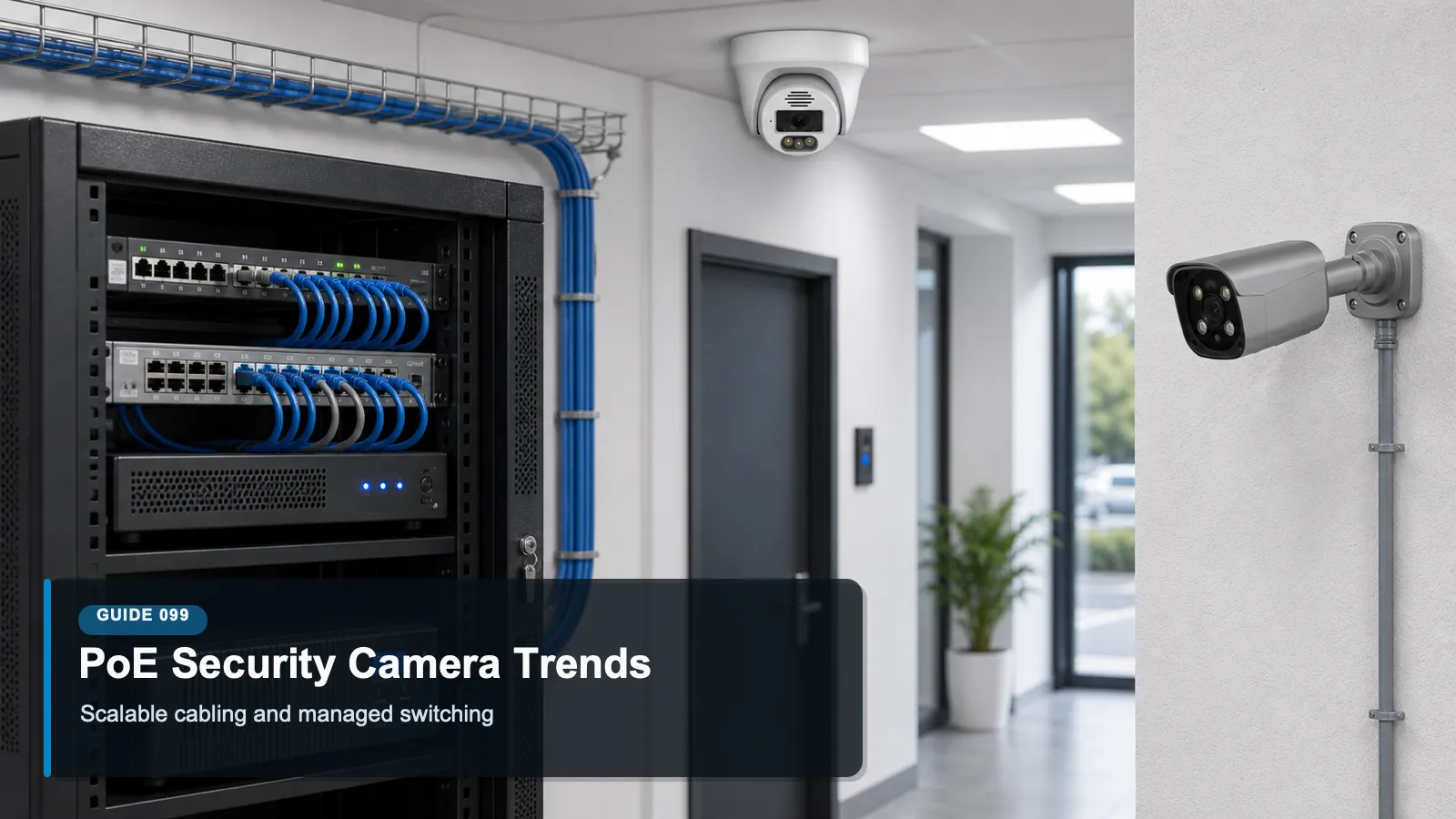
QuarkView future PoE security camera system planning with switches cameras NVR and analytics dashboard

QuarkView Security Learning Center. This guide is part of QuarkView's practical security camera knowledge base for buyers, installers, and project teams planning connected surveillance systems.

Use it to connect PoE security camera trends, power budgets, smart switching, analytics, resilience, and network design with practical procurement, installation, support, and long-term operation decisions.

QuarkView Security Learning Center | IP Camera Cybersecurity, Responsible CCTV, and Smart Surveillance Knowledge Base

Introduction

Future Trends in PoE Security Camera Systems explains PoE security camera trends as a practical operating discipline for modern surveillance, not a one-time product setting. It focuses on the evolution of powered network camera infrastructure, including switches, cabling, power budgets, analytics, resilience, and cybersecurity management. The topic sits at the intersection of cybersecurity, privacy, compliance awareness, responsible surveillance, and future-ready system design.

Within the QuarkView cybersecurity knowledge base, the goal is to make surveillance technology easier to evaluate without turning the article into legal advice or a sales pitch. Security buyers should use these ideas to ask better questions, document decisions, and coordinate with qualified IT, privacy, or legal professionals when the risk profile requires it.

The same principles apply whether the organization operates a single CCTV camera, a mixed IP camera fleet, a PoE security camera system, an NVR security system, remote viewing for supervisors, AI surveillance analytics, an edge AI security camera, a smart video surveillance platform, or a broader business surveillance system.

Main Technical Explanation

PoE security camera trends are shaped by a practical infrastructure fact: most modern IP cameras need both data and power, and Power over Ethernet lets one cable provide both. That makes deployment cleaner than separate power wiring, but it also makes the PoE switch a critical part of the surveillance system. Future-ready camera planning must consider power budgets, switch management, UPS capacity, VLAN design, cable quality, environmental conditions, and device cybersecurity.

Higher camera capability is one driver. More sites are adopting higher resolution sensors, multi-sensor cameras, integrated IR, onboard storage, speakers, heaters, and AI analytics. These features can require more power and more predictable network performance. Standards such as IEEE 802.3af, 802.3at, and 802.3bt created a path for different power classes, and buyers increasingly need to match camera requirements with switch capability rather than assuming every PoE port is equal.

Managed PoE is another trend. Switches can reboot a frozen camera port, show power draw, apply VLANs, restrict management access, and alert administrators when a camera disconnects. This turns the switch from a passive utility into an operational control point. The security implication is clear: switch administration must be protected with strong credentials, updates, network segmentation, and logs, because compromising the switch can disrupt or manipulate the camera network.

AI at the edge is changing PoE planning too. An edge AI security camera can reduce bandwidth by sending events or metadata, but it may draw more power and require more careful firmware management. Smart video surveillance deployments will increasingly combine local analytics, NVR recording, cloud dashboards, and managed switches. The trend is not only more cameras; it is more computation, more metadata, more remote administration, and more need for disciplined architecture.

Key Features or Concepts

The following concepts give non-specialist buyers a working vocabulary. They are not a substitute for vendor documentation, a formal risk assessment, or jurisdiction-specific advice, but they help connect camera features to real operational controls.

Power budget: Calculate total and per-port power needs, including IR, heaters, multi-sensor units, and future expansion.

Managed switching: Use managed PoE switches for VLANs, monitoring, port control, logging, and safer troubleshooting.

UPS planning: Protect cameras, switches, and NVRs with battery capacity that matches the site's continuity requirements.

Bandwidth planning: Model resolution, frame rate, compression, analytics metadata, and remote viewing before choosing uplinks and storage.

Cybersecurity baseline: Treat switches, cameras, and NVRs as network assets requiring updates, credentials, segmentation, and monitoring.

Interoperability: Use standards-aware planning so cameras, NVRs, VMS platforms, and analytics systems can work together over time.

A useful way to apply these concepts is to write them into the commissioning checklist. When a new camera, recorder, switch, mobile app, or analytics feature is added, the team should ask how that change affects inventory, accounts, network exposure, data protection, and ongoing maintenance.

Buying Considerations

The QuarkView PoE security camera trend analysis treats buying as a security and responsibility decision, not only an image-quality comparison. Resolution, night vision, lens choice, and storage capacity matter, but they should be evaluated alongside update support, authentication, logging, data handling, and lifecycle cost.

Confirm PoE standards, per-port limits, total switch power budget, and power reserve for future devices.

Choose managed switches when VLANs, port monitoring, remote troubleshooting, or uptime expectations matter.

Review whether the NVR or VMS supports the camera resolution, codec, analytics events, and storage load.

Include UPS, surge protection, outdoor-rated cabling, grounding, and cabinet ventilation in the budget.

Ask about firmware support for cameras, switches, and recorders, not only the camera image quality.

Procurement teams should also ask for plain-language setup documentation. If a supplier cannot explain how to change defaults, update firmware, restrict remote access, preserve footage, or disable unnecessary features, the buyer may inherit operational risk that is not visible on a specification sheet.

Common Applications

PoE security camera trends applies differently across environments, but the same governance pattern repeats: define the purpose, limit access, protect the network path, manage stored footage, and review the system as business needs change.

Warehouses adding multi-sensor cameras and dock analytics while maintaining central NVR recording.

Retail locations using managed PoE switches to monitor camera health across many stores.

Parking areas deploying higher-power outdoor cameras with IR, heaters, and ruggedized enclosures.

Schools and campuses segmenting PoE camera networks from student and administrative networks.

Small businesses planning modest expansion without replacing the switch after every new camera.

Common Problems

Most surveillance problems do not come from one dramatic failure. They come from small gaps that compound over time: unknown devices, shared accounts, unpatched firmware, unclear ownership, unmanaged exports, and settings that remain unchanged after the site layout or staffing model changes.

The switch has enough ports but not enough PoE budget, causing cameras to fail under IR or heater load.

All cameras sit on a flat office network, creating unnecessary exposure between surveillance and business systems.

Unmanaged switches provide no health data, making troubleshooting slow when cameras go offline.

Uplink bandwidth and NVR storage are undersized for higher resolution streams.

Switch firmware and administrator passwords are ignored even though the switch controls camera power and traffic.

The best response is a calm review process. Identify the device or workflow, document the risk, decide whether configuration, training, network controls, vendor support, or replacement is the right fix, and then verify that the change actually worked.


FAQ

Q: Is PoE better than separate power for cameras?

A: PoE is often cleaner and easier to manage, especially for IP camera deployments. The benefit depends on proper switch sizing, cabling, UPS design, and network segmentation.

Q: Do all PoE ports provide the same power?

A: No. Power depends on the standard, switch model, per-port limit, total power budget, cable conditions, and device class.

Q: Why use a managed PoE switch?

A: Managed switches support VLANs, monitoring, port control, logs, and remote troubleshooting. These features help both uptime and cybersecurity.

Q: How do AI cameras affect PoE planning?

A: AI cameras may use more processing and power, and they may generate metadata traffic. Buyers should evaluate both electrical and network impact.

Q: Should the PoE switch be on a UPS?

A: Often yes. If cameras and the NVR must keep recording during short power events, the switch and network path need backup power too.

Q: What is the safest trend to follow?

A: Design for manageability: known devices, reserved power, segmented networks, firmware support, monitored switches, and documented expansion capacity.

Summary

The future of PoE surveillance is not simply more ports. It is higher-power devices, managed switching, local analytics, better interoperability, and stronger cybersecurity expectations. Buyers should plan power, bandwidth, storage, segmentation, firmware, and resilience together. A PoE camera system is infrastructure, and infrastructure works best when it is intentionally designed.

For practical implementation, start with the controls that are easiest to verify: inventory, unique accounts, secure remote access, firmware review, retention settings, export discipline, and periodic access review. These basics create a foundation for more advanced analytics, cloud workflows, and future system expansion.

A useful review habit is to assign one owner for the camera environment, one owner for network and identity controls, and one owner for footage handling. Even in a small business, naming responsibilities prevents security, privacy, and maintenance tasks from becoming assumptions that nobody verifies.

For larger deployments, the same idea can be expanded into a quarterly checklist that records device changes, account changes, firmware status, retention exceptions, export requests, remote access reviews, and unresolved risks.

Prepared by the QuarkView Security Learning Center, an educational resource for CCTV cameras, IP cameras, PoE security camera systems, NVR surveillance systems, cybersecurity-aware video surveillance, and responsible AI security camera use.

Plan Your Security Camera Project With QuarkView

QuarkView helps buyers review PoE security camera trends, power budgets, smart switching, analytics, resilience, and network design before choosing cameras, NVRs, PoE infrastructure, remote access methods, and support workflows.

Explore QuarkView security camera systems or contact QuarkView for project and volume inquiry support.


Reference Sources

Ethernet Alliance, Power over Ethernet overview. https://ethernetalliance.org/technology/poe/

ONVIF Profile T for advanced video streaming. https://www.onvif.org/profiles/profile-t/

ONVIF Profile M for metadata and analytics events. https://www.onvif.org/profiles/profile-m/

NISTIR 8259A, IoT Device Cybersecurity Capability Core Baseline. https://csrc.nist.gov/pubs/ir/8259/a/final

NIST Cybersecurity Framework 2.0. https://www.nist.gov/cyberframework

CISA Known Exploited Vulnerabilities Catalog. https://www.cisa.gov/known-exploited-vulnerabilities-catalog

Next steps

Keep comparing before you choose equipment.

Use the links below to move from this guide into adjacent planning topics, product families, or a short quote request.

Related guides

Open Knowledge Base hub

Shop related systems

Need help choosing?

Share the site type, camera count, and recording target.

QuarkView can narrow PoE, NVR, PTZ, AI, WiFi, or solar options from a short project note.