
4MP starting point
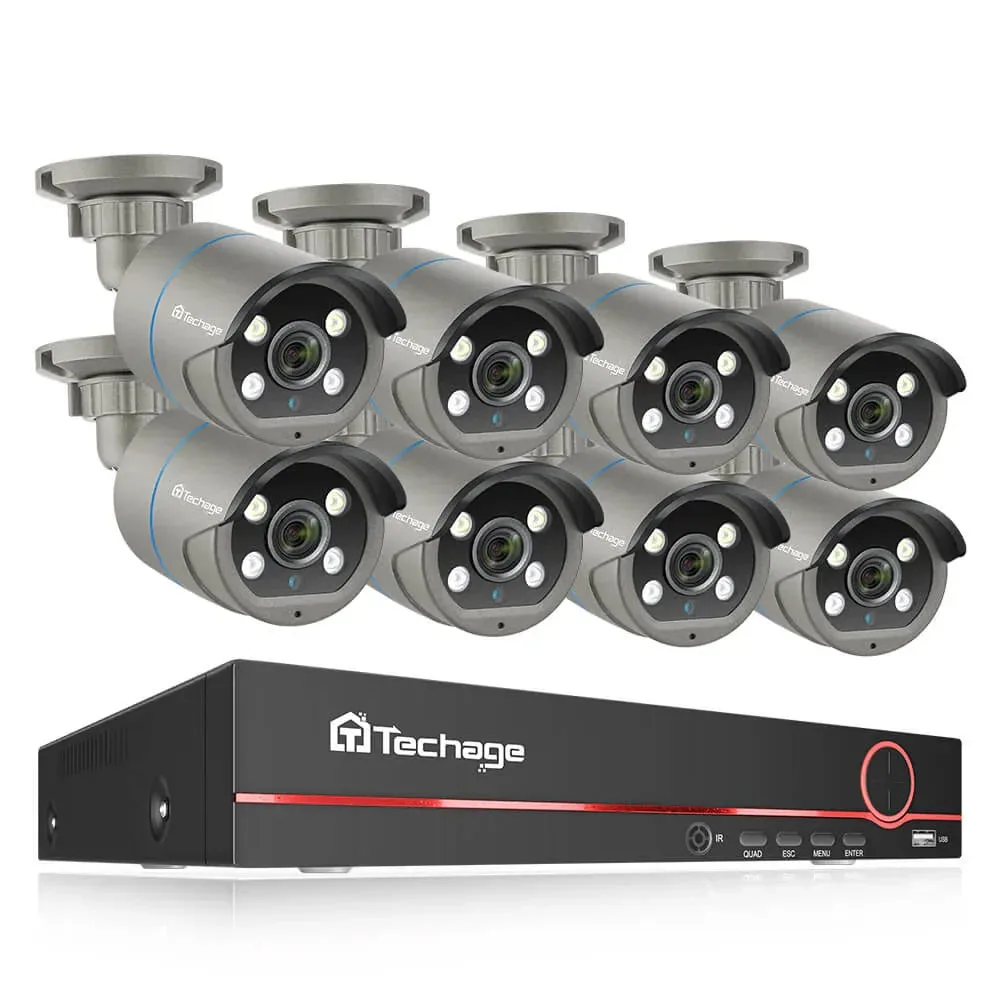
From $229 catalog reference
4MP PoE Camera Kit with Color Night Vision
Confirm lens coverage, nighttime detail and the selected hard drive.
Wired cameras. Local recording.
For installers and integrators comparing camera counts, recorder capacity and storage.
Ethernet · power + video
Find your starting point
Reference prices vary by camera count and HDD. Confirm the selected model and package in the quote. “No HDD” excludes the recording drive.
4MP starting point
From $229 catalog reference
Confirm lens coverage, nighttime detail and the selected hard drive.
4K camera options
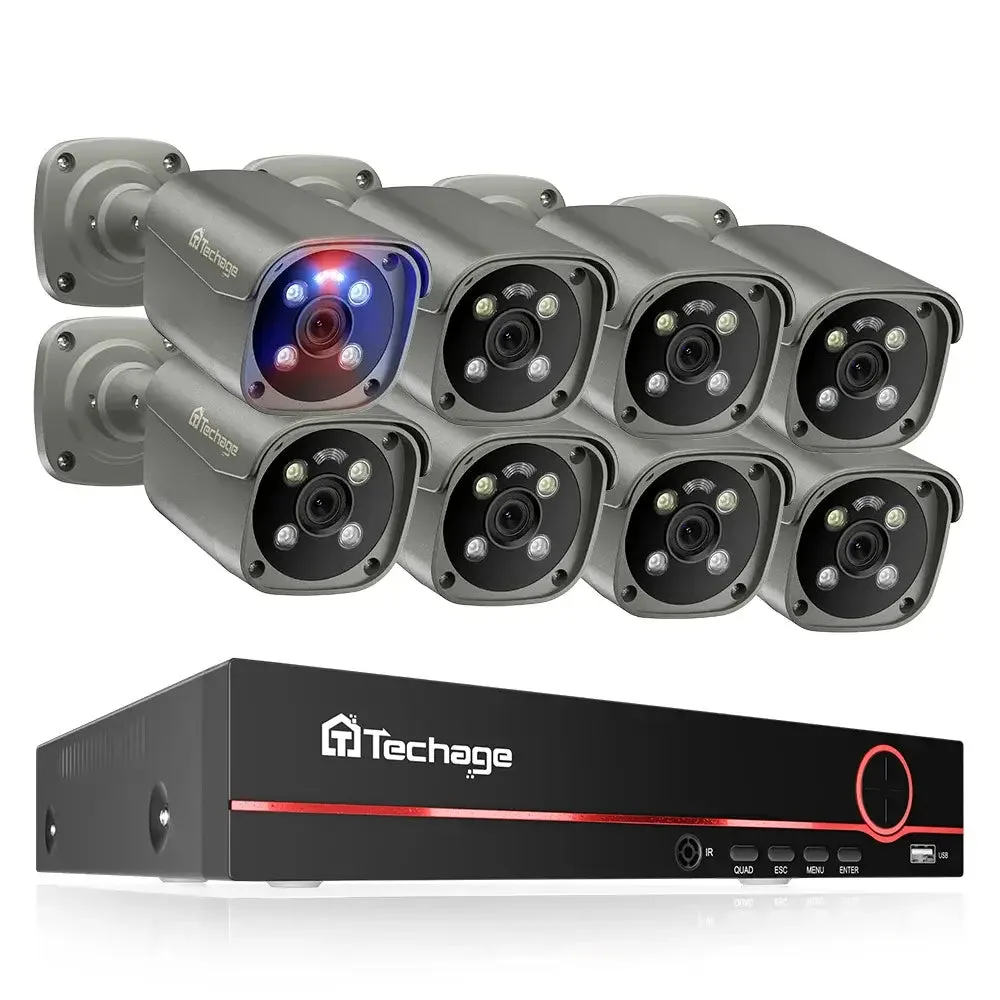
From $289 catalog reference
Confirm usable detail at the target distance and supported detection features.
16-channel recorder option
From $699 catalog reference
Confirm camera quantity, PoE ports, total power and recorder bandwidth.
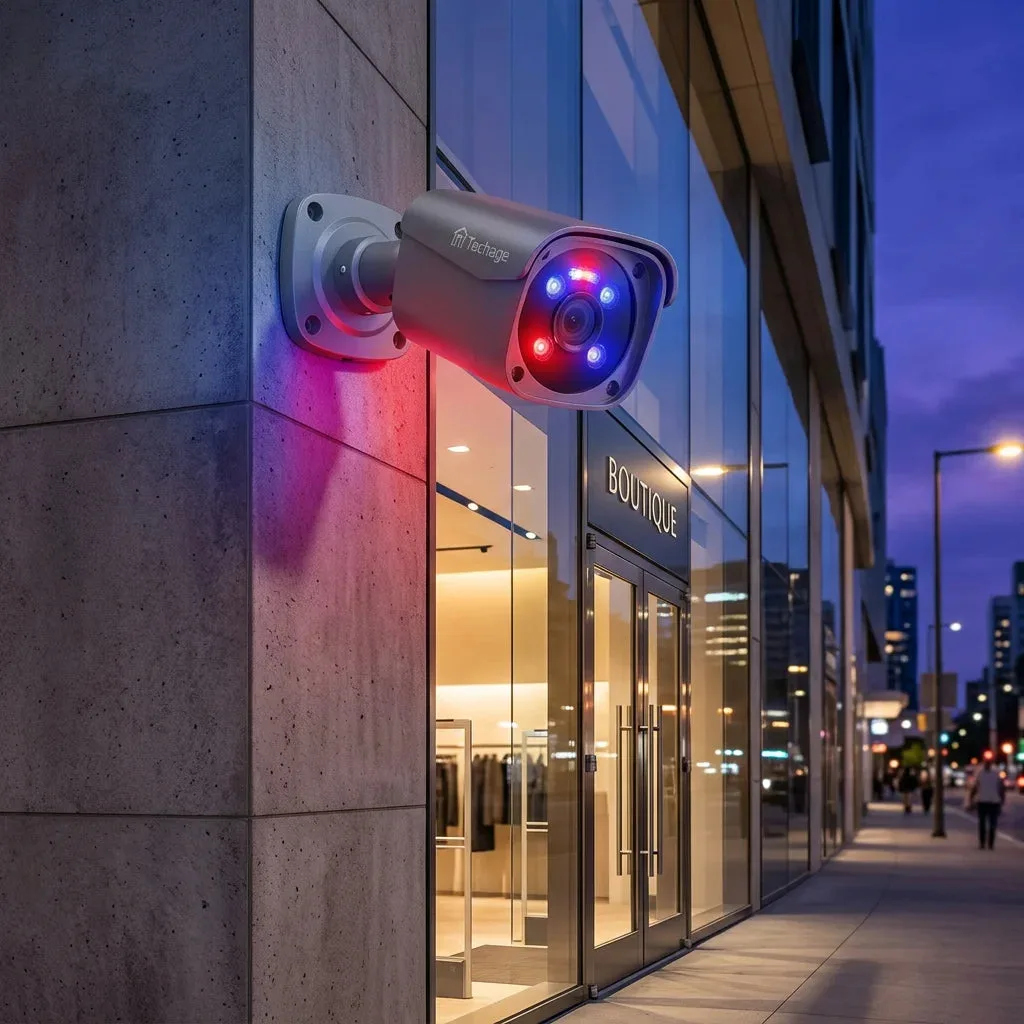
Product images show example configurations. “No HDD” means no recording hard drive is included. Camera quantity and supplied branding must be confirmed for the selected package.
Choose one useful view per task. These are planning examples, not coverage guarantees or fixed kit contents.
At an assumed 4 Mbps per camera, 24 hours/day and 14 days, video payload is 2.42 TB, 4.84 TB or 9.68 TB respectively. Audio, overhead and reserve are excluded. Camera quantity, NVR channels and physical PoE ports are separate counts.
Walk the proposed views before fixing the quantity; obstacles may require another camera. Compare the 4MP kit configurations and 4K system configurations. Select camera count and drive option explicitly. “No HDD” means no recording drive is included.
An eight-channel recorder may allow expansion only if power, ports, bandwidth and drive support also fit. Follow the 4, 8 and 16-camera worksheet or request a configuration review.
Keep the days that matter
“4K” alone cannot tell you how many days a hard drive will hold. Start with the average recording bitrate, camera count and retention target.
At 4 Mbps per camera, eight cameras recording continuously for 30 days produce about 10.37 TB of video. A smaller included drive would mean less retention under those assumptions.
Calculate mixed bitrates or recording daysVideo payload in decimal TB. Add allowance for audio, filesystem overhead, reserved space and growth. Verify supported drives and usable capacity with the recorder. This is not a retention guarantee.
TB = cameras × Mbps × 0.0108 × days, for 24-hour recording. For different camera bitrates, calculate each group separately and add the results.
Choose the right connection
Choose by the cable route, available power and recording requirement. “Wireless” describes a connection; it does not always mean wire-free power.
| Decision | PoE + NVR | Powered Wi-Fi | Solar / battery |
|---|---|---|---|
| At each camera | Ethernet cable for power and data | Wireless data, separate power supply | Battery, with charging or solar input |
| Recording | Continuous local recording when supported and configured | Continuous or event recording, model dependent | Often event based; verify the exact recording mode |
| Best fit | Permanent positions with a cable route | Locations with power and reliable Wi-Fi | Hard-to-wire locations with a viable charging plan |
| Main planning cost | Cabling, recorder and drive capacity | Power access and signal coverage | Charging, sunlight, connectivity and maintenance access |
Use the equipment-list worksheet, then the installation and handover checks.
Clear answers
For model-specific features, send us the product and configuration you are considering.
Visit supportIt combines IP cameras, Ethernet cabling, a compatible PoE power source and a recorder. Power over Ethernet carries power and data on the same cable to each camera. An NVR stores video on a local hard drive when the system is configured for local recording.
A correctly configured local camera-and-NVR system can record without an internet connection or Wi-Fi. Cameras, the recorder and any switches still need power and a working local network. Viewing from outside the property and internet-based notifications need connectivity; confirm app and setup requirements for the selected model.
For an installer handover, use our offline recording checklist to test recording, playback and online-dependent functions separately.
Recording to a compatible local NVR hard drive does not inherently require cloud storage. Optional cloud backup, apps or other services can have separate terms. Confirm the exact package before ordering, including whether a hard drive is included.
No. Channels describe the number of camera streams a recorder supports, not the camera quantity in the box. Check the selected kit configuration, physical PoE port count, recorder bandwidth and hard-drive option separately.
Sometimes, but a network connection alone does not guarantee full compatibility. Check the exact camera and recorder models, firmware and supported ONVIF profiles. Video may work while audio, smart events or PTZ control do not. Confirm the required functions before buying.
PoE does not provide backup power by itself. Recording stops if the camera power source or recorder loses power. Size a UPS for the recorder, PoE switch and other essential equipment if recording through short outages is a requirement.
PoE is a practical choice for permanent positions with a cable route and continuous recording needs. Solar or battery cameras can suit hard-to-wire locations, but charging, signal, activity level and supported recording modes need a separate assessment.
Send camera positions, viewing distances, country, recording days, remote-access needs and expansion plans. Confirm the supplied models, branding, parts and service terms in the quotation.