
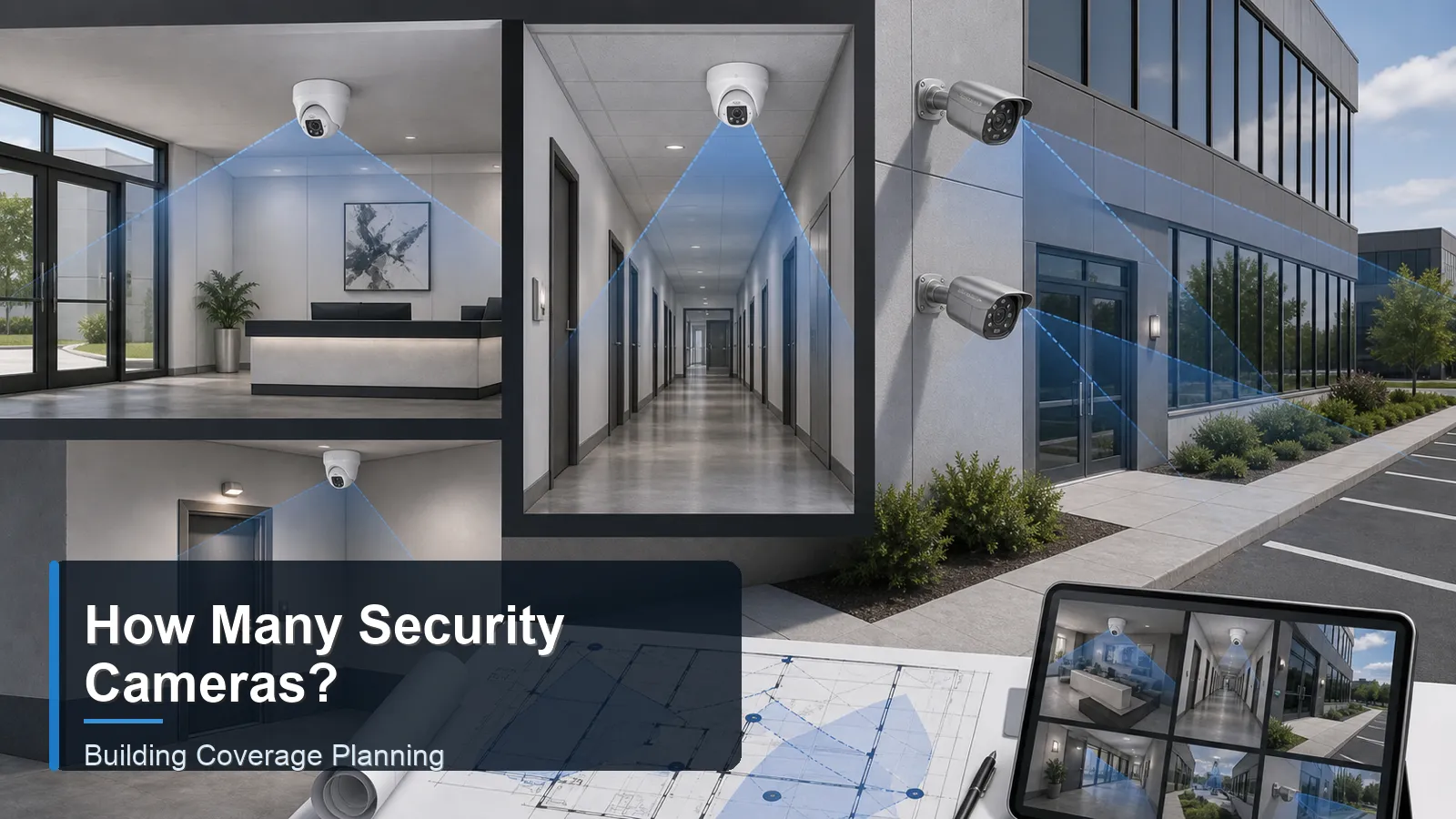
The question 'how many security cameras do I need' cannot be answered by square meters alone. Two buildings with the same floor area may require different camera counts because they have different doors, corridors, blind corners, parking layouts, lighting, ceiling heights, and evidence requirements. A compact shop with one entrance may need fewer cameras than a smaller property with several external paths and hidden side doors. The correct count comes from coverage goals, not from a simple product bundle.
A building camera plan should identify what each CCTV camera or IP camera must capture. Some views only need general awareness. Other views must provide usable face detail, license plate context, or transaction evidence. A PoE camera system can be expanded when it is planned with spare NVR channels, adequate PoE power, and a wired surveillance system layout that supports future cable routes.
How it works
Start by dividing the building into security zones. Most projects include public entrances, secondary doors, reception or lobby areas, corridors, stairs, elevators, storage rooms, loading docks, outdoor paths, parking areas, and restricted spaces. The buyer should decide whether each zone requires detection, observation, recognition, or identification. This distinction is important because one wide camera may detect movement in a room but may not identify a person at the far side.
A small building may need four to six cameras if it has one main entrance, one rear door, a sales or office area, and one outdoor approach. A medium building often uses eight to twelve cameras because there are more internal zones and multiple exterior sides. A larger building may require sixteen or more cameras, especially where loading docks, vehicle gates, stairwells, and warehouse aisles must be recorded separately.
Camera count planning by building zone
Building zone
Typical camera role
Count method
Common mistake
Main entrances
Identify faces and document entry direction
Usually one targeted camera per public entrance, plus an overview if the lobby is large
Using only a ceiling overview camera that shows heads but not faces
Perimeter and parking
Detect movement, observe vehicles, and document approach routes
Count by sides of building, gates, driveways, and lighting conditions
Assuming one wide outdoor security camera can cover the whole exterior
Interior business areas
Support safety, incident review, and transaction evidence
Count by zones such as sales floor, checkout, corridor, storage, and restricted rooms
Monitoring private areas or using cameras without a defined purpose
Camera count also depends on lens choice. A wide 2.8mm camera can cover a broad room, but it spreads pixels across a large scene. A narrower lens can show more detail at an entrance or long corridor, but it covers less area. If the purpose is identification, the buyer may need an additional camera rather than a wider lens. This is one reason a professional security camera system design separates overview cameras from detail cameras.
Traffic flow is another count driver. People do not always move through a building in the path shown on a floor plan. Staff may use a side door, delivery drivers may approach from a rear lane, and customers may enter from a parking area rather than the main street. During planning, walk the site at opening, closing, delivery, and peak-use periods. The camera count should reflect real routes, not only architectural entrances.
For an NVR security system, camera count should be compared with channel count, incoming bandwidth, hard drive capacity, and PoE budget. If the building needs seven cameras now, an 8-channel recorder may work but leaves little expansion room. If the buyer expects growth, a 16-channel NVR may be more practical. Surveillance storage should be sized after the camera count, resolution, bitrate, and retention period are known.
A QuarkView CCTV system planning guide approach is to count required views first, then translate those views into camera models, lenses, NVR channels, and surveillance storage.
Features to compare
Coverage is the ability to see an area. Detail is the ability to identify or interpret what is in that area. A buyer needs both, but not every camera must deliver both. A lobby overview camera and an entrance detail camera often work better together than one wide camera trying to do everything.
Blind spot control is a count driver. Corners, columns, display shelves, parked vehicles, stair turns, and door recesses can block views. The number of cameras increases when the building has many obstructions or irregular pathways.
Mounting height changes camera effectiveness. High mounting protects equipment and improves overview, but steep angles reduce face detail. Lower mounting may improve identification but must be protected from tampering.
Privacy limits also affect count. More cameras are not automatically better. Avoid restrooms, changing areas, unnecessary workstation close-ups, and neighboring property. Use a clear business purpose for each camera.
Match equipment to the site requirements
When preparing a quote request, buyers should provide a floor plan or sketch with marked doors, windows, valuable assets, staff-only areas, and outdoor approaches. They should also state the desired retention period, whether recording is continuous or event-based, and whether remote viewing is required. This information helps the supplier recommend a suitable NVR channel count and hard-drive capacity.
Do not buy camera count only by price. A cheap eight-camera package may include cameras with the wrong lens, low night performance, or insufficient weather protection. A smaller number of correctly placed cameras can be more useful than more cameras with poor views. Conversely, a site with many doors may need more cameras even if the building is physically small.
Plan expansion. If the building needs eight cameras today, consider whether a 16-channel recorder is justified. Spare channels are useful for future outdoor security camera additions, new tenant areas, or changed traffic patterns. Expansion planning is especially important for retail chains, warehouses, clinics, and multi-location business surveillance system deployments.
Common Applications
A small office suite may need cameras at the entrance, reception, corridor, equipment room, and rear access. The count may be five or six rather than four if the layout has separated rooms or a private back door.
A residential building may need cameras at the main entrance, parking approach, elevator lobby, stair door, mail area, and rear exit. If the building has multiple floors, the count depends on whether each floor requires coverage or whether cameras are limited to shared access points.
A retail store often needs entrance detail, sales floor overview, checkout detail, stock room, back door, and exterior approach coverage. A PoE security camera system is common because it supports continuous recording to a local NVR while keeping camera power centralized.
Common Problems
One problem is counting rooms instead of camera views. A long corridor may need two opposing cameras, while a small room may need none if it is not a monitored area. Another problem is assuming every outdoor side of a building can be covered from one corner. Distance and angle usually reduce detail.
A second problem is forgetting service and maintenance. Cameras placed in difficult ceiling positions, exposed weather areas, or inaccessible poles may be hard to clean, adjust, or replace. Planning should include ladder access, cable protection, and the ability to test views after installation.
A third problem is under-sizing the recorder. The buyer may choose an NVR with exactly enough channels but no room for growth. If the system later needs one more IP camera, the whole recorder may need replacement.
FAQ
How many cameras does a small business need?
Many small businesses use four to eight cameras, but the correct number depends on doors, transaction points, storage areas, exterior approaches, and whether face detail is required.
Can one camera cover a large room?
One wide camera can cover general activity, but it may not provide detail across the whole room. Use a second targeted camera when identification or transaction evidence is needed.
Should every entrance have a camera?
Most security designs place at least one camera at each important entrance or exit. The camera angle should capture face direction and not only the top of the head.
Does a bigger building always need more cameras?
Usually, but not always. Layout, obstructions, access points, and security objectives matter more than floor area alone.
How do I avoid buying too many cameras?
Assign a purpose to every camera. If a view does not support detection, observation, recognition, identification, safety, or operational review, reconsider it.
Summary
Camera count should be based on security objectives, building zones, blind spots, lens coverage, lighting, privacy, and recorder capacity. Buyers should count the required views before selecting a 4-channel, 8-channel, or 16-channel NVR security system.
Prepared for international buyers by the QuarkView Security Learning Center, this guide helps connect camera count with CCTV camera placement, IP camera detail, PoE camera wiring, wired surveillance system planning, surveillance storage, outdoor security camera selection, and business surveillance system design.
Plan Your Security Camera System With QuarkView
If you are comparing building camera counts, entrances, corridors, exterior coverage, and realistic CCTV placement planning, explore related QuarkView products or contact QuarkView for project and volume inquiry support.
Related QuarkView Planning Resources
For the next planning step, compare How to Plan CCTV Coverage Without Blind Spots, Panoramic Security Cameras: 180-Degree and 360-Degree Surveillance Explained, Security Camera Power Supply Guide: PoE, DC Power, and Power Adapters, Smart Motion Alerts in Security Camera Systems, PoE Switch Basics for Security Camera Systems. These related guides connect product selection, placement, recording, installation, and long-term reliability decisions.
Related QuarkView Collections
Reference Sources
- Axis Communications. Pixel density and DORI. Source link (https://whitepapers.axis.com/en-us/pixel-density-and-dori)
- Axis Communications. Lenses in surveillance. Source link (https://whitepapers.axis.com/en-US/lenses-in-surveillance)
- ONVIF. ONVIF Profiles for IP-based physical security products. Source link (https://www.onvif.org/profiles/)
- UK Information Commissioner's Office. Video surveillance including CCTV guidance. Source link (https://ico.org.uk/for-organisations/uk-gdpr-guidance-and-resources/cctv-and-video-surveillance/guidance-on-video-surveillance-including-cctv/)
- Western Digital. Surveillance / CCTV storage capacity estimator. Source link (https://www.westerndigital.com/solutions/surveillance)