
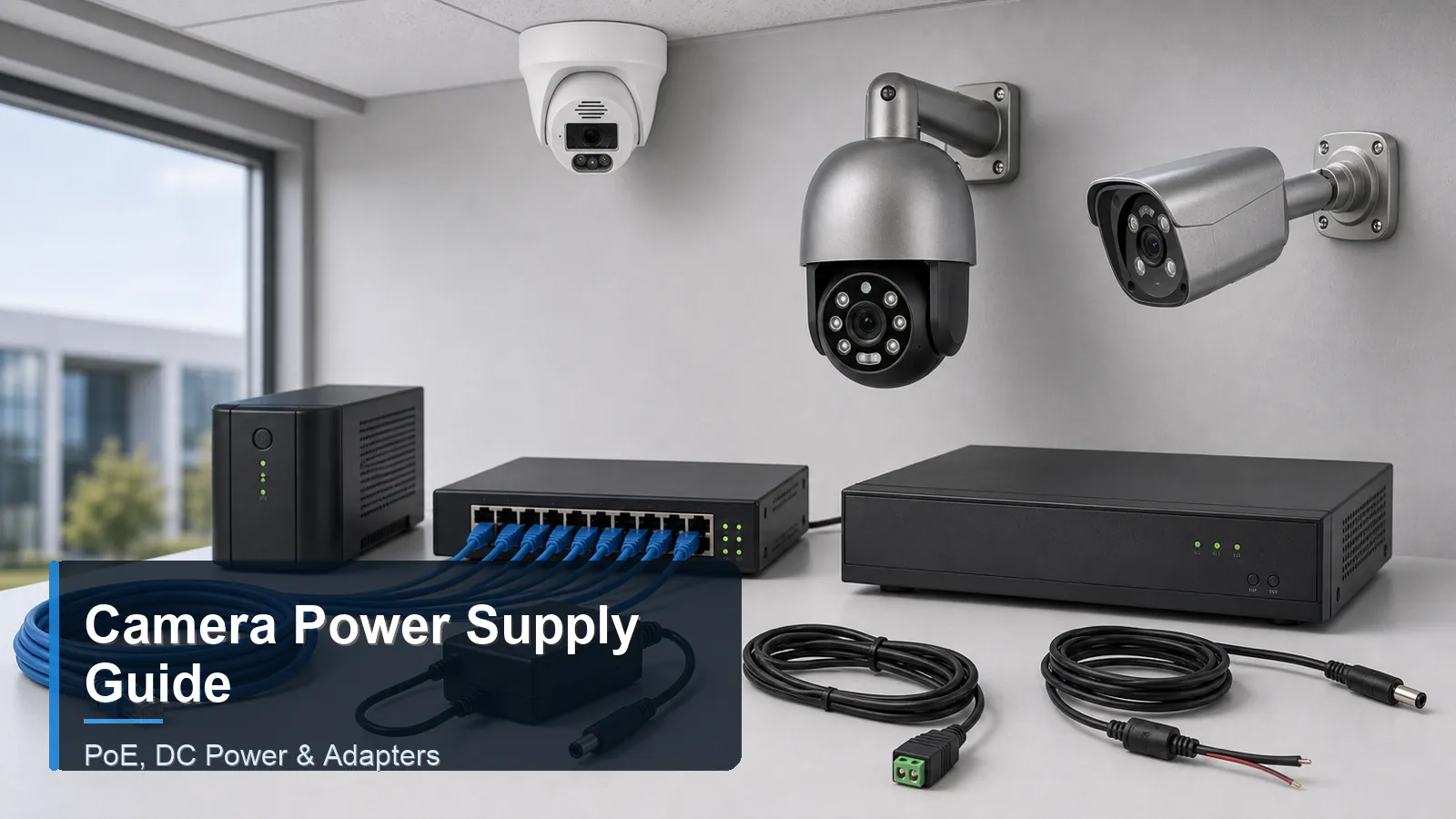
Main keyword: security camera power supply
Introduction
Security camera power supply planning is essential for reliable surveillance. A camera that loses power cannot record, send alerts, or support playback. Buyers often focus on resolution, night vision, and NVR channel count, but power design determines whether the system stays online during real use. PoE, DC power, adapters, and centralized supplies all have different strengths.
A CCTV camera may use a separate low-voltage power adapter or a centralized power box. An IP camera may use PoE through an Ethernet cable, or it may use separate DC input depending on model. A PoE camera simplifies many installations, but the PoE switch or NVR must supply enough power for every connected camera under day and night conditions.
This article is prepared as a neutral QuarkView Security Learning Center reference for buyers comparing camera power methods before installation.
Main Technical Explanation
PoE, or Power over Ethernet, sends power and data through the same twisted-pair Ethernet cable. In a wired surveillance system, this reduces the need for electrical outlets near camera locations and makes backup power easier because the NVR and PoE switch can be connected to a UPS. Standards-based PoE is designed for interoperability, but buyers still need to check camera power class and switch capacity.
DC power uses a separate low-voltage supply, commonly 12V DC for many security cameras. It may be used for analog cameras, standalone cameras, or selected IP cameras. The installer must match voltage, polarity, current capacity, connector type, and cable length. Voltage drop can become a problem on long cable runs, especially when infrared LEDs turn on at night.
Security camera power supply options
Power method
Best use
Advantages
Planning caution
PoE
IP cameras in wired systems
One Ethernet cable carries power and data
Confirm PoE standard, port power, total budget, and cable quality
12V DC adapter
Small standalone cameras or short indoor runs
Simple and familiar
Requires safe outlet location and correct polarity
Central DC power box
Analog CCTV or selected low-voltage layouts
Centralizes power
Voltage drop and fuse protection must be planned
Separate high-power supply
PTZ, heaters, special devices
Supports higher loads
Requires careful specification and qualified installation
Power adapters are simple but can create installation clutter. Each adapter needs a safe outlet, weather protection if near outdoor areas, and a secure physical location. For a business surveillance system, many individual adapters can be harder to maintain than centralized PoE or a proper power distribution enclosure.
Power design must include worst-case conditions. Outdoor security camera models may draw more power when IR LEDs, heaters, defogging, motorized zoom, or PTZ movement are active. A system that appears stable during daytime setup may fail at night if the total power budget is too small. The NVR security system should also be protected from outages with suitable UPS backup where continuous recording matters.
Power injectors, splitters, and extenders should be used carefully. They can solve specific installation problems, but they also add points of failure. A buyer should confirm whether a device is standards-based, whether it supports the required power level, and whether it is protected from moisture and tampering. For permanent projects, a clean PoE switch design is usually easier to document and maintain than many scattered accessories.
A QuarkView PoE security camera system planning note is to calculate total camera wattage before choosing the NVR or PoE switch, especially when outdoor infrared or PTZ functions are used.
Key Features or Concepts
PoE power budget is the total wattage available across all powered ports. Per-port maximum power and total switch budget must both be checked. A switch can have many ports but insufficient total watts for all cameras at full load.
PoE standards include different power levels. Buyers do not need to memorize every class, but they should confirm that camera requirements match the PoE switch or NVR ports.
Voltage drop affects DC systems. Longer cable, thinner conductors, and higher current can reduce voltage at the camera. The result may be rebooting, weak IR, or unstable video.
Backup power should include all required devices. Backing up the NVR alone is not enough if PoE switches, routers, or critical cameras lose power.
Buying Considerations
For new IP camera installations, PoE is often the most practical power method. It supports clean cabling, centralized UPS backup, and easier troubleshooting. The buyer should still confirm total wattage, cable type, and whether long runs or outdoor exposure require special protection.
For existing analog CCTV systems, DC power may already be in place. Upgrading may involve reusing some pathways but not assuming old power supplies are suitable for new cameras. Higher-resolution or infrared models may require more current.
For mixed systems, document every camera power method. A site may have PoE cameras, DC-powered cameras, a powered PTZ, and an NVR. Clear labels help maintenance staff know which switch, adapter, breaker, or UPS affects each camera.
Do not ignore safety and local rules. Outdoor power connections should be protected from moisture. Electrical work beyond low-voltage plug-in equipment may require qualified installers. International buyers should check local voltage, plug types, electrical codes, and warranty conditions.
Plan backup power by runtime, not only by device count. A UPS that supports an NVR for ten minutes may be enough to survive short interruptions, but a remote warehouse or gate camera may need longer runtime. The buyer should decide which cameras are critical during outages and size backup power around those priorities.
Label power sources. A maintenance person should be able to identify which switch, adapter, fuse, or UPS supports each camera. This is especially important in mixed systems where some cameras use PoE and others use separate DC power.
Check startup behavior after a power outage. Some systems recover automatically, while others need a switch, router, or camera to be restarted in a specific order. Acceptance testing should include a controlled reboot so the buyer knows whether the system returns to recording without manual intervention.
Keep spare approved adapters or power modules for critical locations. Replacement parts should match voltage, current, connector, polarity, and PoE requirements so emergency repair does not introduce a new fault.
For sites with frequent outages, review whether the internet router and any remote viewing gateway are also protected, not only the cameras and recorder.
Common Applications
Home PoE security camera systems use one cable per camera and a PoE NVR or switch. This is clean, stable, and practical for doors, driveways, garages, and yards.
Small businesses use PoE for IP camera networks because the recorder, switches, and router can be installed in a secure equipment area with UPS backup. This improves maintenance compared with many scattered adapters.
Some legacy CCTV camera installations use centralized DC power boxes. These can still be suitable when maintained correctly, but upgrades should review current draw, fuse protection, and voltage at the camera.
Common Problems
One common problem is buying a PoE switch by port count only. Eight ports do not guarantee enough watts for eight cameras with infrared active.
Another problem is using long DC cable runs without calculating voltage drop. The camera may work in daylight and fail when IR LEDs increase current demand.
A third problem is leaving adapters exposed outdoors or in unsecured areas. Moisture, accidental unplugging, and poor connector protection can cause intermittent failures.
A fourth problem is replacing a failed adapter with the wrong voltage or insufficient current rating. The camera may be damaged or may appear unstable. Keep replacement specifications in the maintenance record.
FAQ
Is PoE better than a power adapter?
For many permanent IP camera systems, PoE is cleaner and easier to back up. A power adapter can still be suitable for simple standalone cameras.
Can one PoE switch power all cameras?
Yes, if it has enough ports, per-port power, total power budget, and uplink capacity for the camera streams.
Why does my camera reboot at night?
Night IR or heaters may increase power draw. Check PoE budget, cable quality, voltage drop, and adapter capacity.
Do PoE cameras need a separate power cable?
Normally no. A standard PoE camera receives power and data through the Ethernet cable when connected to a compatible PoE port.
Should camera power be on a UPS?
For important systems, yes. Include cameras, PoE switches, NVR, router, and any network device required for recording or remote access.
Summary
Security camera power supply planning should compare PoE, DC power, adapters, total wattage, voltage drop, outdoor protection, and backup power. Reliable power is as important as camera resolution because a powered-off camera records nothing.
Prepared for international buyers by the QuarkView Security Learning Center, this guide supports CCTV camera power selection, IP camera PoE planning, PoE camera installation, NVR security system uptime, wired surveillance system reliability, surveillance storage continuity, outdoor security camera protection, and business surveillance system maintenance.
Plan Your Security Camera System With QuarkView
QuarkView helps buyers turn these technical choices into practical camera layouts, recording plans, and product shortlists for homes, retail sites, warehouses, gates, parking lots, and installer projects.
If you are comparing security camera power supply choices, PoE, DC power, adapters, UPS backup, and safe surveillance cabling, explore related QuarkView products or contact QuarkView for project and volume inquiry support.
Reference Sources
- IEEE Standards Association. IEEE 802.3bt-2018 Power over Ethernet over 4 pairs. Source link (https://standards.ieee.org/standard/802_3bt-2018.html)
- Ethernet Alliance. Overview of 802.3bt Power over Ethernet standard. Source link (https://ethernetalliance.org/wp-content/uploads/2019/12/WP_EA_Overview8023bt_V2p1_FINAL.pdf)
- Telecommunications Industry Association. TIA-568.2-D balanced twisted-pair cabling project information. Source link (https://standards.tiaonline.org/tia-issues-call-interest-new-project-balanced-twisted-pair-telecommunications-cabling-and-components)
- CISA. Securing the Internet of Things. Source link (https://www.cisa.gov/news-events/news/securing-internet-things-iot)
- NIST. IoT Device Cybersecurity Guidance for the Federal Government. Source link (https://www.nist.gov/publications/iot-device-cybersecurity-guidance-federal-government-establishing-iot-device)