
QuarkView Security Learning Center. This guide is part of QuarkView's practical security camera knowledge base for home, retail, office, warehouse, installer, and small business projects.
Use it to clarify requirements before comparing PoE camera systems, NVR recorders, outdoor cameras, wireless cameras, and accessories.
Security camera privacy is a core part of responsible video surveillance. A security camera can protect people, property, and operations, but it can also collect personal information, create employee concerns, capture neighbors, or expose sensitive footage if managed poorly. Buyers should treat privacy as a design requirement, not as an afterthought.
For home security camera owners, small business managers, installers, and procurement teams, privacy is partly a legal issue and partly a practical one. This guide is not legal advice because laws vary by country, state, province, industry, and workplace context. The basic principles are still useful in most projects: use cameras for a clear purpose, avoid excessive recording, inform people where appropriate, limit access, protect video data, and delete footage when it is no longer needed.
Responsible video surveillance is especially important for a business surveillance system. Customers, employees, contractors, and visitors may all appear in recordings. A CCTV camera or IP camera system may capture faces, vehicles, license plates, work behavior, conversations if audio is enabled, or sensitive activities near entrances and service areas. A home security camera can also affect neighbors and delivery workers if it records beyond the property.
A buyer-friendly privacy test is simple: can you explain why the camera is there, who can see the footage, and how long the recording is kept? If not, the design needs more work.
How it works
Video privacy begins with purpose. Before installing a camera, define why it is needed. Examples include entry monitoring, theft investigation, after-hours alarm verification, employee safety, delivery documentation, or parking lot incident review. A camera without a clear purpose is harder to justify and easier to misuse. Purpose also helps determine where the camera should point, how long footage should be stored, and who should be allowed to view it.
Minimization comes next. A camera should capture what is necessary for the security purpose and avoid unnecessary private areas. For a home security camera, this may mean angling the view toward the owner's driveway rather than a neighbor's window or yard. For a business, it means avoiding restrooms, changing rooms, private treatment rooms, break rooms where monitoring has no clear reason, and areas unrelated to the stated purpose.
Transparency is another important principle. In many business settings, signage or notice is expected or legally required. Notice should explain that video surveillance is in use, identify the organization where appropriate, and provide contact information or policy access if required by local rules. Employees should usually receive more detailed internal communication about where cameras are located, why they are used, whether audio is recorded, who can access footage, and how long footage is retained.
Access control protects recorded video. An NVR security system or VMS should use individual accounts, strong passwords, role-based permissions, and logs where available. A store manager may need playback access for incidents, while a general employee may not. System administrators should be limited and trained. Shared admin passwords increase privacy and security risk.
Retention is the period that footage is stored before deletion or overwrite. Keeping footage indefinitely increases privacy risk and storage cost. A buyer should choose a retention period that matches the security need. Many organizations use a fixed retention period such as 14, 30, or 60 days, then preserve specific clips only when needed for an incident, insurance claim, law enforcement request, or internal investigation.
Security camera privacy also includes cybersecurity. Cameras and recorders are network devices. If an IP camera, PoE camera, or NVR is poorly secured, unauthorized people may view live video or obtain recordings. Basic protections include changing default passwords, updating firmware, disabling unused services, securing remote access, using trusted mobile apps, and separating camera networks where appropriate.
Features to compare
A legitimate purpose should be clear and documented. Security, safety, and incident review are common reasons for recording.
Proportionality means the surveillance should match the risk. A small issue may not warrant extensive monitoring of employees or public spaces.
Data minimization keeps the camera focused on what is needed. Avoid unnecessary views into private areas, neighboring property, or unrelated workspaces.
Notice and signage help people understand that video surveillance is in use, where local rules require it or where transparency is appropriate.
Access restriction keeps footage in the hands of authorized users. Role-based access reduces misuse by limiting who can view, search, export, or delete recordings.
Retention control means footage is stored only as long as needed for the stated purpose, then overwritten or deleted according to policy.
Secure remote access requires strong authentication and careful configuration. Cameras should not be casually exposed to the internet.
Audio needs extra caution. It can be more intrusive and legally sensitive than video, so it should stay disabled unless it is clearly necessary and lawful.
Incident exports should be controlled, documented, and shared only with authorized recipients.
Set access and footage handling requirements
When buying a home security camera, check whether the camera view includes public sidewalks, roads, neighbors, shared hallways, or apartment common areas. Some incidental capture may be unavoidable, but the camera should be aimed to reduce unnecessary recording. Privacy masks, if available, can block parts of the image. A doorbell or outdoor security camera should not point directly into another person's private space.
For a small business, create a simple surveillance policy before installation. The policy can identify camera locations, purpose, recording mode, retention period, access roles, export rules, and contact person. This policy does not need to be complicated, but it should be clear enough to guide managers and employees.
Choose equipment that supports privacy controls. Useful features include user roles, audit logs, password policy, privacy masking, encrypted communication, secure remote access, firmware updates, event search, and controlled export. An NVR security system with only one shared admin account may be poor for a business that needs accountability.
Think carefully before enabling audio. Many regions have strict consent rules for recording conversations. Even where audio is legally possible, it may be unnecessary for most security purposes. If the goal is to verify entry, theft, or movement, video without audio may be more proportionate.
Consider camera placement from the viewpoint of employees and visitors. A camera at a cash register may be justified for transaction review. A camera pointed continuously at an individual desk may be harder to justify unless there is a specific safety or security reason. Cameras in restrooms, changing rooms, or similar spaces should be avoided.
For AI surveillance, understand what metadata is generated. Human detection and vehicle detection may be low-risk compared with facial recognition or biometric analytics. Face recognition, behavior analysis, and identity-linked search can raise significant legal and ethical concerns. Buyers should use advanced analytics only when necessary, lawful, transparent, and properly secured.
Plan how to respond to requests. Customers, employees, or authorities may ask about footage. Local laws differ, but businesses should know who handles requests, how identity is verified, when footage can be disclosed, and how exports are documented.
Common Applications
Home surveillance privacy applies to front doors, driveways, shared apartment corridors, backyards, and boundary areas. A homeowner should use camera angles that protect the property while reducing views of neighbors and public spaces where possible.
Retail surveillance often covers entrances, checkout areas, aisles, stock rooms, and exterior approaches. Signage and employee communication are important. Cameras should not be used to monitor personal activities without a legitimate business reason.
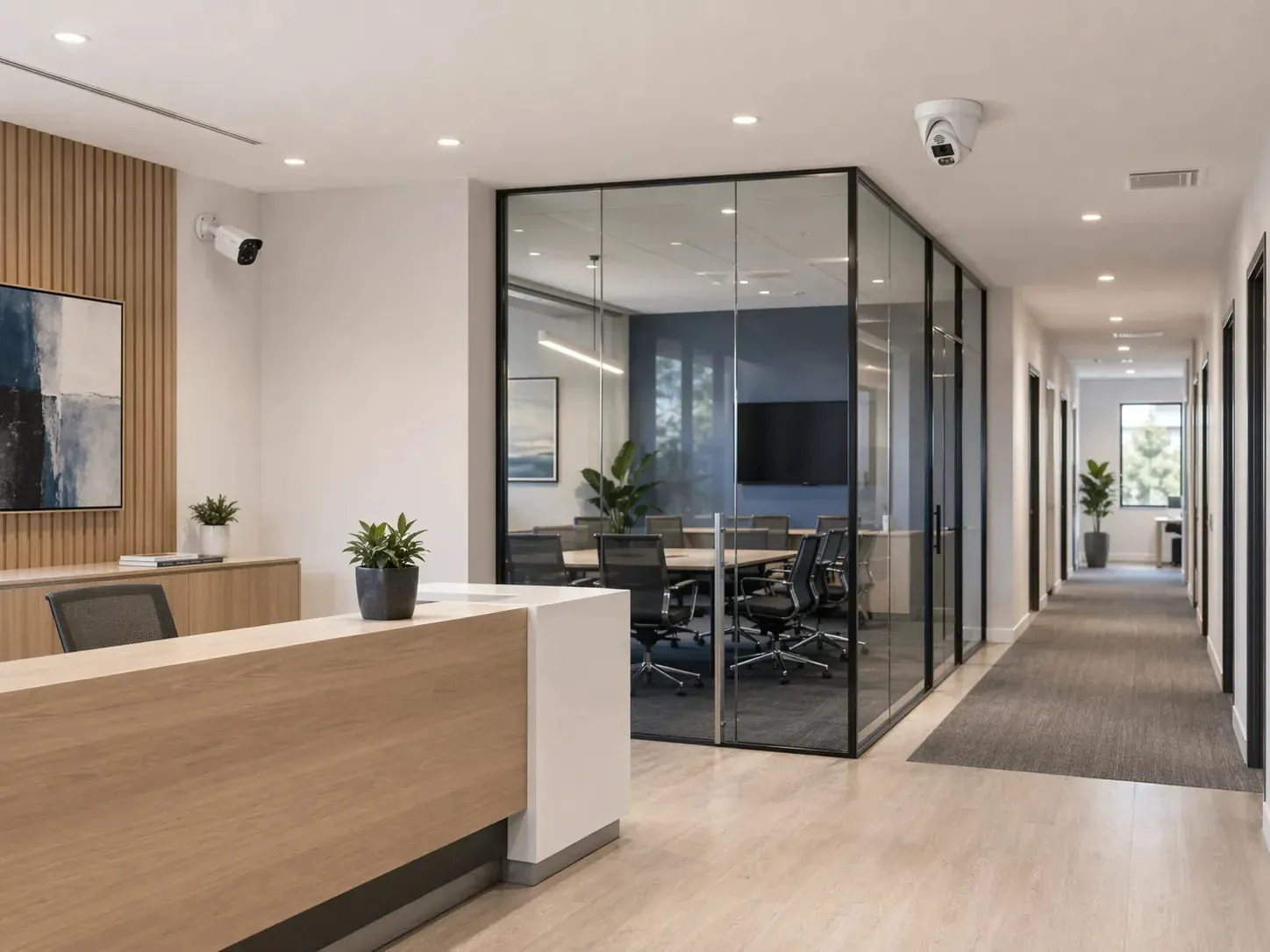
Office surveillance may cover reception, visitor entrances, server room doors, supply rooms, and parking lots. Office cameras should be carefully justified because employees spend long periods at work and may expect a reasonable level of privacy.
Warehouse surveillance may cover loading docks, storage cages, yard gates, forklift routes, and restricted areas. Safety and asset protection are common purposes, but employee access to footage should still be controlled.
Healthcare, education, gyms, salons, and hospitality businesses require extra sensitivity because cameras may capture vulnerable people, children, health-related activity, changing areas, or private services. Surveillance should be limited and reviewed carefully.
Common Problems
The most serious privacy problem is placing cameras in inappropriate areas. Restrooms, changing rooms, locker rooms, treatment spaces, and private residential windows should be avoided. Even if a camera is intended for security, the location can make it excessive.
Another problem is unclear access. If many employees can view live or recorded video without a need, the risk of misuse increases. Businesses should assign access based on role and review permissions periodically.
Long retention creates unnecessary exposure. If footage is kept for months without a reason, more personal information is stored and more data can be compromised. Retention should match a documented need.
Remote access can become a privacy failure if passwords are weak or cameras are exposed online. Default credentials, old firmware, insecure port forwarding, and shared mobile accounts are avoidable risks.
Audio recording is often enabled without understanding local consent rules. Because audio captures conversations, it can be more intrusive than video. Businesses should disable audio unless there is a clear lawful and operational reason.
AI analytics can create privacy concerns if used without notice or justification. Face recognition and identity tracking are especially sensitive. Even simpler analytics should be configured to support the stated purpose rather than to collect unnecessary data.
FAQ
Is security camera privacy only a legal issue?
No. It is also an operational and trust issue. Even when surveillance is lawful, poor placement or unclear access can damage trust with employees, customers, and neighbors.
Can a home security camera record the street?
Rules vary. Some incidental public-area capture may be unavoidable, but cameras should be aimed to focus on the property being protected and avoid unnecessary intrusion.
Should businesses post CCTV signs?
In many places, signage is required or strongly recommended. It also supports transparency. Check local rules for wording, placement, and contact details.
Who should access business camera footage?
Only authorized users with a legitimate need. Use individual accounts and role-based permissions rather than shared passwords.
How long should footage be stored?
Retention should match the purpose. Many small businesses use 14 to 30 days, but the right period depends on risk, legal requirements, and privacy policy.
Is audio recording acceptable?
Audio is legally sensitive and often unnecessary. Get local legal guidance before enabling audio, especially in workplaces or customer areas.
Can AI surveillance create privacy risk?
Yes. Human and vehicle detection may be useful, but face recognition or identity-linked analytics can raise significant concerns. Use only what is necessary and lawful.
How can I make remote viewing safer?
Use strong unique passwords, firmware updates, secure app methods, VPN or controlled remote access where appropriate, and avoid exposing cameras directly to the internet.
Related QuarkView Planning
Responsible surveillance also depends on how the system is operated, so review video surveillance best practices alongside site-specific guidance for a school security camera planning guide, a hotel surveillance systems guide, or an apartment surveillance systems guide.
When privacy and access control matter, compare QuarkView PoE camera systems, NVR recorders, and WiFi wireless cameras by user permissions, recording location, remote viewing workflow, and physical coverage boundaries.
Summary
Security camera privacy belongs in the first design discussion, not in a policy document written after installation. Define a legitimate purpose, aim cameras carefully, avoid private areas, inform people where appropriate, restrict access, choose reasonable retention, protect the network, and handle exports responsibly. A privacy-aware surveillance system can still provide strong security value while reducing unnecessary data collection and protecting trust.
Plan Your Security Camera System With QuarkView
Explore related QuarkView products or contact QuarkView for project and volume inquiry support.