
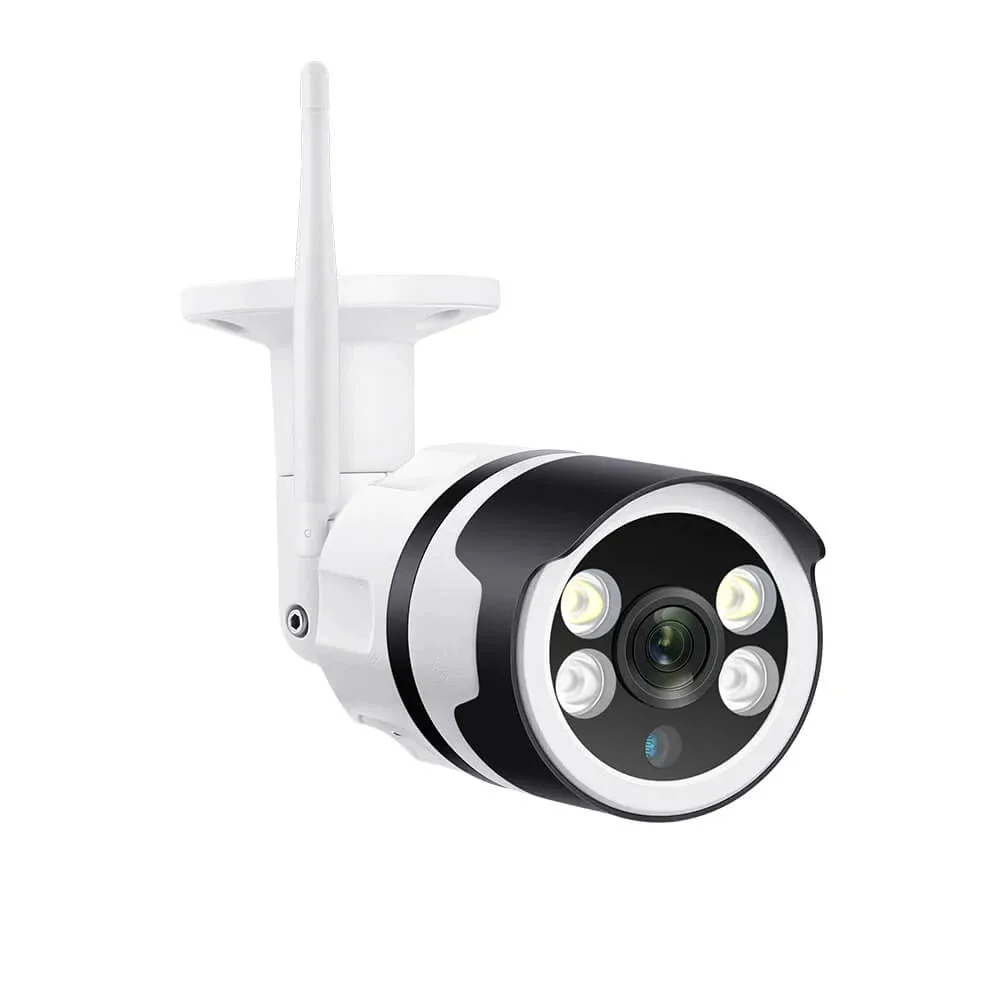
A security camera SD card must fit the recording job as well as the slot. Start with the exact camera model and firmware, then check supported capacity, format, recording modes and export options. A card advertised for surveillance does not make an incompatible camera support local recording.
Check compatibility before capacity
Confirm that the camera has a usable microSD slot and supports the recording mode you need. A Wi-Fi, PoE, battery or solar label alone proves none of these features. Read the model manual for maximum capacity, supported card types and any recommended cards. Check whether continuous recording is available or only event clips.
SDHC and SDXC are different capacity families; their standard formats are FAT32 and exFAT respectively. The camera must support the card family and its required formatting procedure. Do not force a larger card into service just because it fits physically. After saving needed recordings, follow the camera manual to initialize a supported card in the camera. Formatting erases existing data.
View the ICSee WiFi camera listing and confirm the required card configuration
Choose endurance and sustained write performance
Ordinary cards can suit occasional photos or file transfers. Repeated camera recording and loop overwrite create a different workload. High-endurance cards are designed for write-intensive uses; compare the actual endurance rating, operating temperature, warranty conditions and camera recommendations rather than treating the label as a universal lifespan promise. Buy from a traceable supplier and keep the receipt.
Write speed and endurance answer different questions. Sustained write performance affects whether the stream can be recorded reliably; endurance concerns repeated writing over time. A large advertised read speed mainly describes retrieving data. The SD Association defines speed classes for minimum sequential performance under specified conditions. Follow the class and interface requirements in your camera manual; a faster label cannot repair an unsupported host or failing card.
Kingston lists surveillance among the intended uses of its High-Endurance microSD range and publishes separate speed, endurance and format specifications. Those specifications apply to that card range. They do not certify compatibility with every security camera or guarantee that an incident will remain available.
Kingston High-Endurance microSD specifications
SD Association explanation of speed classes
Estimate recording time without promising retention
For continuous recording, estimate from the stream actually saved to the card. Using decimal GB and Mbps: hours = usable capacity in GB × 8,000 ÷ total recording bitrate in Mbps ÷ 3,600. Include recorded audio and additional streams in the total bitrate. Use average measured bitrate for a planning estimate and allow for variable bitrate peaks.
As an illustration, 128 GB at a constant 4 Mbps gives about 71.11 hours of video payload: 128 × 8,000 ÷ 4 ÷ 3,600. This assumes the entire advertised capacity is available and excludes audio, file overhead, reserved space and gaps. It is an arithmetic illustration, not a promise of three days of evidence. Actual usable capacity is lower; measure the oldest playable recording after installation.
Event recording changes the calculation because the card writes during configured activity and any pre-event or post-event intervals. Activity can increase unexpectedly, and missed triggers leave no recorded event. Do not multiply an optimistic daily activity percentage into a guaranteed retention period. Test a busy interval and review the actual timeline.
Understand loop overwrite and evidence access
When loop recording is enabled and storage fills, supported cameras normally replace older recordings according to their implementation. Confirm whether overwrite is enabled, whether protected clips consume space and what happens when overwrite is disabled. Save important footage promptly to a separate location. Removing or stealing a camera can also remove its card and all footage stored only there.
Compare local and cloud storage by failure scenario
Troubleshoot card errors in a controlled order
For a missing or unrecognized card, first preserve any accessible evidence. Follow the manual for safe shutdown and insertion, then check seating, supported capacity and format. If recognized but not recording, check the recording schedule, event settings, available space and overwrite option. A live image or an app alert does not prove the card saved video.
For corrupt clips, recording gaps or recurring card errors, inspect storage status and the camera logs if available. Check power stability and the card operating temperature. After exporting required footage, try the prescribed initialization and a known-good compatible card. Change a single variable at a time. Repeated formatting without recording and playback checks does not establish a repair. Replace persistently failing media and investigate recurring faults.
Accept the card only after playback and export
Run these checks during an agreed commissioning window. Record the camera model, firmware, card model, configured bitrate and result. Keep an exported test clip outside the camera and repeat the checks after relevant firmware or recording-setting changes.
| Check | Evidence to keep |
|---|---|
| Recognition and setup | Card status shows usable capacity; the intended schedule and overwrite setting are enabled. |
| Recorded timeline | A known test interval is playable with correct timestamps and the expected event lead-in and ending. |
| Export and independent playback | Export the interval using the intended account; play the saved file on the intended computer and verify image detail and audio if enabled. |
| Retention and restart | Observe the oldest playable clip after normal activity; during commissioning, perform a supported restart and confirm new recordings resume. |