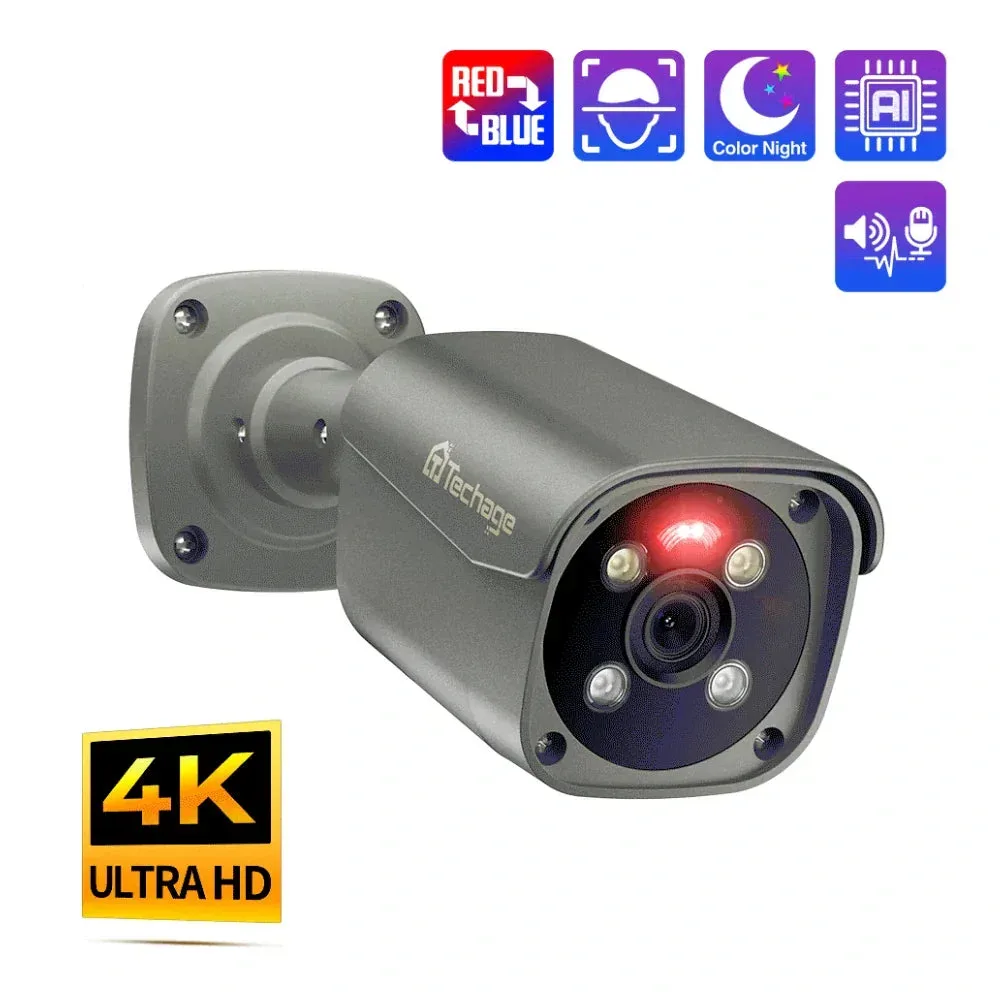
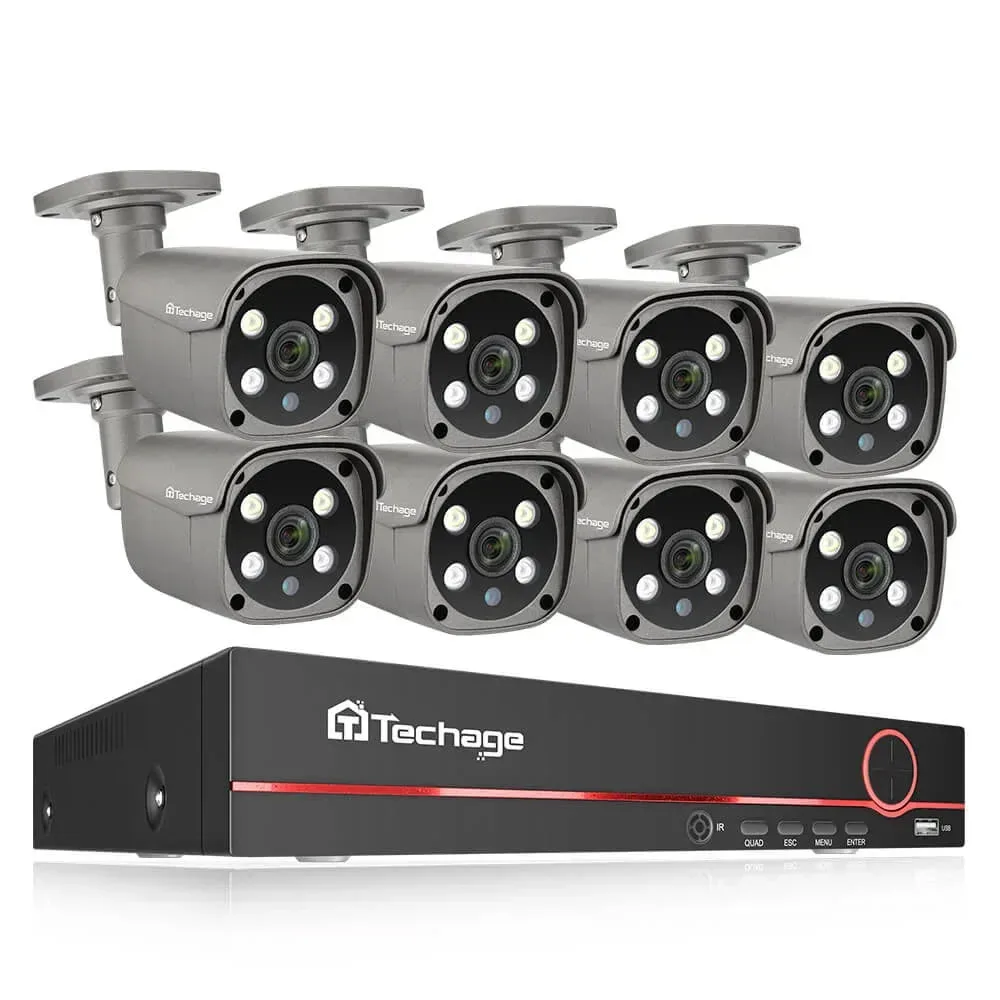
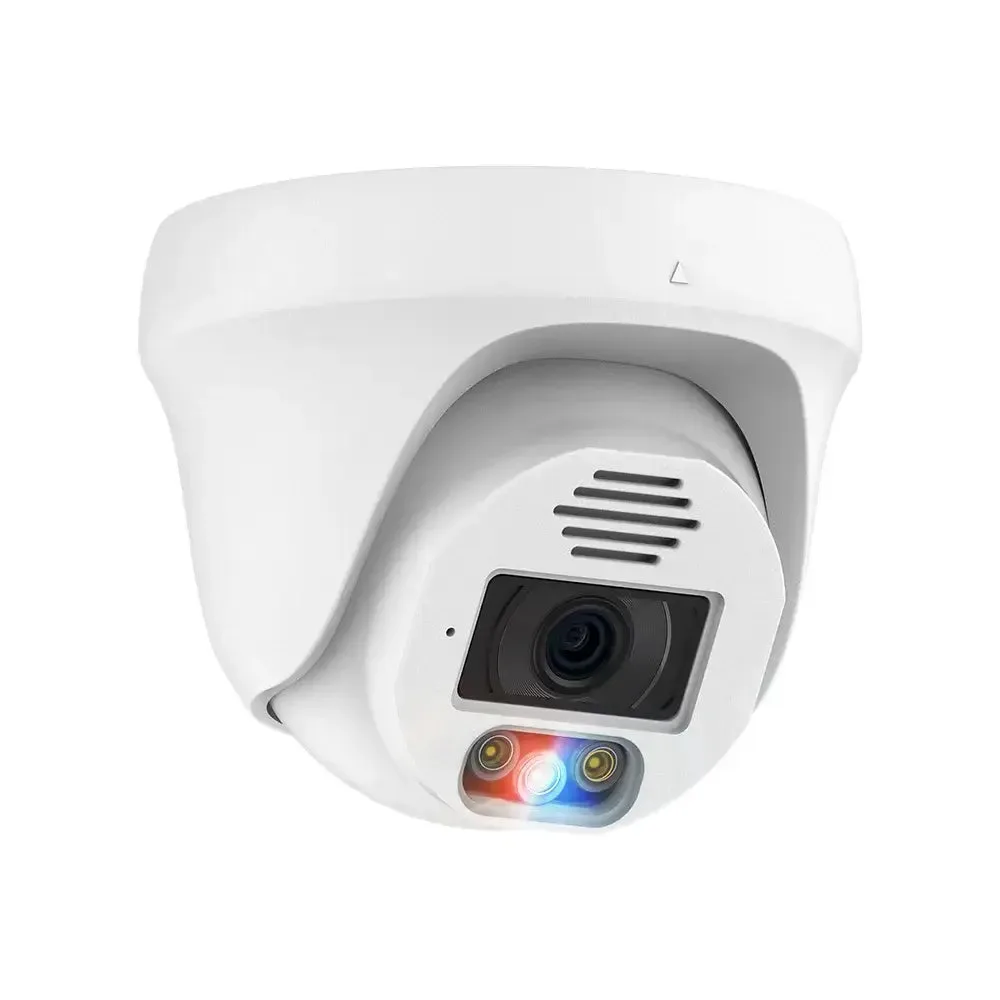
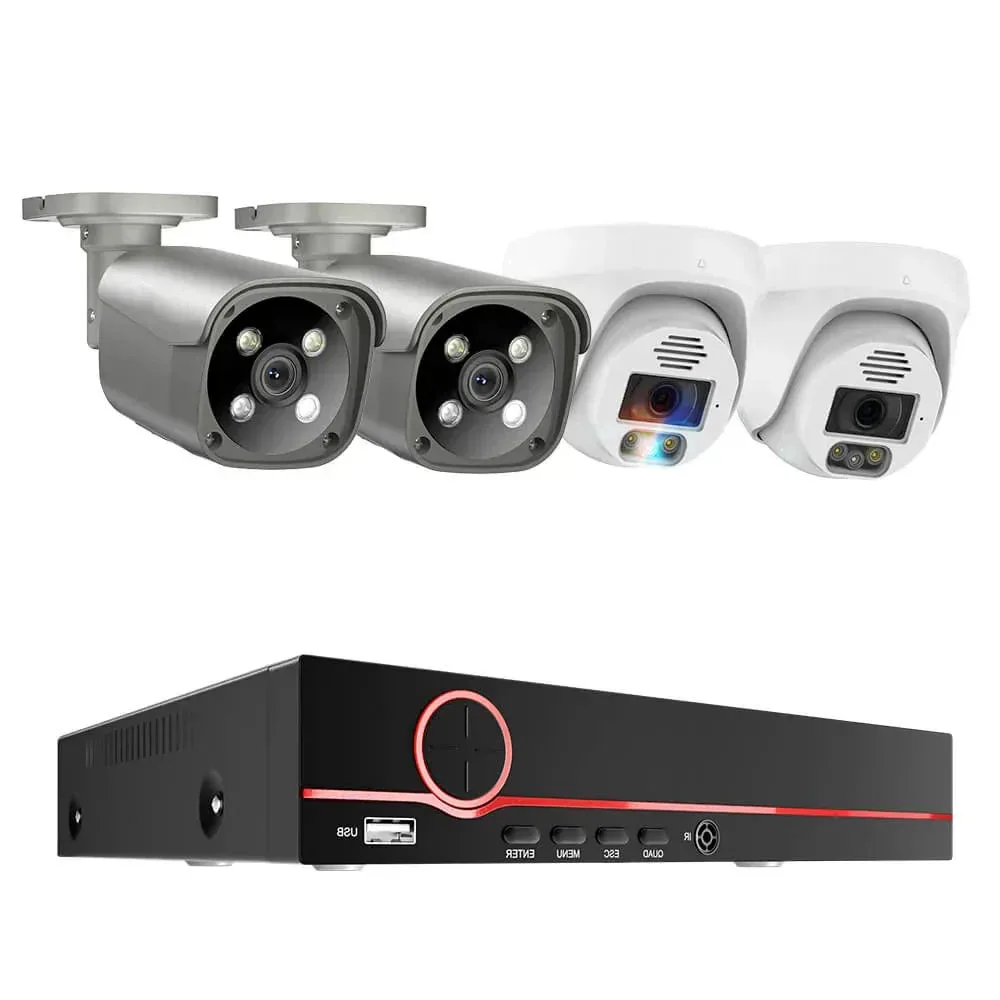
Plan detail and recording time together
Use an 8MP view when you want more pixels available for reviewing or cropping the scene. Set the recording schedule and bitrate for each position before sizing the drive. No HDD leaves the recording drive out of the package; the 3TB and 4TB configurations include the selected drive.
Installation and support
Bench-connect the selected cameras and recorder, then label the cable routes and camera positions. Initialise the recording drive and set channel names, time zone and recording schedule before mounting. Use the QuarkView guides below for installation and storage planning.
Practical guides
Shipping options · Warranty and support
QuarkView 605GP 4K 8MP Outdoor PoE Camera · QuarkView DM27SP 8MP Dome PoE Camera
No HDD means a recording drive is not included. Recorder channels and physical PoE ports are separate capacities. The supplied CP1 camera model follows the selected configuration.
Compare individual camera options: QuarkView 605GP 4K 8MP Outdoor PoE Camera · QuarkView DM27SP 8MP Dome PoE Camera.