
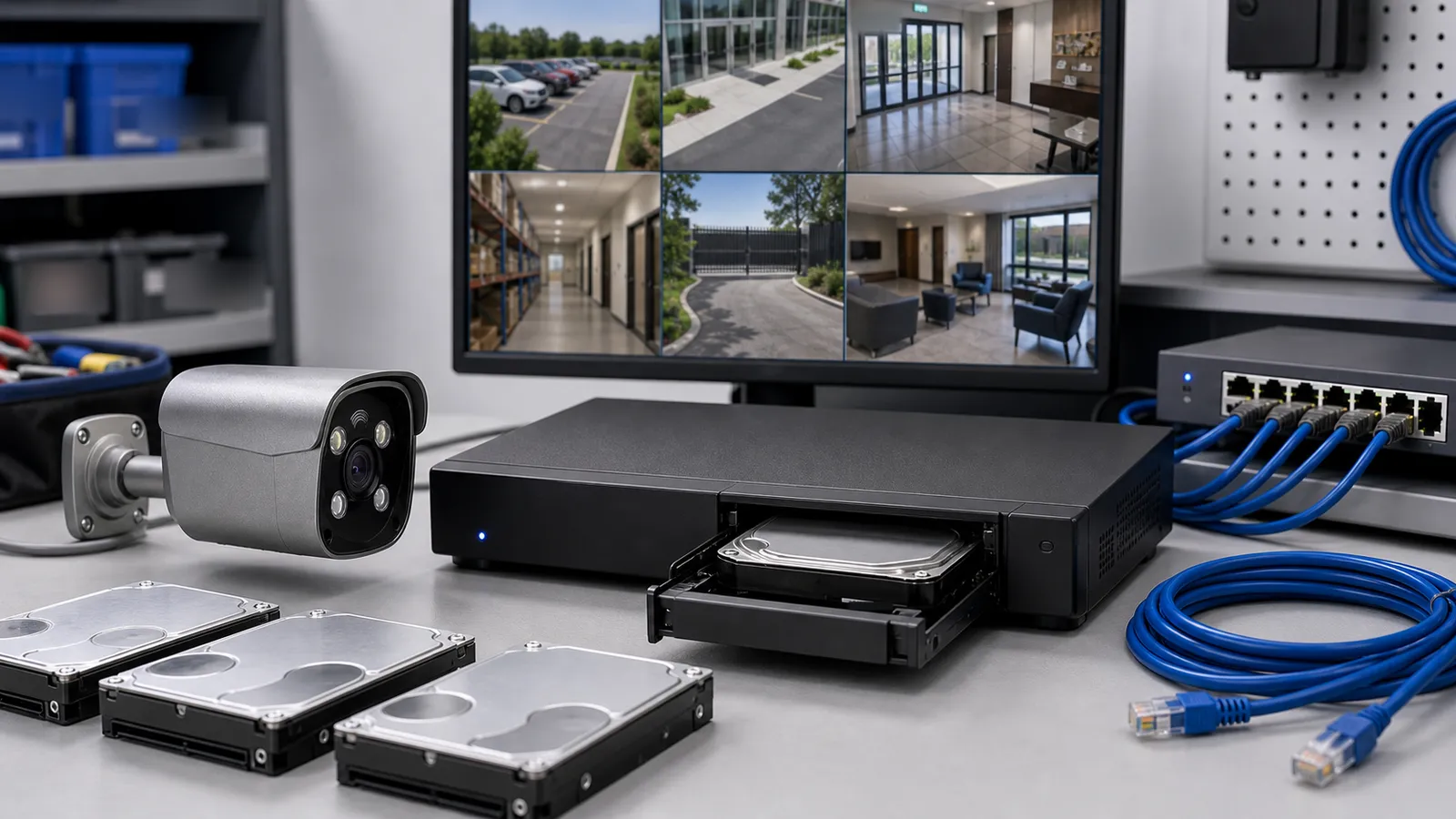
When choosing a surveillance system, buyers often start with camera resolution, night vision and the recorder’s channel count. The hard drive can become an afterthought. Yet storage determines how much footage the system can retain and whether the recording you need will still be available when an incident occurs.
With prices rising across some hard-drive product lines, storage deserves an early place in the project budget. Choosing a drive means considering recorder compatibility, recording workload and retention requirements alongside capacity and price.
How is a surveillance hard drive different?
A desktop hard drive primarily serves everyday computer storage. A surveillance recorder may run continuously, receiving video from several cameras while also handling playback, searches and exports. These activities create a different workload.
Surveillance drives are generally designed for sustained video recording, but a surveillance label does not guarantee compatibility with every recorder. Check the interface, supported capacity, workload rating and recorder requirements. Western Digital’s surveillance storage documentation and Seagate’s surveillance storage documentation both describe continuous video recording as an intended application.
Green, blue, purple, black and red are labels used to distinguish a particular manufacturer’s product families. They are not universal quality grades. Desktop, surveillance, NAS and enterprise drives serve different purposes; a color or category alone cannot establish which drive is right for your installation.
Before purchasing, confirm the recorder’s drive interface, available bays, maximum supported capacity per bay and compatibility information. A NAS or enterprise drive may be suitable for a particular installation, but its category does not replace these checks.
Does a bigger drive always mean more recording days?
With the same recording settings, more usable capacity usually allows more footage to be retained. However, camera resolution alone cannot tell you how many recording days to expect. Average bitrate, camera count, recording hours and compression settings all affect storage use.
For example, four cameras averaging 4 Mbps each produce a combined bitrate of 16 Mbps. Thirty days of continuous recording require approximately 5.184 TB of video storage before audio, filesystem use, other data and reserve space. A nominal 6 TB hard drive therefore should not be treated as an unconditional guarantee of 30 days of recording.
For a shop, warehouse or other business site, decide how long footage needs to remain available before selecting capacity. The storage calculator can help estimate the requirement. After installation, check the actual recording history to confirm that the oldest available footage meets the intended retention period.
What do rising hard-drive prices mean for CCTV projects?
A January 2026 retail-market report documented price increases across selected HDD product lines. Separately, TrendForce’s storage-market research linked pressure on nearline HDD supply to growing AI and data-center demand. Price changes vary by capacity, model and region, and enterprise supply conditions do not directly describe every surveillance drive.
For CCTV projects, this cost pressure makes it useful to plan storage earlier. If cameras and recorders are selected first and the hard drive is left until the end, the remaining budget may not cover the required recording period. A dated quotation for the actual configuration is more useful than applying a general market percentage to the whole project.
A practical response is to plan drive capacity, retention and recording settings together. The following adjustments can help buyers manage costs while preserving the footage their site needs.
Define recording needs by area
Entrances, checkout areas and loading zones may need continuous recording and a clearly defined retention period. Other areas can be assessed for scheduled or event recording where appropriate. Event recording may save space, but the result depends on activity levels and recording buffers. Verify it at the site rather than assuming a fixed saving.
Optimize settings without losing useful detail
Suitable bitrates, frame rates and supported compression settings can help control storage use. After making changes, review moving people, vehicles and night scenes to ensure that important details remain clear. A smaller recording file offers little value if it no longer captures the evidence you need.
Make storage specifications part of the quotation
Specify drive capacity, quantity, availability and quotation validity when comparing systems. If the recorder supports later expansion, plan the additional capacity and confirm its limits before ordering. Compare the recording period, compatibility and replacement support provided by the complete configuration rather than choosing solely by the lowest drive price.
These are practical responses to rising costs, rather than a reason for every project to reduce capacity or shorten retention. Preserving the required evidence remains the central purpose of storage planning.
QuarkView hard-drive supply and after-sales service
QuarkView uses hard drives from Western Digital, Seagate or Hitachi. The supplied brand and model are confirmed with each order.
For hard drives supplied by us, QuarkView provides a one-year hard-drive warranty and replacement service. If a drive develops a fault, contact our support team with your order information, drive identification and a description of the issue so we can arrange the warranty and replacement process.
Replacing a hard drive addresses an equipment fault; it does not restore recordings already lost from that drive. Check the recorder’s disk status and recording alerts regularly, investigate problems promptly and export important footage while it is still available.
The purpose of choosing a surveillance hard drive is to keep the required footage recording and available when it matters. Compatibility, suitable capacity, verified recording performance and clear after-sales support all belong in that decision, whatever happens to hardware prices.
Discuss your recording requirements with QuarkView. Include the recorder model, camera count, recording schedule and required retention period so the storage configuration can be planned alongside the rest of your system.