
Give every critical route a fixed view
Use fixed cameras for entrances, dock doors, aisles, gates, and inventory routes so the essential evidence is always being recorded.
Warehouse and yard security
Build a warehouse security camera system with fixed views of entrances, loading docks and inventory routes. Add PTZ cameras for inspecting changing points in the yard, then size PoE power, network links, recorder channels and storage for the complete site.

Plan around the real site
Use fixed cameras for entrances, dock doors, aisles, gates, and inventory routes so the essential evidence is always being recorded.
Add PTZ coverage for large yards, parking areas, perimeter activity, and distant points that benefit from pan, tilt, or optical zoom.
Count all fixed and PTZ cameras against recorder channels and incoming bandwidth. Count PoE ports and power separately, map cable routes and uplinks, and include HDD capacity, mounts and installation work in the project budget.
Answer only what you know. You can send your project at any time; unknown conditions become checks to resolve together.
These starting options use existing scene shortlists and listed resolution, recorder channels and package choices. Review coverage and compatibility for your project.
These choices and your project notes travel into the inquiry automatically. For an exact listed configuration, its link also selects the product and variant.
Planning example
Review goods movement, vehicle approaches and staff access. This example assumes two docks, two aisle zones and accessible cable routes. Confirm layout, distances, lighting and privacy requirements before choosing models.
One view per example dock; check vehicle obstruction.
Separate overview and arrival views; plate reading needs testing.
Check rack height and blind corners.
Check entrance detail and nighttime lighting.
Verify addressing, total PoE power and link/recorder bandwidth. Local recording needs a working local network and power; remote access needs connectivity and model-specific setup. A PTZ can supplement inspection, but cannot keep every direction in view at once.
8 cameras × assumed 4 Mbps each × 24 hours/day × 30 days = 10.37 decimal TB of video payload. This bitrate is a planning input, not a specification of a listed model. Excludes audio, filesystem overhead, reserved space and growth. Confirm supported drive capacity and measure actual retention.
Change bitrate groups, hours or recording days in the storage calculatorUse this checklist to discuss your site requirements. Your quote should identify the models, firmware, package contents and functions you need.
Review the example camera count and recording settings, then include your site requirements in the inquiry form.
Build the right foundation
Start with the job the system needs to do, then compare the cameras, recording, and accessories that make it work.
Catalog starting points
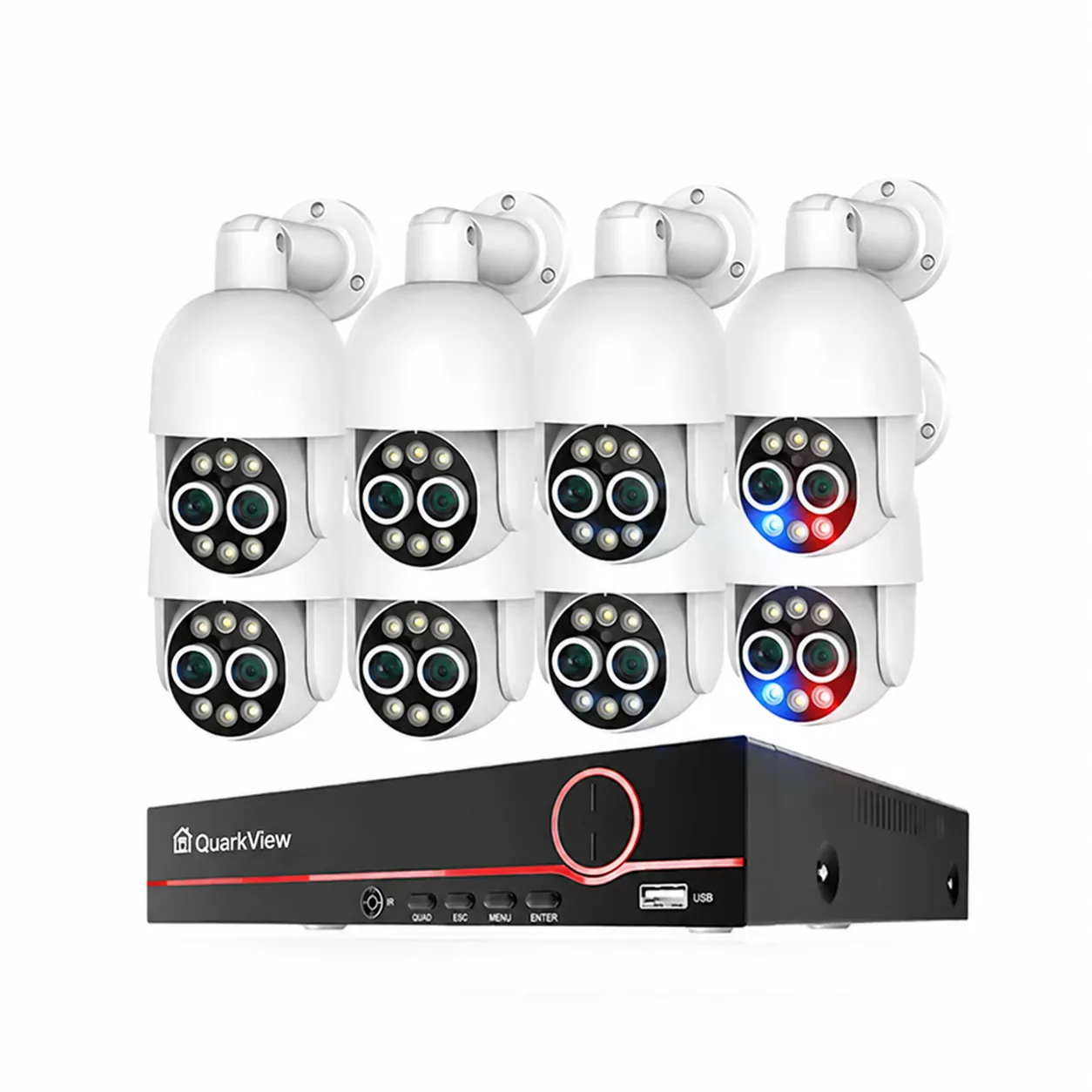
From $548
8 cameras
QuarkView · TA-6708KR-8-PT825D-80P-CP1
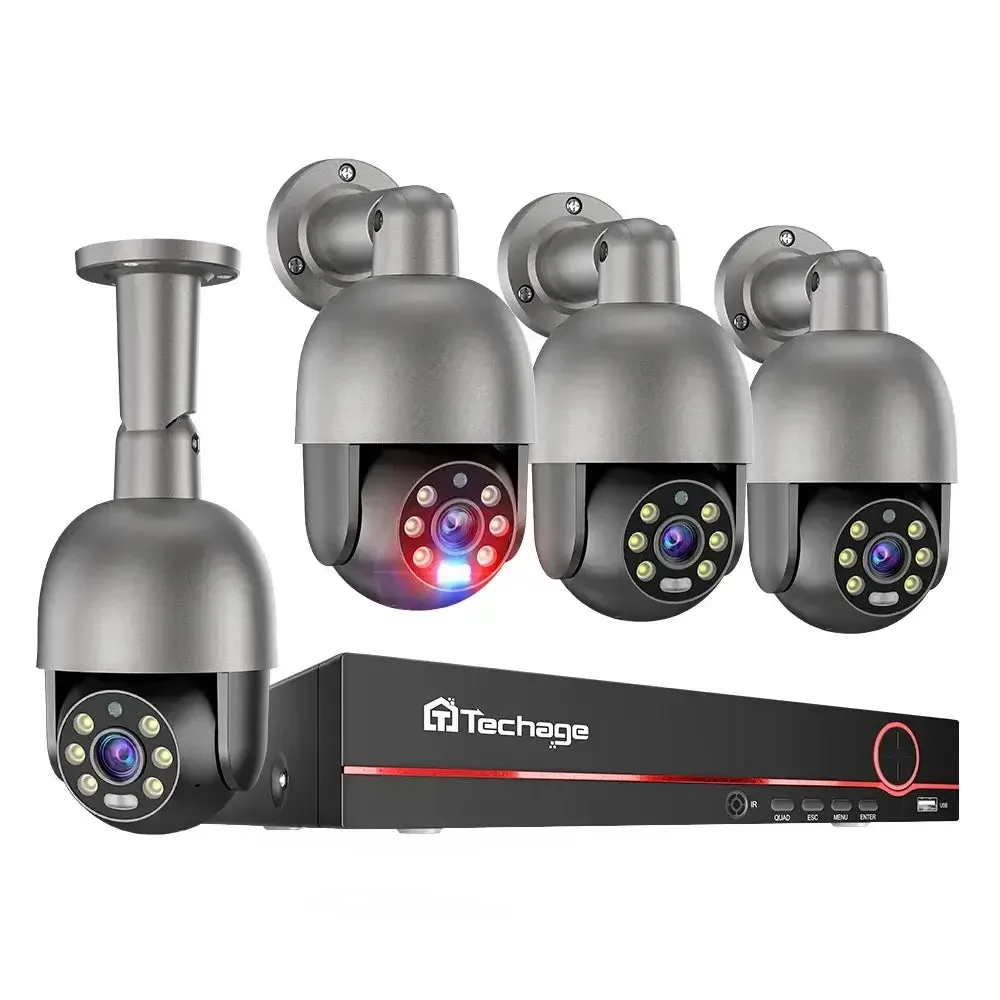
From $339
4 cameras
QuarkView · TA-6708KR-4-PT825G-80P
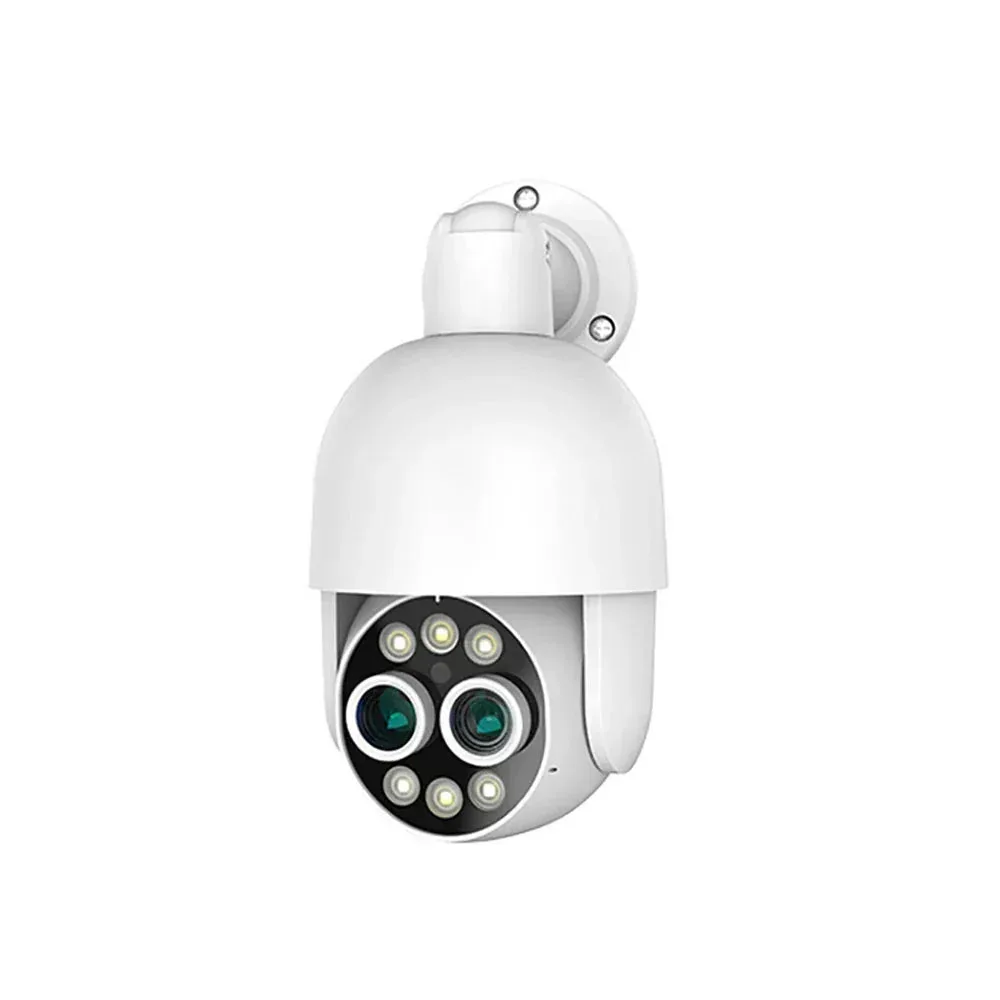
$999
QuarkView · XM-7932K-16-PT825D-80P-CP
$58.99
QuarkView · XM-PT825D-80P
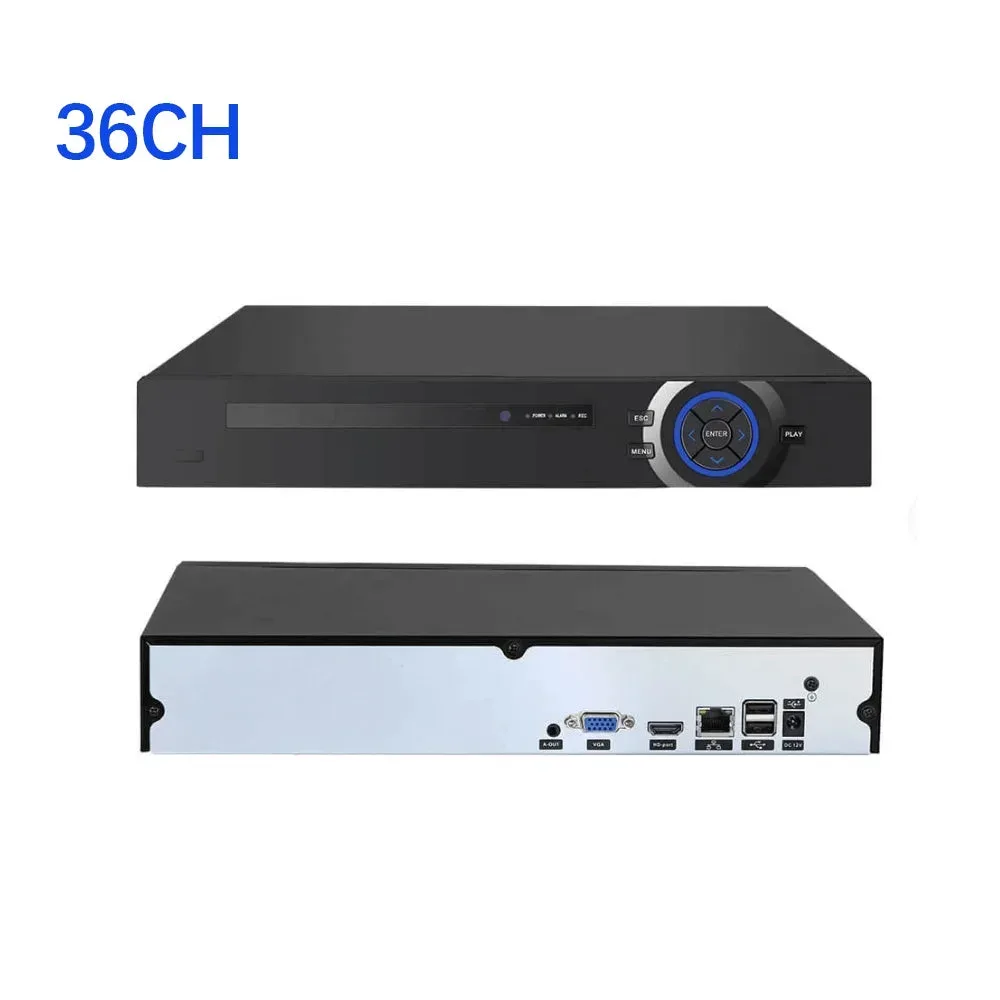
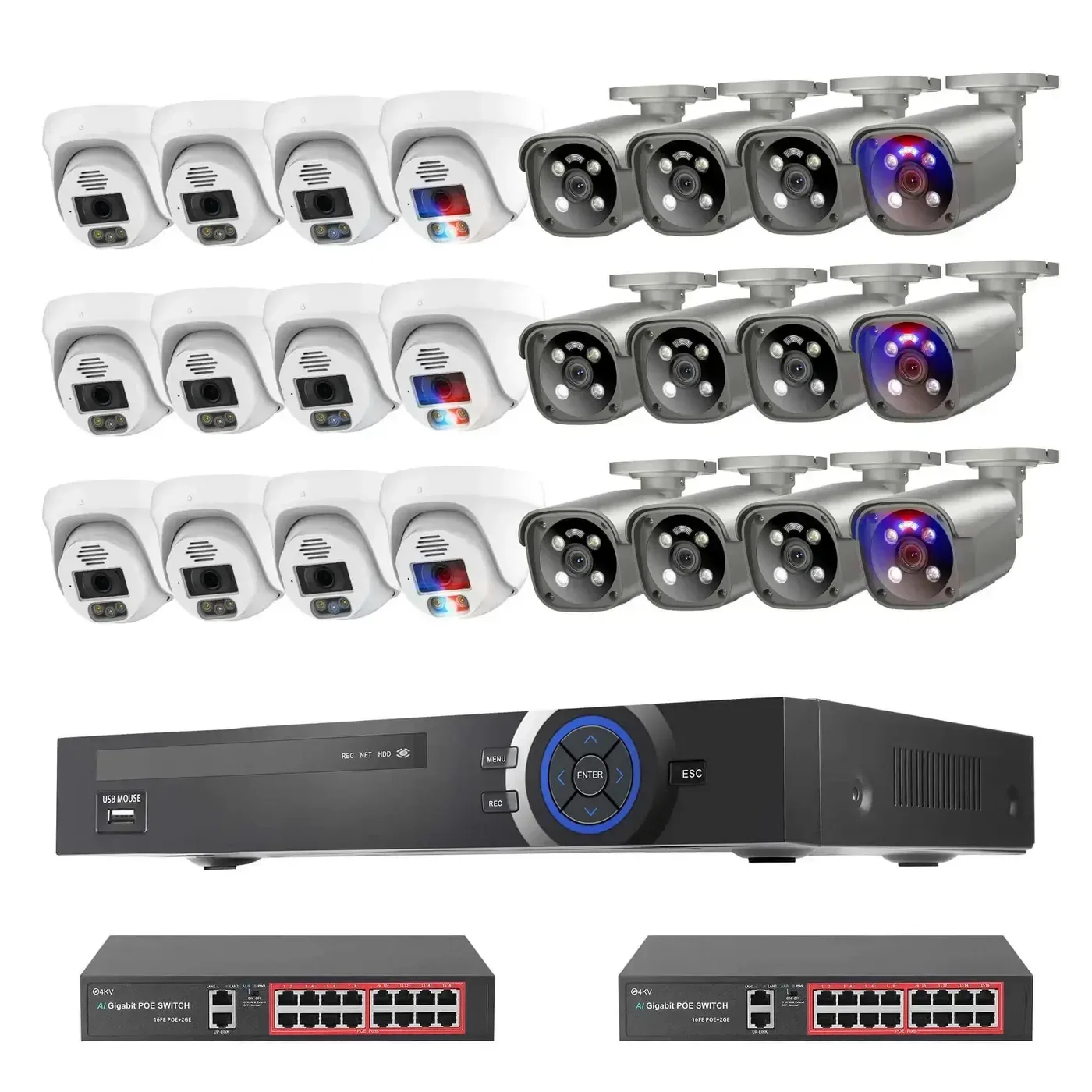
From $1,079
24 cameras
QuarkView · 7932K-2-PoE216-12-DM27SP-605GP-AI-80N-CP
Helpful before you choose
Common questions
No. PTZ is valuable for inspecting changing areas, but fixed cameras should keep continuous views of entrances, routes, and evidence points.
Start with doors, docks, aisles, inventory zones, gates, vehicle access, and blind corners. Then add PTZ or AI features where they improve the review workflow.
Count current views and planned additions, then compare NVR channels, incoming bandwidth, supported camera streams and HDD capacity. Recorder channel count is separate from physical PoE ports; include switches and uplinks for the actual wiring layout.
Send a marked layout with doors, docks, aisles, gates and yard views, plus target distances, mounting heights, night lighting, cable routes, existing equipment, recording days, destination and project timing.
Your next system starts here
Explore by setting