
Capture the moments that affect operations
Build around entrances, checkout areas, stockrooms, service counters, loading doors, and exterior approaches.
Small business security
Plan a small business security camera system around entrances, counters, stockrooms and deliveries. A wired PoE system with local NVR recording is a practical starting point for a permanent site; choose camera views, recording days and installation requirements before comparing kits.
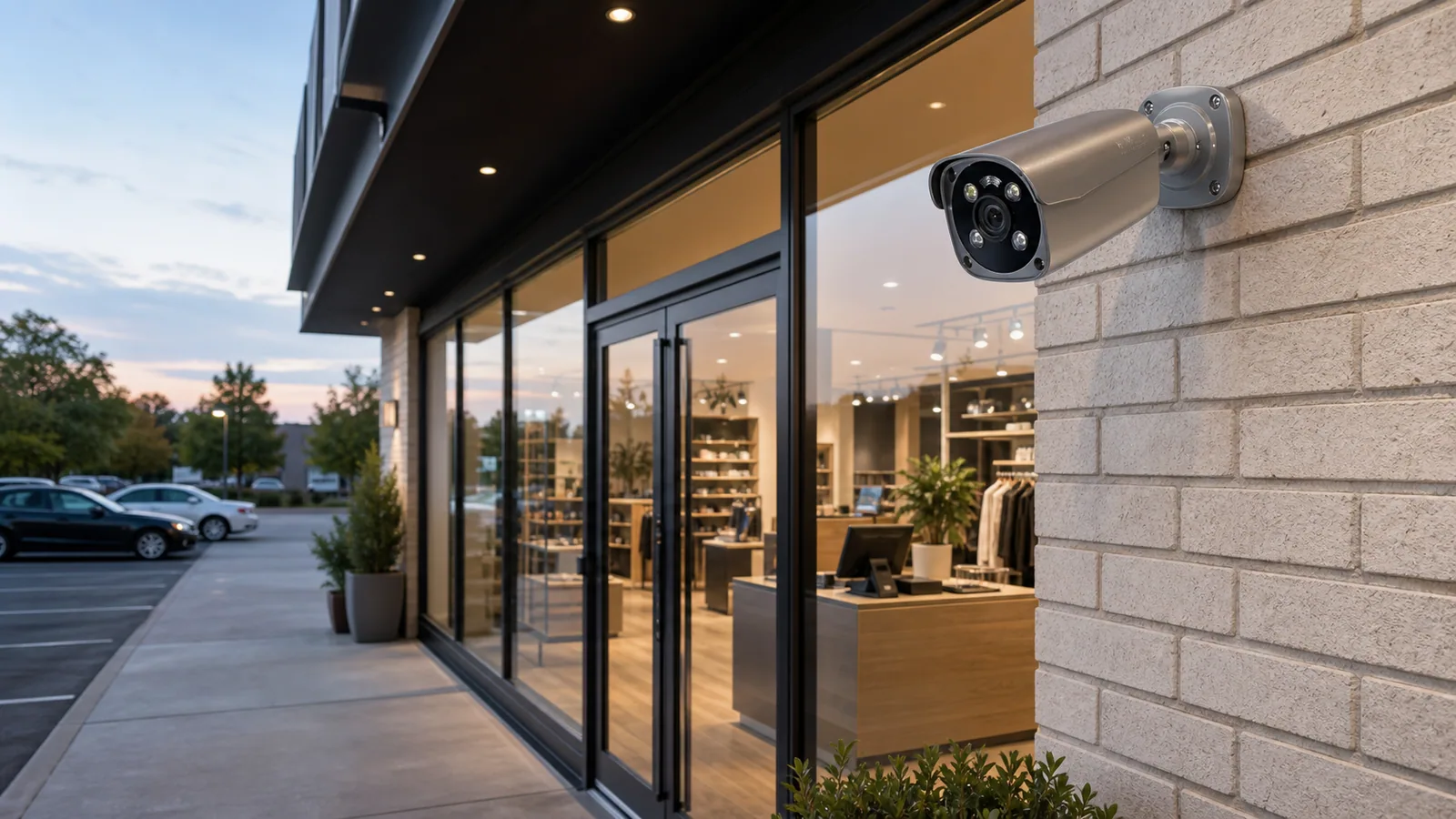
Plan around the real site
Build around entrances, checkout areas, stockrooms, service counters, loading doors, and exterior approaches.
Use person and vehicle alerts, defined activity zones, and local NVR recording to find the event without searching hours of video.
Include the cameras, NVR, HDD, PoE equipment, cable, mounts and installation work. Plan spare recorder channels and network capacity for an extra view or layout change; the kit price alone is not the installed project cost.
Answer only what you know. You can send your project at any time; unknown conditions become checks to resolve together.
These starting options use existing scene shortlists and listed resolution, recorder channels and package choices. Review coverage and compatibility for your project.
These choices and your project notes travel into the inquiry automatically. For an exact listed configuration, its link also selects the product and variant.
Planning example
Review entrances, transactions, customer routes and stock movement. This example assumes a small store with one entrance and one delivery point. Confirm layout, distances, lighting and privacy requirements before choosing models.
Check faces against doorway backlighting.
Check transaction detail; avoid private areas.
Overview of routes; shelves may block sightlines.
Frame the door and goods movement.
Verify addressing, total PoE power and link/recorder bandwidth. Local recording needs a working local network and power; remote access needs connectivity and model-specific setup. A PTZ can supplement inspection, but cannot keep every direction in view at once.
4 cameras × assumed 4 Mbps each × 24 hours/day × 14 days = 2.42 decimal TB of video payload. This bitrate is a planning input, not a specification of a listed model. Excludes audio, filesystem overhead, reserved space and growth. Confirm supported drive capacity and measure actual retention.
Change bitrate groups, hours or recording days in the storage calculatorUse this checklist to discuss your site requirements. Your quote should identify the models, firmware, package contents and functions you need.
Review the example camera count and recording settings, then include your site requirements in the inquiry form.
Build the right foundation
Start with the job the system needs to do, then compare the cameras, recording, and accessories that make it work.
Catalog starting points
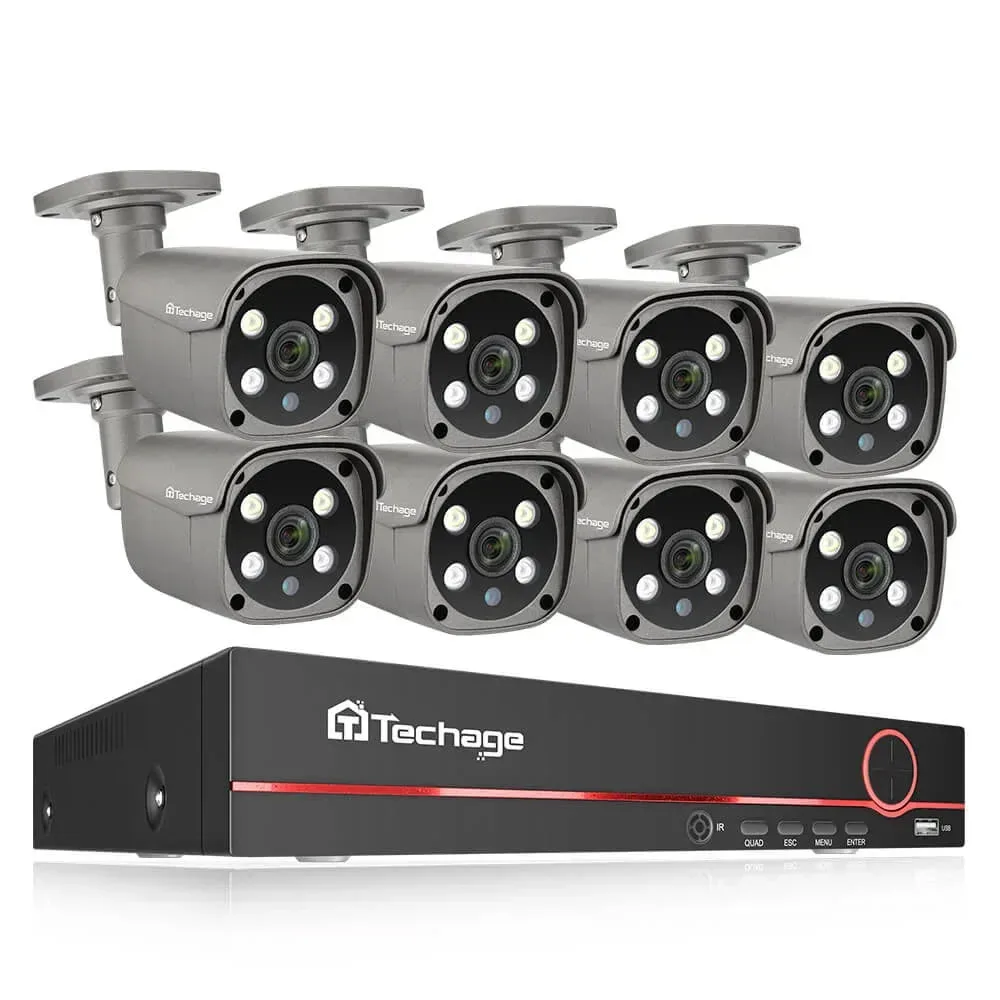
From $249
4 cameras
QuarkView · TA-6708KR-4-605GP-AI-50G
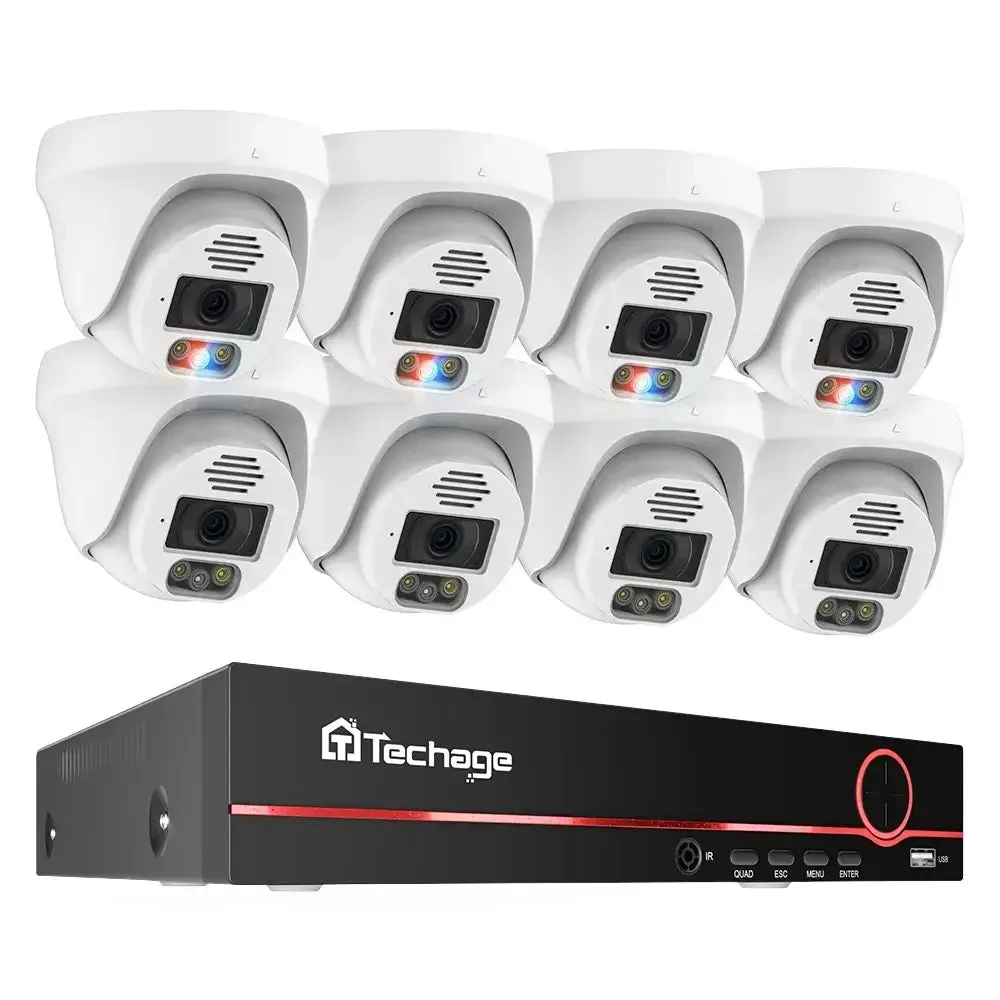
From $229
4 cameras
QuarkView · TA-6708KR-4-DM27SP-AI-50G-CP
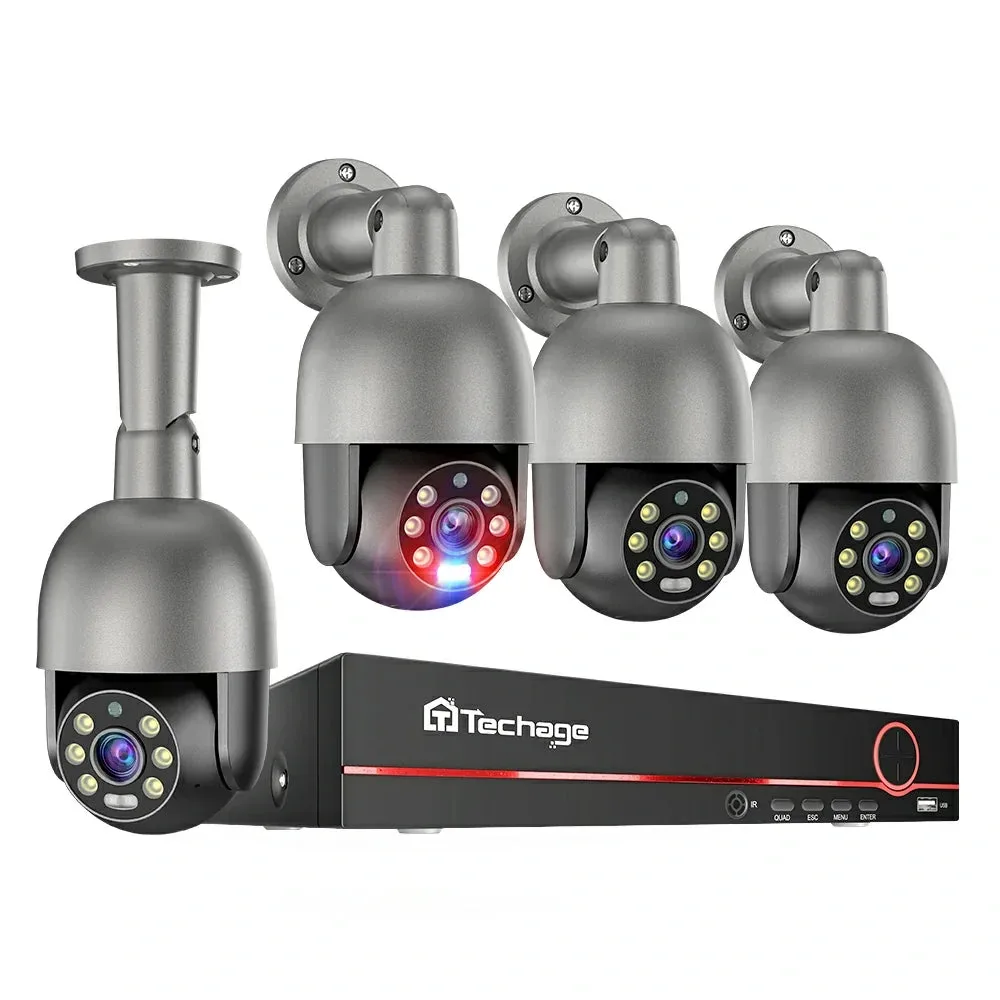
$199
QuarkView · TA-6708KR-4-PT825G-40P
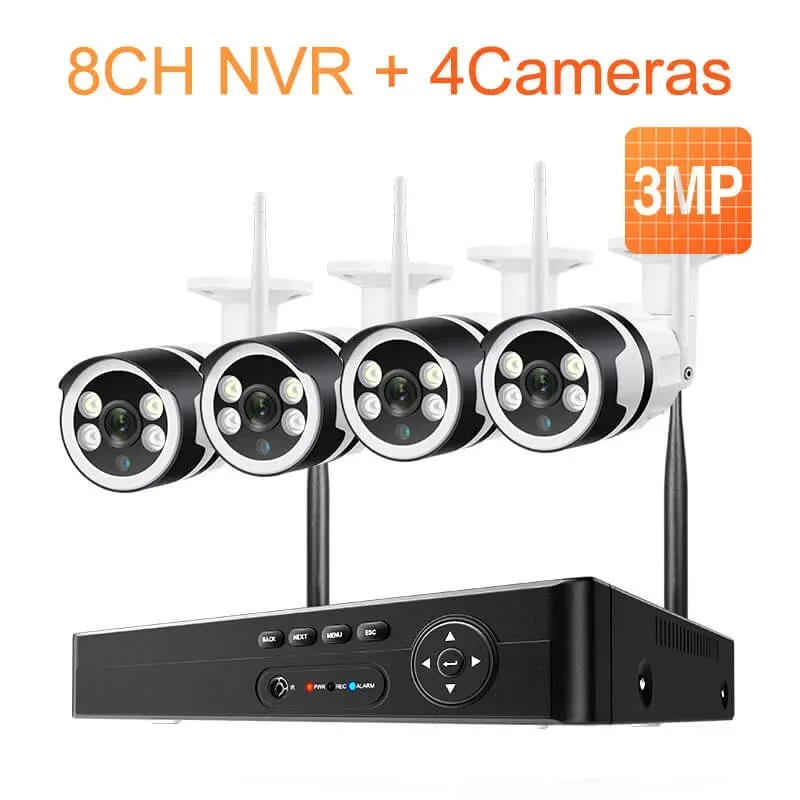
From $169.99
4 cameras
QuarkView · XM-6108BW-4-63-AI-30W
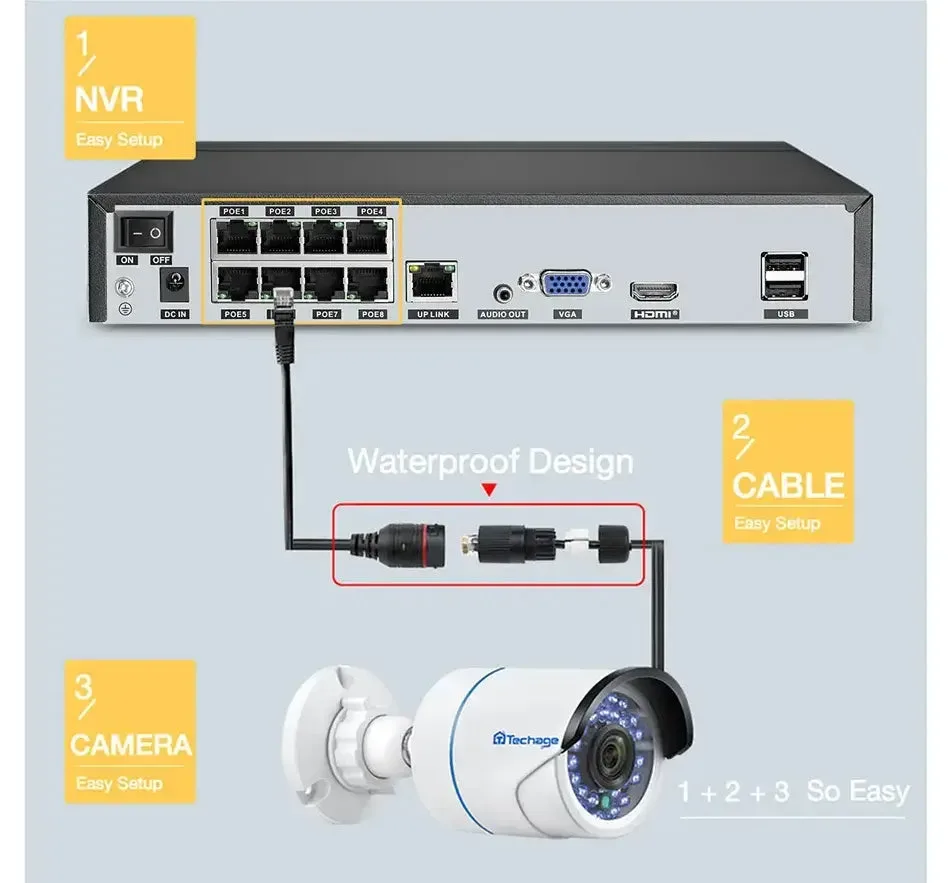
From $89
Recorder base configuration
QuarkView · TA-6708KR
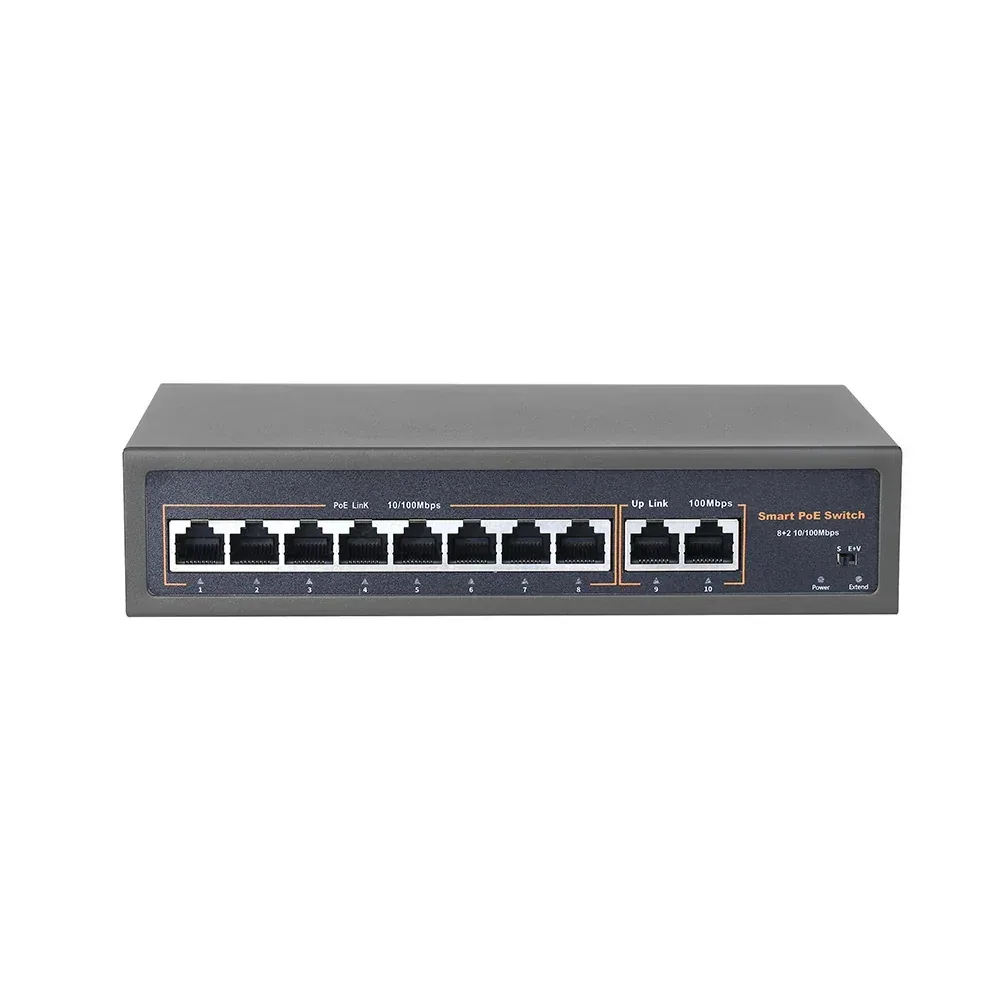
$49.99
QuarkView · YN-POE108
Helpful before you choose
Common questions
For permanent multi-camera coverage, PoE is usually the stronger foundation because each camera has a stable wired path for power and data. Wi-Fi can work for lighter or difficult-to-cable positions.
Most systems prioritize entrances, registers or counters, stock areas, delivery points, and after-hours exterior routes. The right detail depends on the scene and the review task.
Size storage from camera count, bitrate, recording hours per day and retention days, with headroom for variable scenes. Use the storage calculator for a planning estimate, then choose an HDD configuration supported by the recorder.
Send the site layout, areas and details to capture, lighting, cable routes, existing equipment, recording days, destination and installation timing. Separate complete kit quantities from extra cameras so the quote can include the right equipment and accessories.
Your next system starts here
Explore by setting