
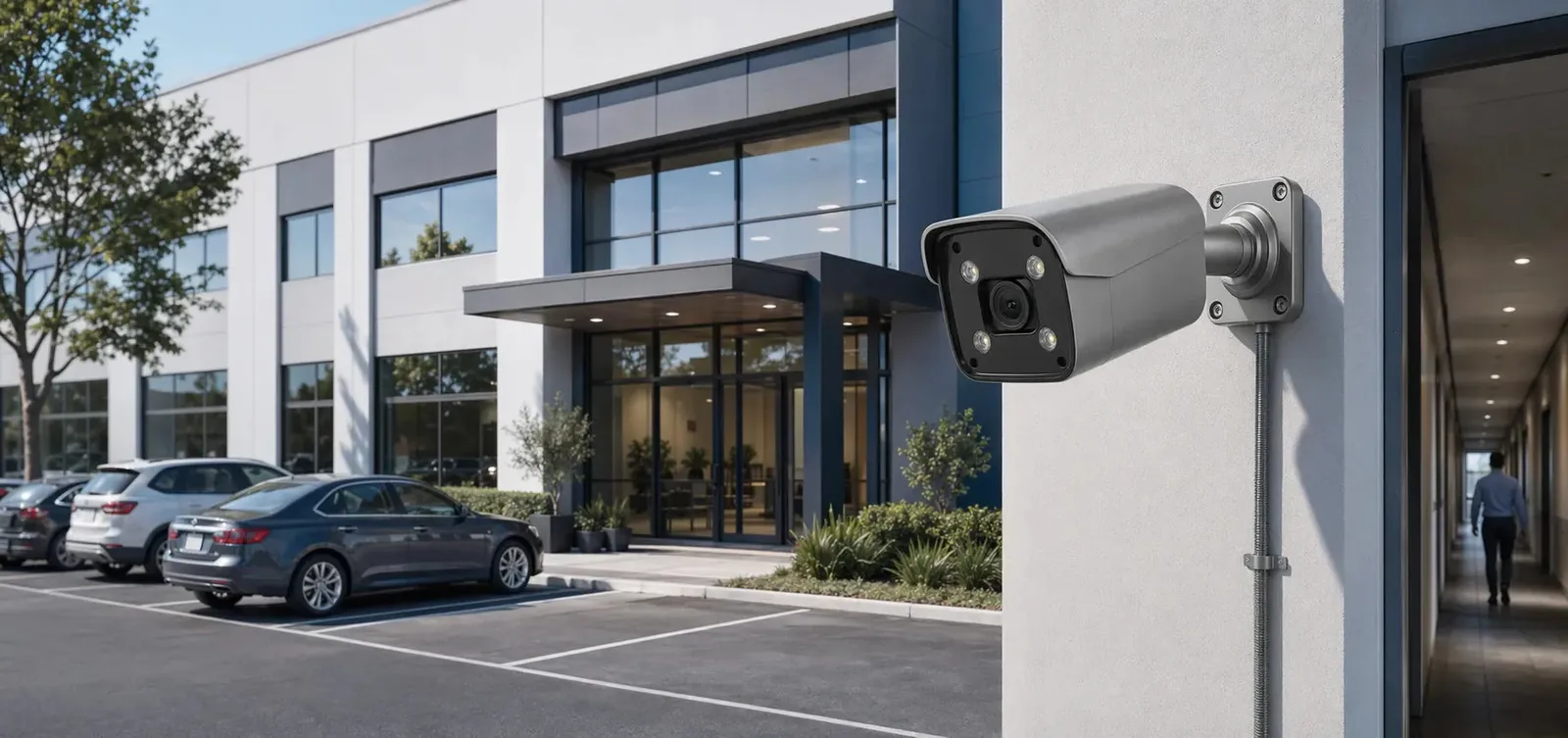
An IP camera buying guide should start with a plain rule: buy for the view, not the spec sheet. The right IP camera is the one that captures usable evidence in the exact location where it is installed. A camera at a front door has different requirements from a camera in a warehouse aisle, a parking lot, a shop counter, or a home backyard.
IP camera technology has become the main foundation of modern security surveillance. IP cameras connect to a network, encode video digitally, and send video streams to an NVR, local computer, mobile app, cloud platform, or video management system. Many models support PoE, which allows a PoE camera to receive power and data through one Ethernet cable. Others connect through Wi-Fi or use wireless bridges in special situations.
Home security camera buyers, small business owners, installers, and procurement teams all face the same problem. Camera specifications are easy to compare, but the footage only helps if the view, lighting, storage, and network design are right.
How it works
An IP camera is a network device with an image sensor, lens, processor, network interface, firmware, and video encoder. The camera captures light through the lens, converts it into a digital signal through the sensor, processes the image, compresses the video, and transmits it over a network. The receiving device may be an NVR security system, a browser, a mobile app, or video management software.
Resolution is one of the most visible specifications. Common IP camera resolutions include 2MP, 4MP, 5MP, and 8MP. Higher resolution provides more pixels, but it also increases storage and bandwidth requirements. A high-resolution outdoor security camera can capture more detail if the lens, lighting, focus, and bitrate are properly matched. If the camera is mounted too high or too far from the target, extra pixels may not deliver useful identification.
Lens selection is equally important. A fixed wide-angle lens provides broad coverage but spreads pixels across a large scene. A varifocal lens lets the installer adjust the field of view for a narrower or wider view. Motorized varifocal lenses are convenient for setup because focus and zoom can often be adjusted from the recorder interface. For entrances, cash registers, and gates, a narrower field of view may capture better face or object detail.
Power and connectivity shape installation. A PoE security camera system is often preferred for permanent wired installations because Ethernet handles both power and data. Wi-Fi IP cameras may work well for lightweight home security, but they require stable signal and power at the camera location. Battery cameras are convenient where wiring is difficult, but they usually compromise on continuous recording, response time, or video quality to save power.
Software features matter too. Modern IP cameras may include motion detection, human detection, vehicle detection, line crossing, intrusion zones, audio, two-way talk, privacy masks, edge storage, and AI surveillance functions. Buyers should distinguish between basic pixel motion and object classification. Basic motion detects changes in the image, while AI detection attempts to classify people, vehicles, or other objects.
Features to compare
Pixels on target matter more than the headline resolution. A camera's resolution only becomes useful when enough pixels cover the person, object, license plate, or activity that the buyer wants to review. A wide 8MP overview may be good for general context but still weak for reading a distant plate. For identity-focused views, camera placement and lens angle are critical.
Dynamic range matters in awkward light. Doorways, windows, garages, and parking lots often have strong contrast between bright and dark areas. Wide dynamic range helps the camera handle backlight so faces are not completely dark when a bright background is present. Buyers should ask how the camera performs in the actual lighting conditions of the site.
Low-light performance is a separate buying decision. A night vision camera may use infrared LEDs, white light, larger sensors, wider apertures, or full color night vision technology. Infrared can capture black-and-white images in darkness, while full color night vision requires enough visible light or uses supplemental white light. The right choice depends on whether color detail is needed and whether visible light is acceptable.
Compression affects both cost and playback. H.264 and H.265 are common video codecs. H.265 can reduce bitrate for similar quality in many scenes, but performance depends on the camera implementation, NVR compatibility, and scene complexity. Efficient compression helps storage, especially in multi-camera systems.
Match camera and recorder functions with a separate test for each requirement. ONVIF support can help an IP camera connect to third-party NVRs and software. Buyers should verify not only live video but also motion events, audio, PTZ control, AI alarms, and firmware management. Basic compatibility is not the same as full feature compatibility.
Match equipment to the site requirements
Begin with the surveillance goal. Is the camera for deterrence, activity overview, face capture, license plate capture, package monitoring, safety review, or after-incident evidence? A single camera rarely does everything. For example, a wide-angle front yard camera provides context, while a separate door camera captures face detail.
Then assess the environment. Outdoor cameras need weather protection, suitable temperature range, corrosion-resistant mounting where relevant, and protection from direct water paths. Indoor cameras may need a more discreet dome design, audio policy review, or privacy masking depending on the location. A business surveillance system should avoid placing cameras where privacy expectations are high unless legally reviewed.
Choose between wired and wireless connectivity. A wired security camera using PoE is usually preferred for critical cameras because it provides stable bandwidth and centralized power. Wireless cameras may be acceptable in locations where running cable is impractical, but buyers should test signal strength at the final mounting position, not just near the router.
Storage planning should be realistic. Higher resolution, higher frame rate, continuous recording, and busy scenes all increase storage needs. For home security, motion recording may be sufficient. For business surveillance, continuous recording is often preferred for entrances, cash areas, and critical zones because motion detection may miss events or start late.
Cybersecurity needs its own line in the checklist. Look for unique credentials, firmware update processes, role-based users, network configuration options, and secure remote access. Change default passwords, disable unused services, and segment cameras from general business devices where possible.
Support and documentation also matter. A technically good camera can become frustrating if setup tools, firmware, user manuals, mounting templates, and compatibility information are poor. Buyers should consider the full ownership experience, not only the device specification sheet.
Common Applications
For home security camera use, IP cameras are commonly installed at front doors, garages, driveways, yards, side gates, and interior common areas. PoE camera models are well suited for homeowners who want continuous recording to an NVR without relying on cloud subscription storage.
For small business security, IP cameras monitor entrances, checkout counters, office corridors, storage rooms, loading doors, parking spaces, and customer areas. In these projects, the buyer often needs user permissions, playback export, date and time search, and reliable retention.
In warehouses and industrial spaces, IP camera systems support wide-area monitoring, forklift route review, dock activity, perimeter coverage, and safety incident investigation. Higher mounting heights may require varifocal or PTZ camera models to capture useful detail.
Schools, clinics, and offices may use IP cameras for controlled access areas, hallways, reception desks, and exterior entrances. These environments require careful privacy policies and role-based access to video.
Common Problems
One common mistake is buying only by megapixel rating. A 5MP camera with the right lens and lighting can outperform an 8MP camera installed at the wrong angle. Detail depends on the entire optical and installation chain.
Another issue is weak night performance. Buyers may assume every outdoor security camera can see well in total darkness. In reality, IR distance ratings are often idealized, and reflective surfaces, insects, rain, fog, and backlight can reduce quality.
Network problems are also common. IP cameras are network devices, so cable quality, switch capacity, router configuration, IP address management, and firmware all affect performance. A camera that drops offline is not always defective; the network may be unstable.
False alerts can frustrate users. Basic motion detection may trigger on rain, shadows, headlights, plants, or insects. AI surveillance can reduce some false alarms but must be configured carefully with zones, sensitivity, target size, and scene-specific rules.
Remote access can also be configured insecurely. Direct port forwarding to cameras or recorders should be avoided unless the buyer understands the risk and uses appropriate controls. Secure cloud relay, VPN, or professionally managed access is often safer.
FAQ
What resolution should I choose for an IP camera?
For many homes and small businesses, 4MP or 5MP is a practical balance. 8MP can provide more detail, but it requires better lighting, more storage, and more bandwidth.
Is PoE better than Wi-Fi for IP cameras?
For permanent security coverage, PoE is usually more reliable. Wi-Fi is useful where cable is difficult, but it is more sensitive to distance, walls, interference, and network congestion.
Do I need an NVR for IP cameras?
Not always. Some cameras support microSD cards, cloud recording, or software recording. However, an NVR security system is often the most practical way to manage multiple cameras and long-term playback.
What is ONVIF?
ONVIF is an industry framework that helps IP cameras, NVRs, and software work together. It improves interoperability but does not guarantee that every advanced function will work across brands.
Are AI surveillance features worth it?
They can be useful when properly configured. Human and vehicle detection can reduce false alerts, but buyers should still plan camera angles and lighting carefully.
How QuarkView Can Help
A stronger buying shortlist usually comes from reading this guide together with PoE system overview, 4MP, 5MP, and 8MP camera comparison, night vision camera guide, and bullet vs dome camera guide because camera type, resolution, night performance, and mounting style all affect the final result.
For equipment research, QuarkView groups common options into single PoE cameras, AI camera systems, PoE camera systems, and camera accessories so buyers can compare camera-only upgrades, full systems, and intelligent detection features without mixing unrelated products.
QuarkView note: QuarkView's product selection is built around matching camera type, lens, resolution, night performance, and recorder capacity to the actual scene, not only to headline specs.
Summary
An IP camera buying guide should focus on real surveillance outcomes: what must be seen, at what distance, under what lighting, and for how long video must be stored. Important buying factors include resolution, lens, PoE or wireless connectivity, night vision, dynamic range, compression, storage, cybersecurity, and NVR compatibility. A well-chosen IP camera supports reliable home security camera coverage and scalable business surveillance system design without unnecessary complexity.
Reference Sources
- ONVIF Profiles for interoperability concepts.
- NIST IR 8259A for IoT device cybersecurity capabilities.
- CISA IoT Security for securing connected devices.
- ITU-T H.264 and ITU-T H.265 for video compression standards.
- FTC guidance on connected device security for consumer network security practices.