
Category
Accessories
Power, mounting, cabling, and add-on parts for security camera deployments.
Available products
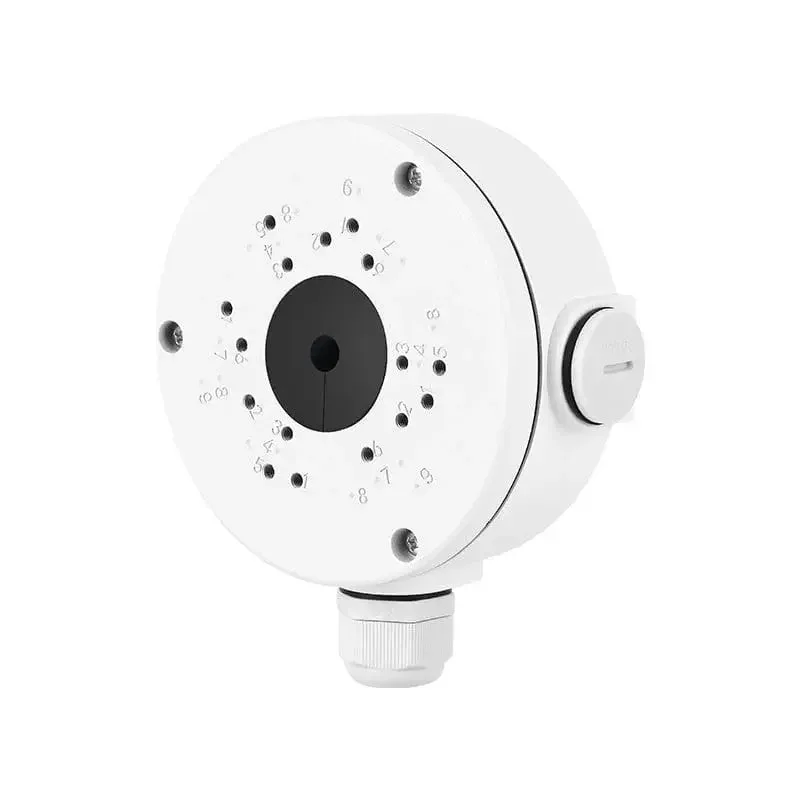
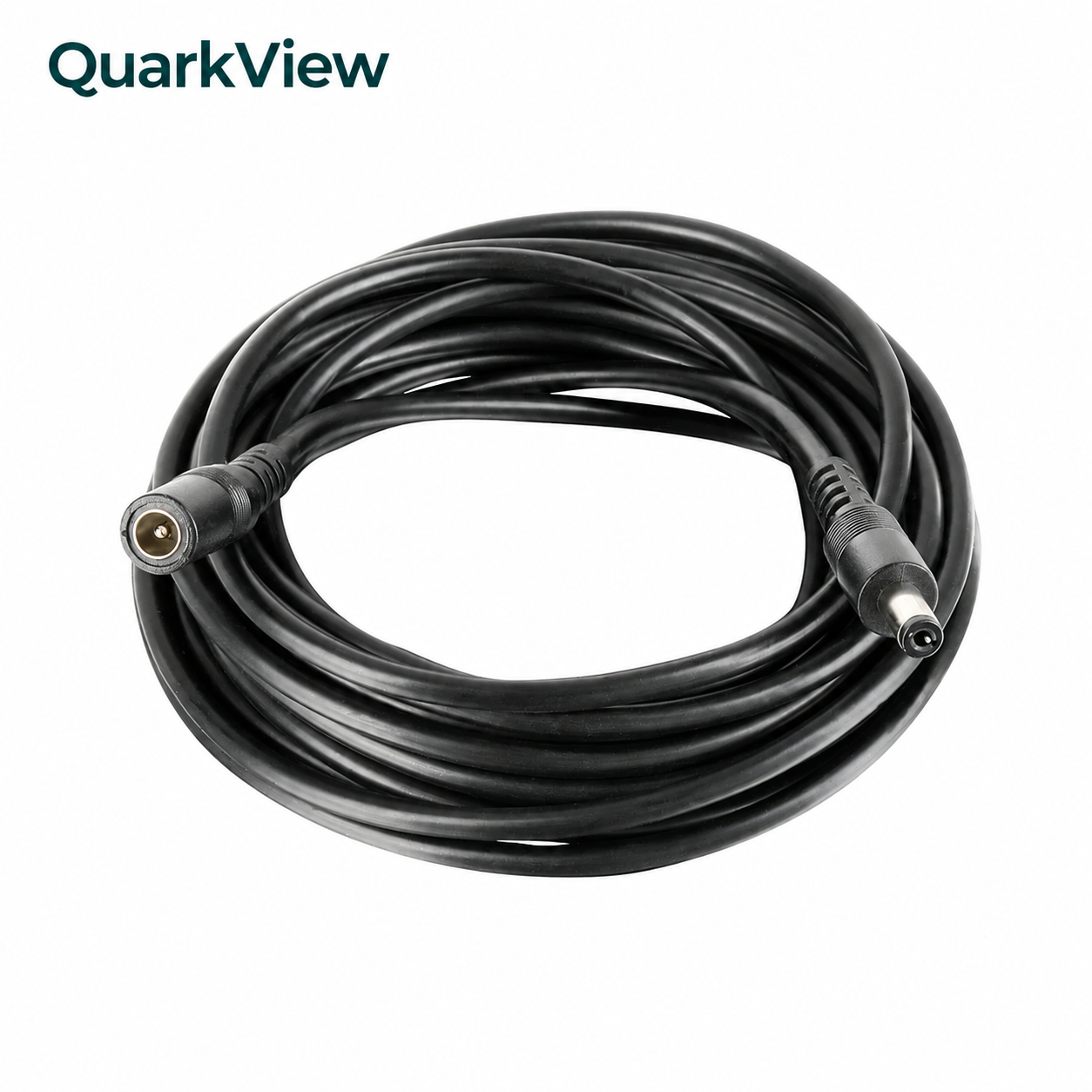
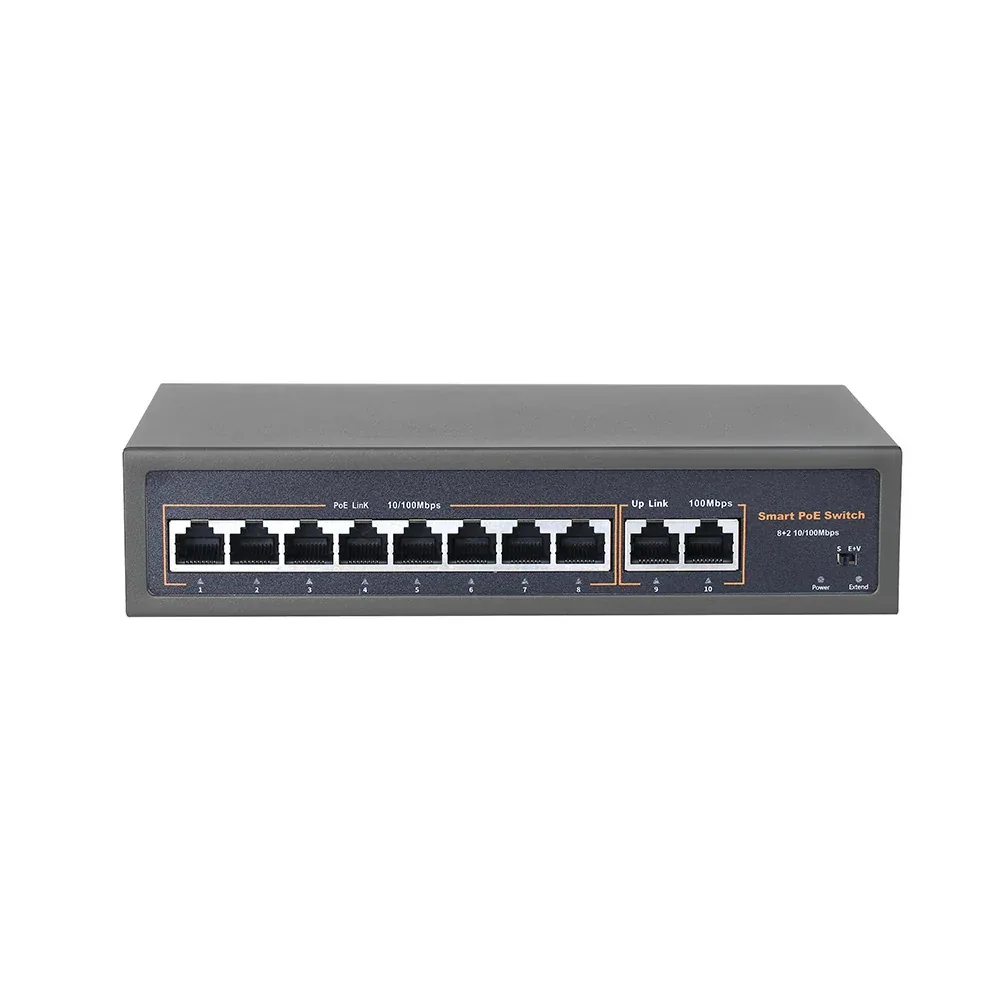
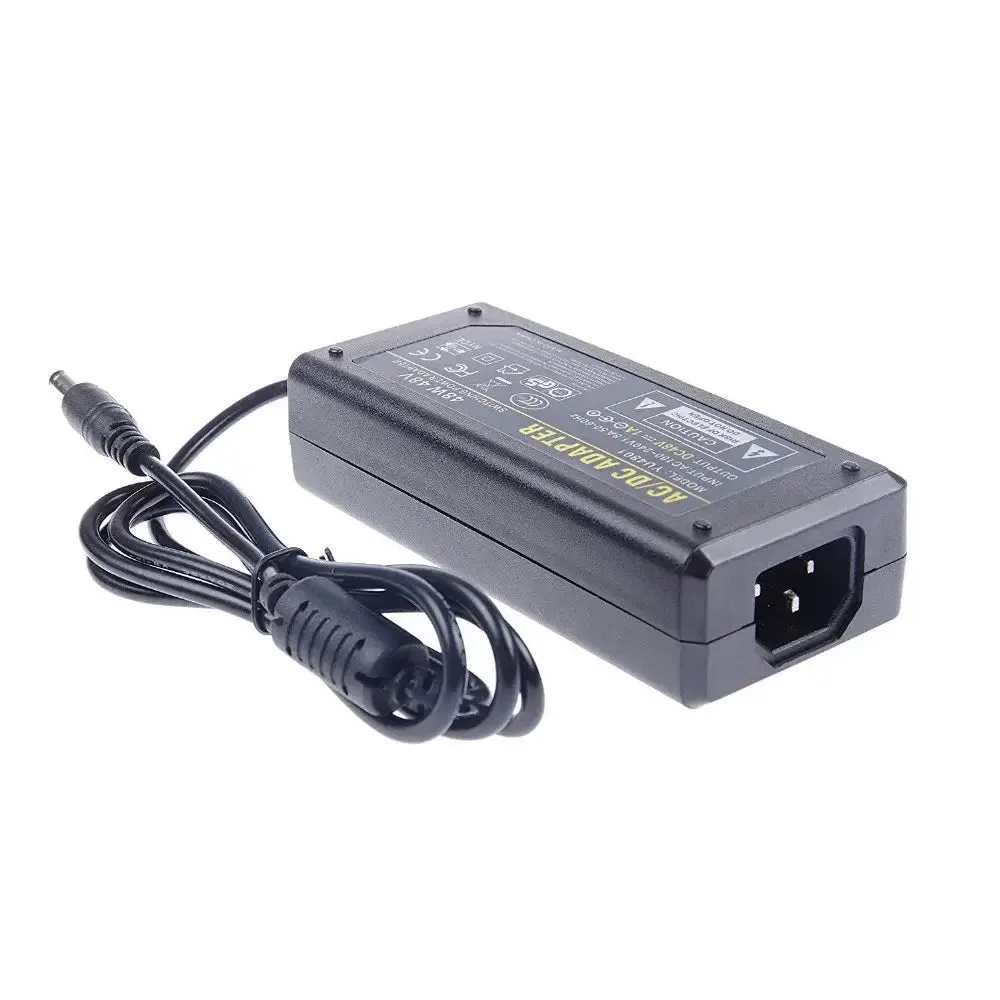
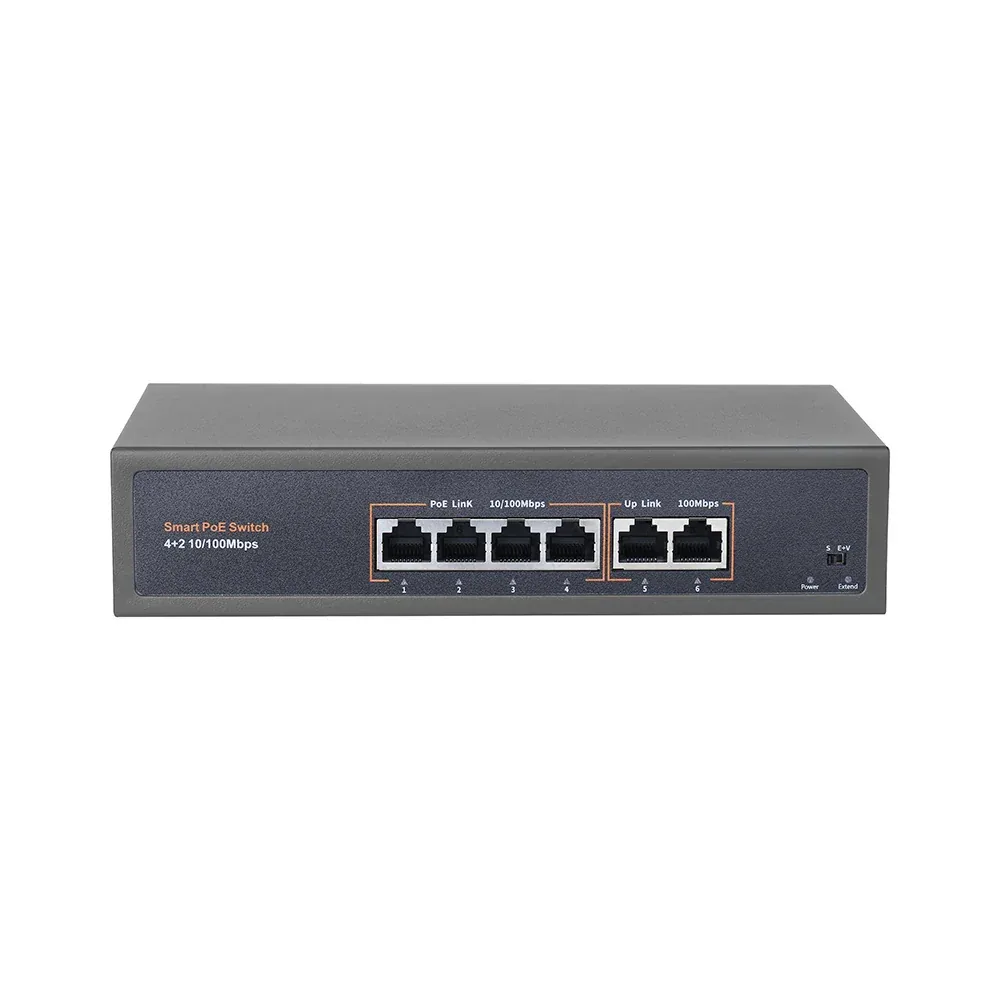
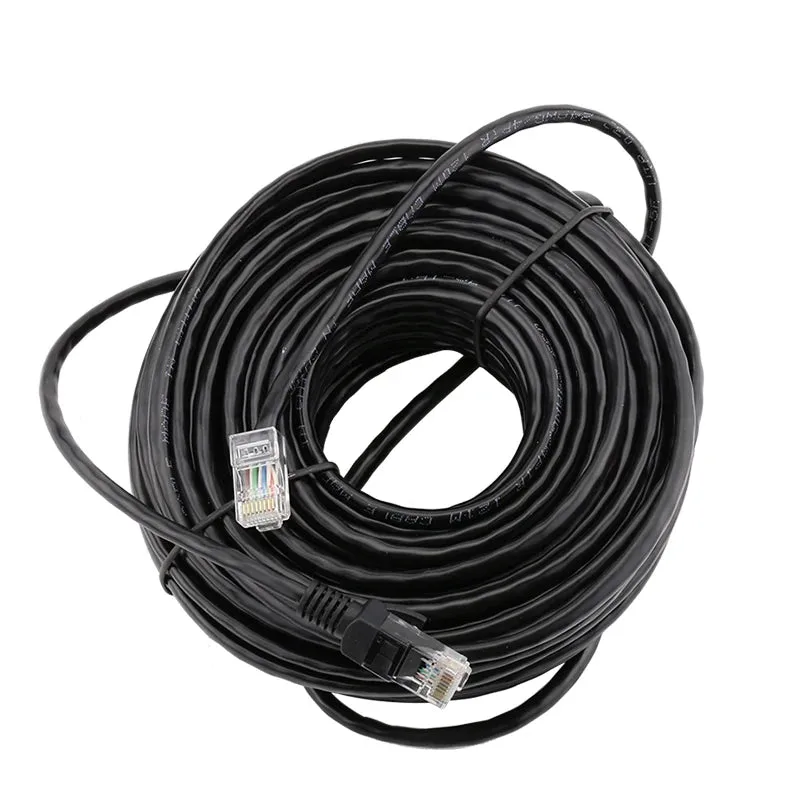
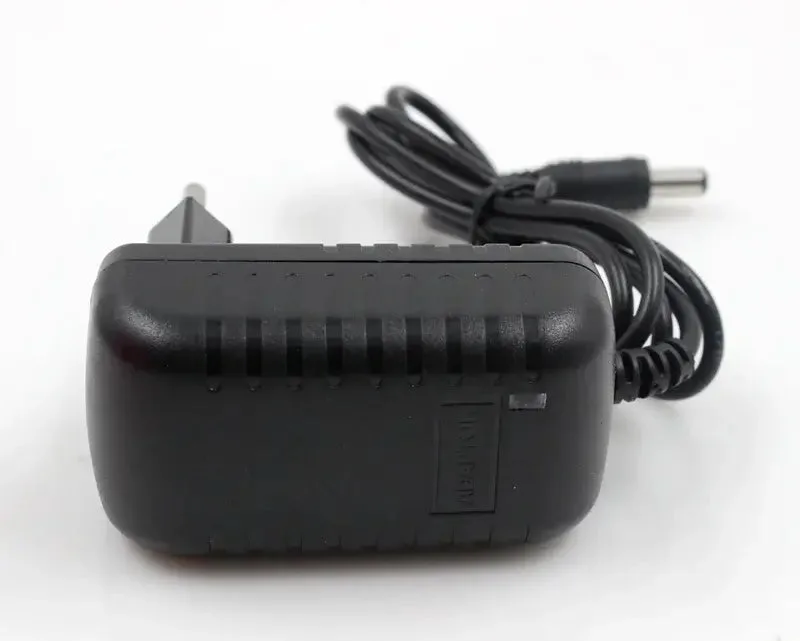
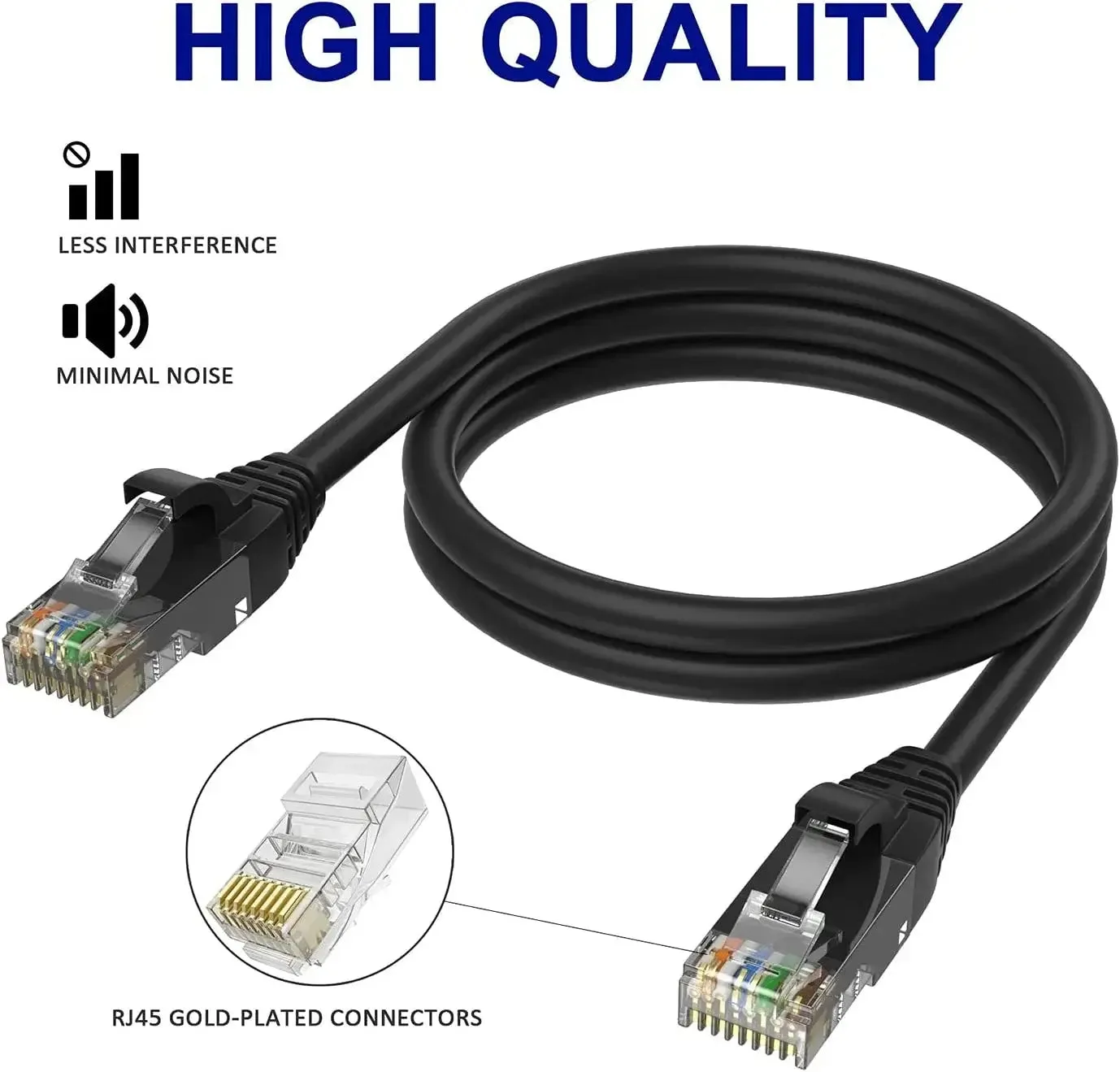
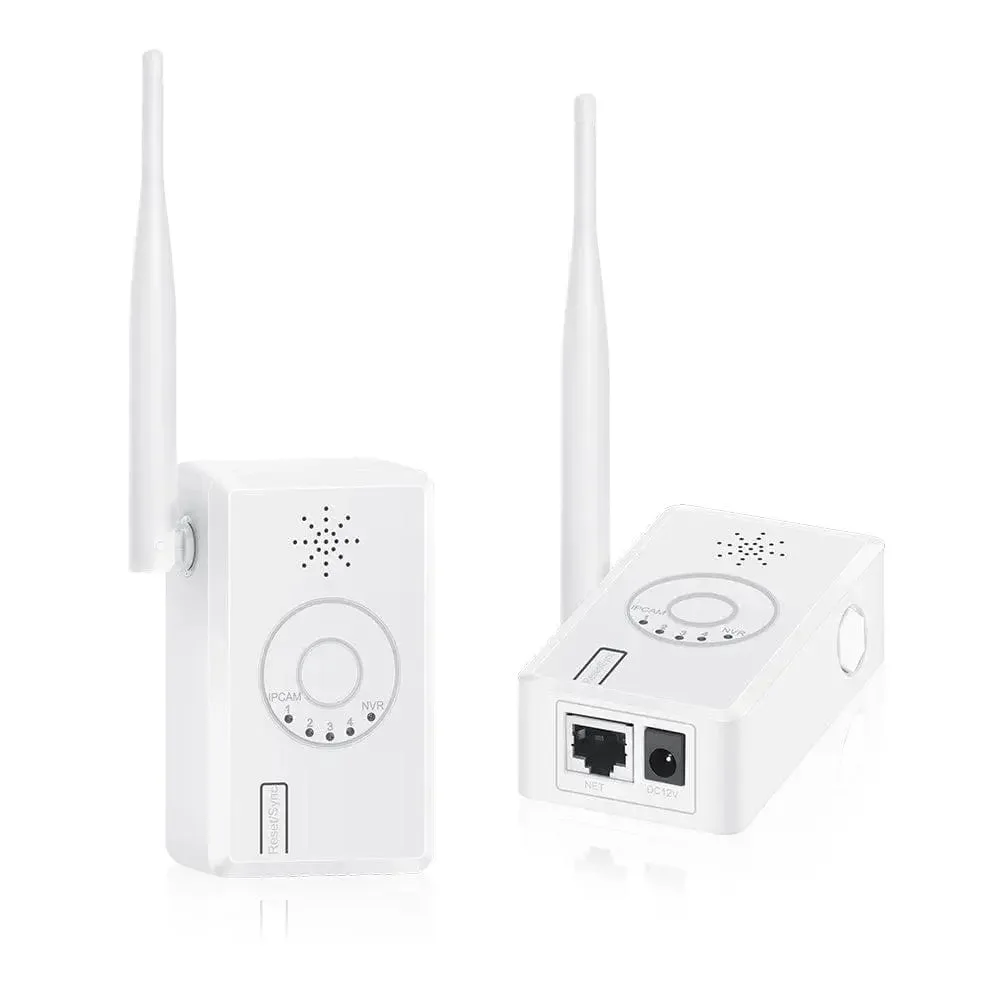
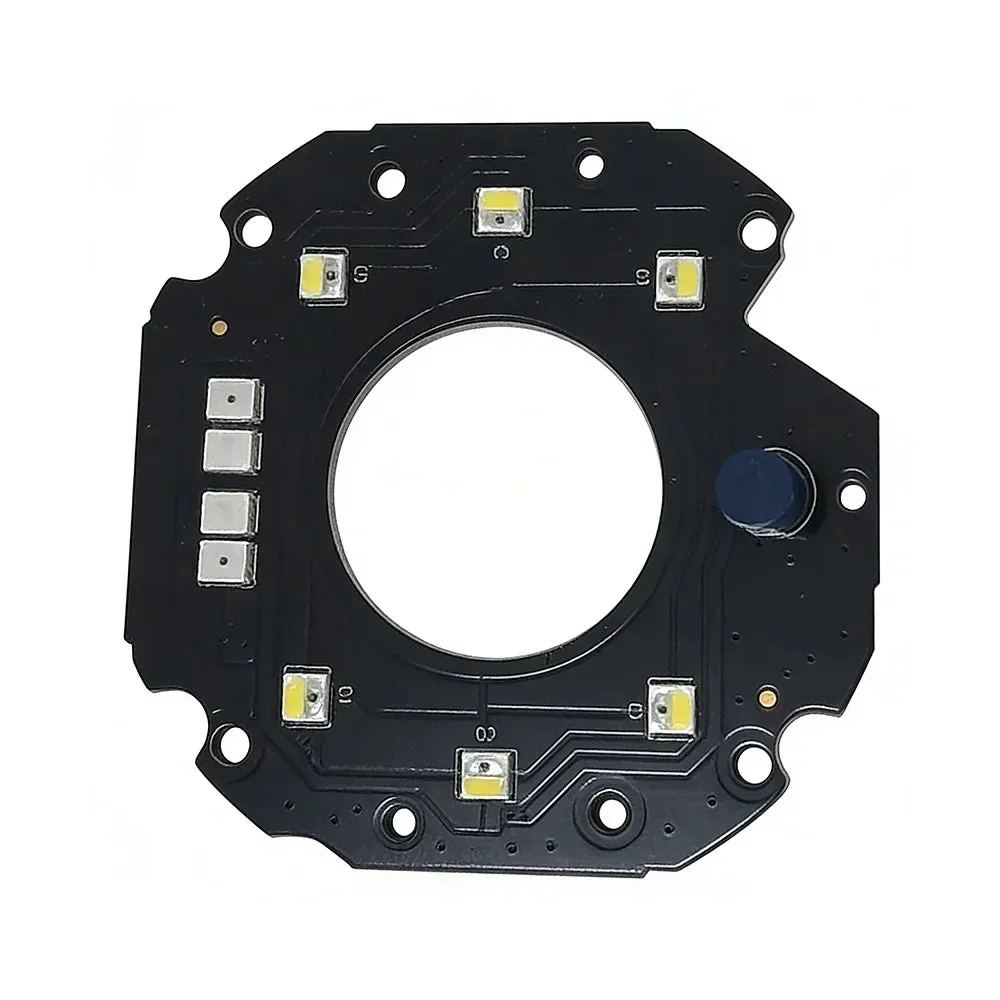
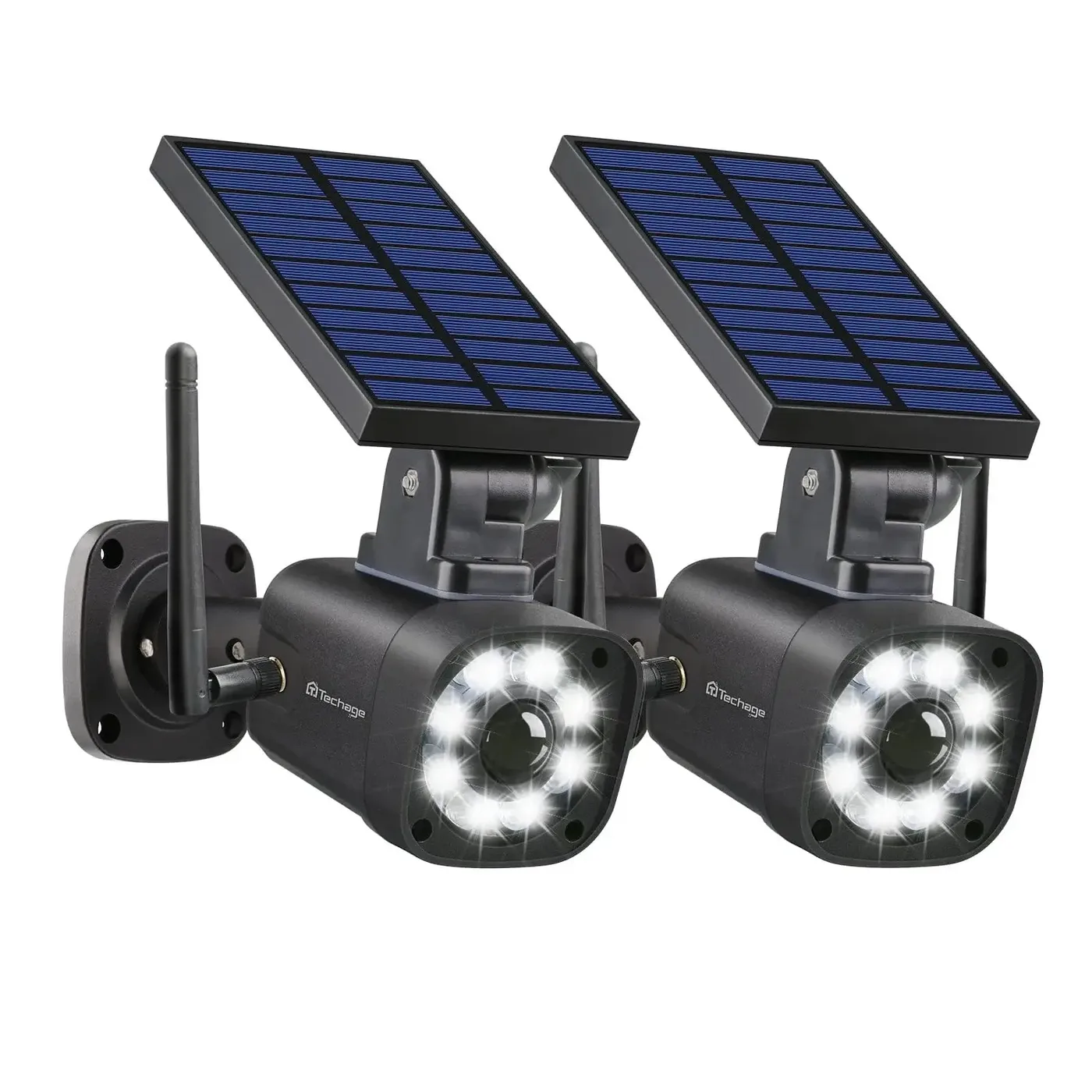
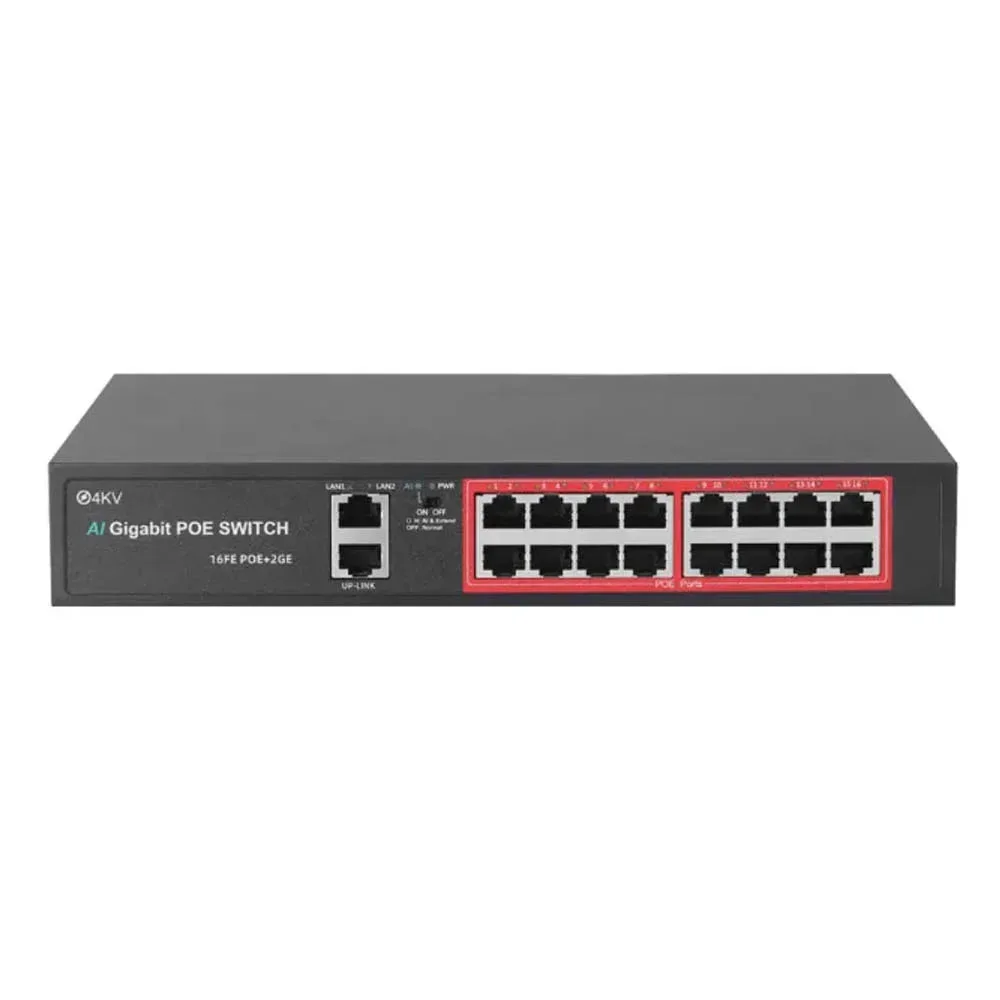
No matching products. Clear filters or try a broader search.
Compare selected products
Select up to three products of the same type to compare configurations. Choose your camera quantity and HDD capacity, then include your selected package in the quote.
Choose with confidence
Compare the features that change the result.
Accessories should be confirmed against the exact camera, recorder, power, mount, and cable plan. This is especially important for replacement parts and installer kits.
The right security camera accessories keep an installation reliable and serviceable. Mounts, junction boxes, Ethernet cable, PoE switches, power supplies, and replacement parts should match the camera, recorder, environment, and cable plan rather than be treated as interchangeable extras.
For new installations, confirm the power budget, weather protection, mounting surface, cable distance, and exact SKU. For replacements, start with the existing model and connector details so the new part does not create a compatibility problem.
What to compare
- Current model or SKU
- Power and mounting compatibility
- Replacement or expansion quantity
Related buyer guides
Buyer questions
Finish the installation with parts that match the system.
Do I need a junction box for an outdoor camera?
A compatible junction box can protect connections and make servicing cleaner. The right choice depends on the camera body, cable entry, wall or pole mount, and weather exposure.
How do I choose a PoE switch for cameras?
Check port count, total PoE power budget, uplink needs, cable distance, and the peak power draw of cameras with IR, lights, heaters, speakers, or PTZ motors.
Can I order a replacement accessory without the camera model?
It is better to confirm the current SKU, connector, mount pattern, and power requirement first. Small compatibility differences can affect fit and operation.