
QuarkView knowledge base
Security camera answers, without the guesswork.
Compare camera types, recording, installation, storage, and maintenance, then explore the systems that fit.
Planning guide
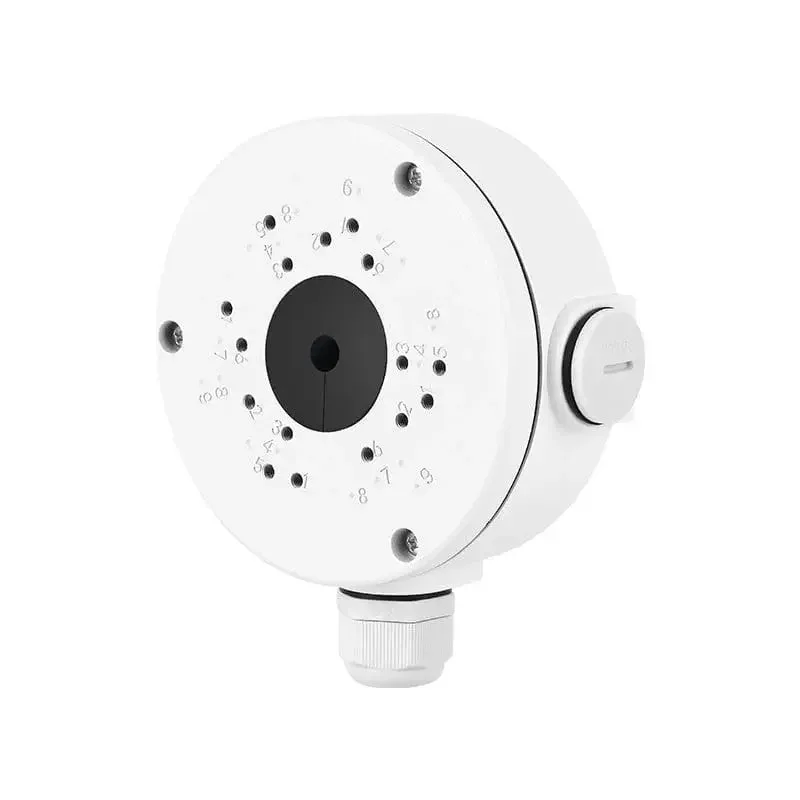
Security Camera Junction Boxes: Fit, Cable Space and Outdoor Installation
Choose a camera junction box by mounting fit, connector space, sealed cable entries and wall support, then verify the installation.
Read guide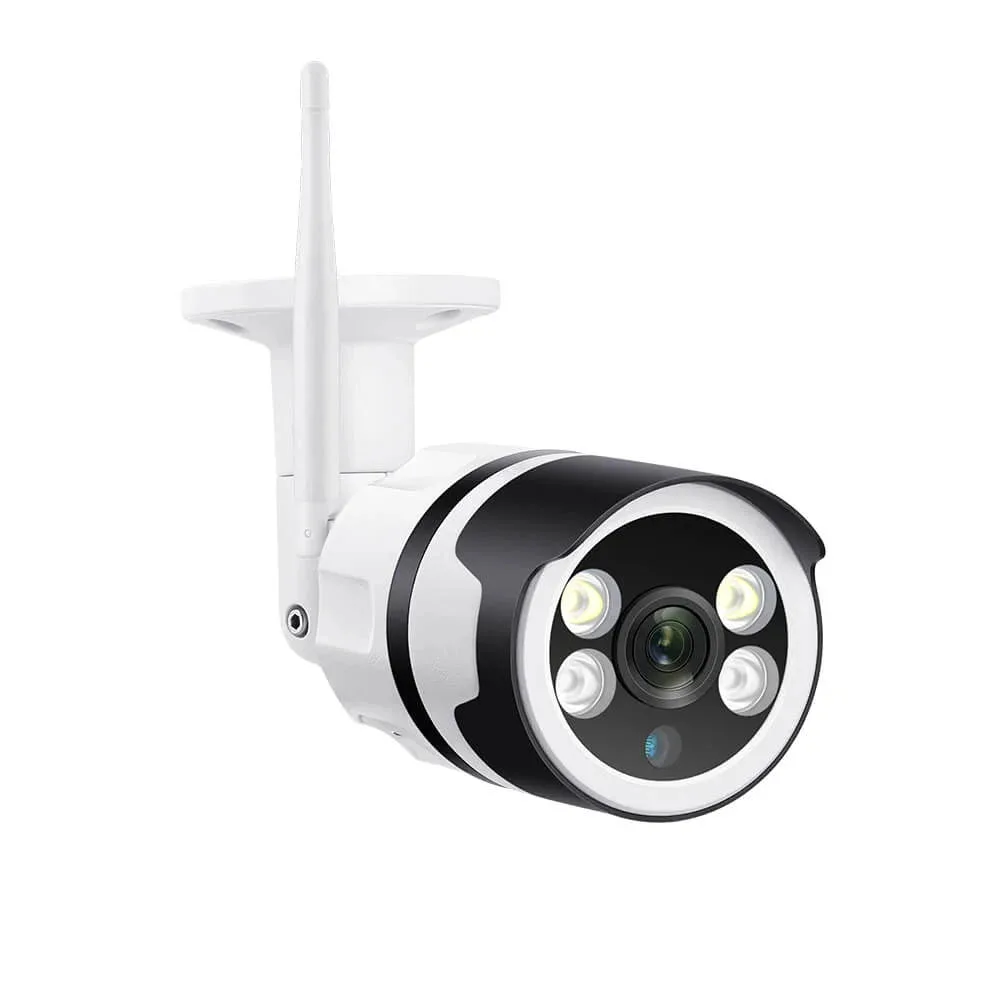
Planning guide
SD Cards for Security Cameras: Endurance, Capacity and Compatibility
Choose a compatible camera SD card, estimate recording time, troubleshoot card errors and verify playback and exported footage.
Read guide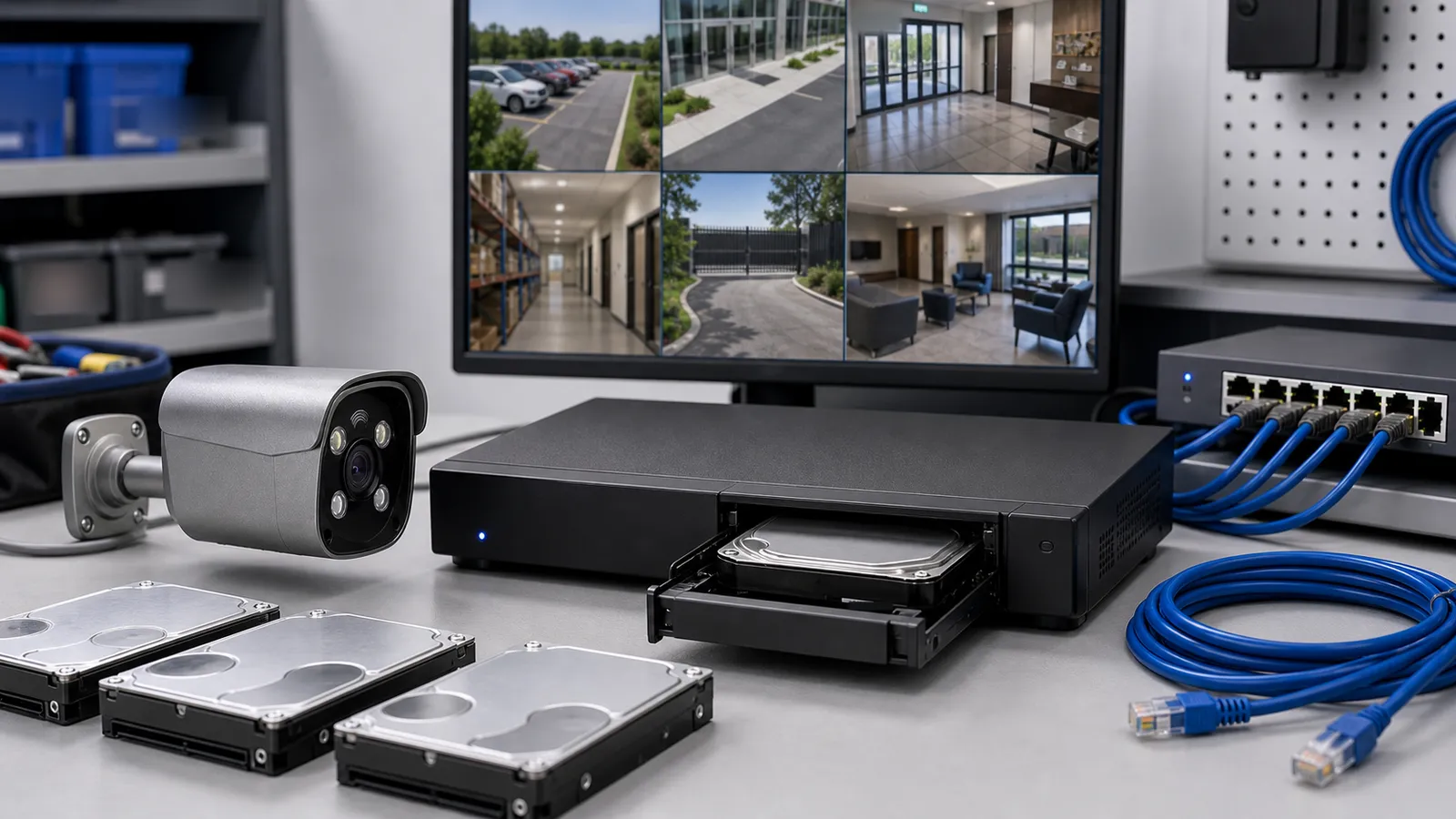
Planning guide
CCTV Hard Drives: Choosing Storage as Prices Rise
Compare CCTV drive types, plan recording capacity and manage rising storage costs, with QuarkView’s one-year hard-drive warranty and replacement service.
Read guide
Planning guide
QuarkView vs Marketplace Cameras: Buyer Comparison
Compare camera packages by equipment, recording days, support and delivery terms. Match camera quantity and storage before comparing price.
Read guide
Planning guide
Edge AI vs Cloud AI in Security Camera Systems
Compare edge and cloud AI by processing location, network dependence, privacy controls and the functions your installation needs.
Read guide
Planning guide
Responsible Use of AI Security Cameras in Business Environments
Define the purpose of AI camera alerts, control footage access and test errors before using analytics in a business.
Read guide
Planning guide
GDPR and Video Surveillance: Basic Concepts for International Buyers
Review the purpose, retention, access and notice questions to discuss when planning video surveillance involving personal data.
Read guide
Planning guide
Firmware Updates for Security Cameras and NVRs Explained
Prepare camera and NVR firmware updates by checking model compatibility, backups, release notes and recovery options.
Read guide
Planning guide
Default Password Risks in CCTV Systems and How to Prevent Them
Replace default CCTV passwords, separate user permissions and review remote access instead of relying on the recorder password alone.
Read guide
Planning guide
Cybersecurity Basics for IP Camera and NVR Systems
Review camera-network access, passwords, firmware support and recorder permissions to reduce avoidable CCTV security risks.
Read guide
Planning guide
Security Cameras for Gated Communities and Residential Compounds
Plan shared surveillance around vehicle gates, pedestrian access, guard duties, recording retention and controlled access to footage.
Read guide
Planning guide
Audio Recording in CCTV Systems: Uses, Limits, and Buyer Notes
Check the purpose, microphone position, recorder support and access controls before adding audio recording to a CCTV system.
Read guide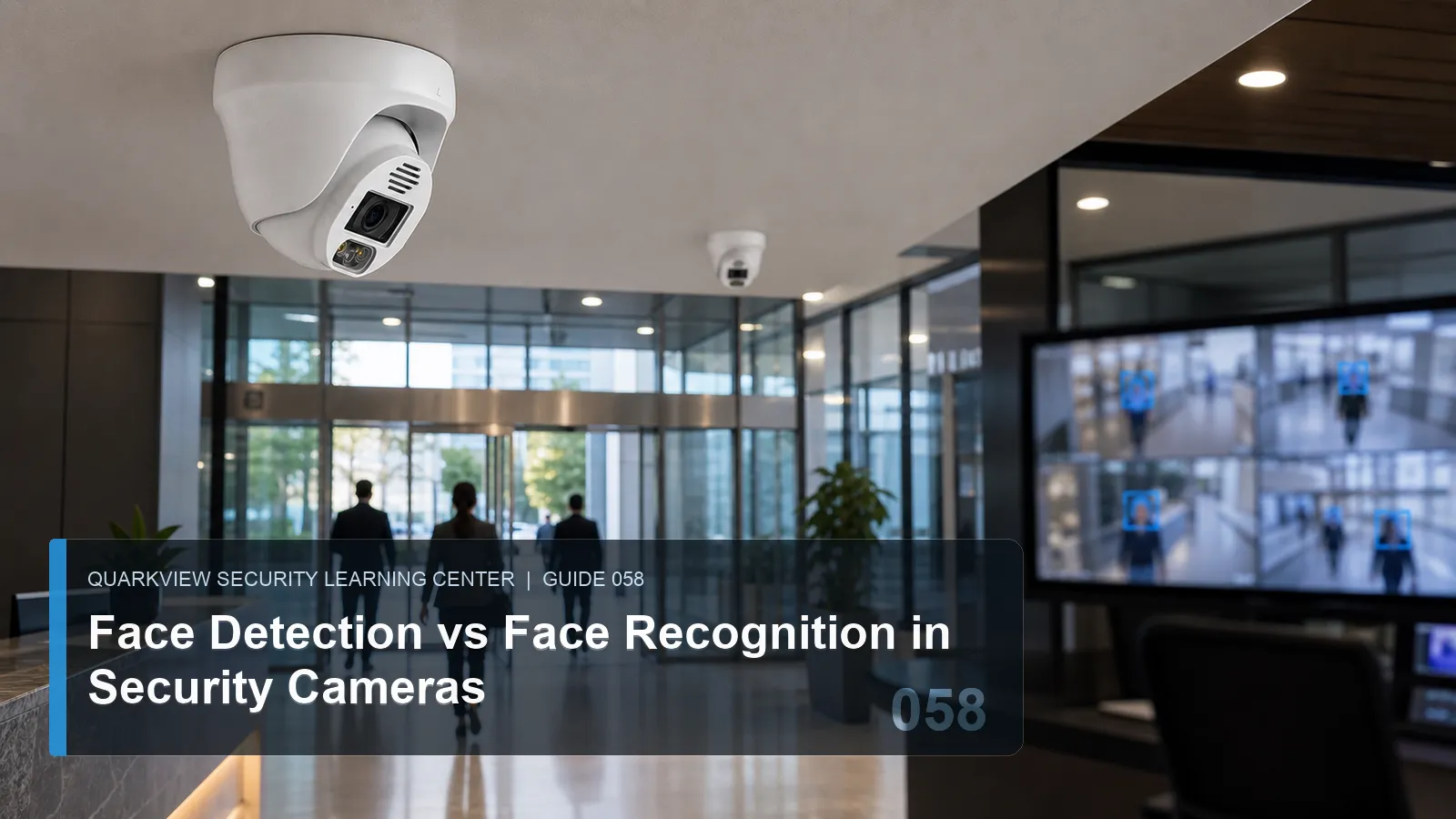
Planning guide
Face Detection vs Face Recognition in Security Cameras
Face detection locates faces in an image; recognition compares them with enrolled identities. Check capture quality and data controls separately.
Read guide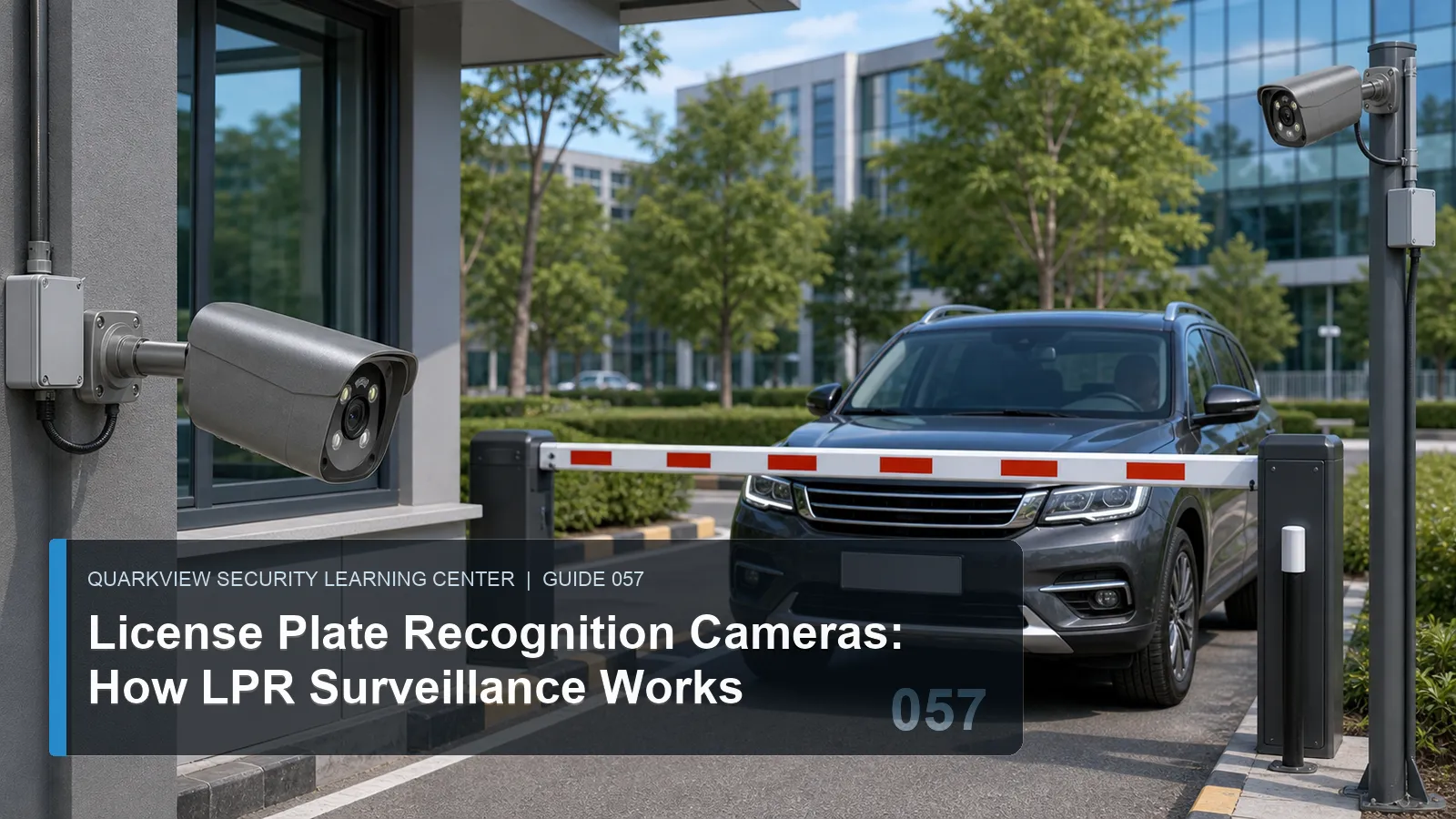
Planning guide
License Plate Recognition Cameras: How LPR Surveillance Works
Plan plate recognition around the lane, approach angle, vehicle speed and lighting, then verify plate images and recognition results.
Read guide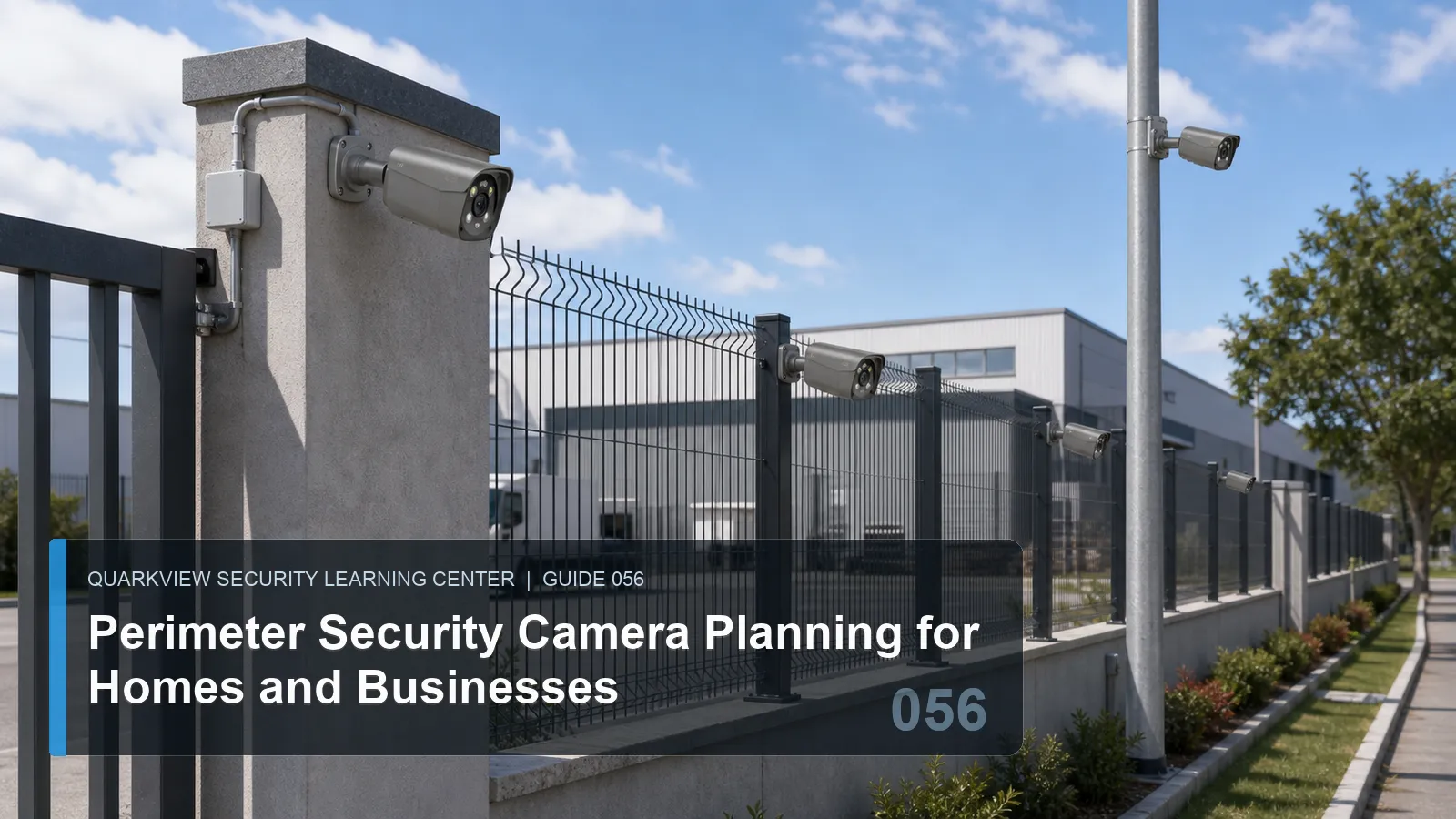
Planning guide
Perimeter Security Camera Planning for Homes and Businesses
Plan boundary views, gate detail and alert zones around terrain, obstructions, lighting and the people who will respond.
Read guide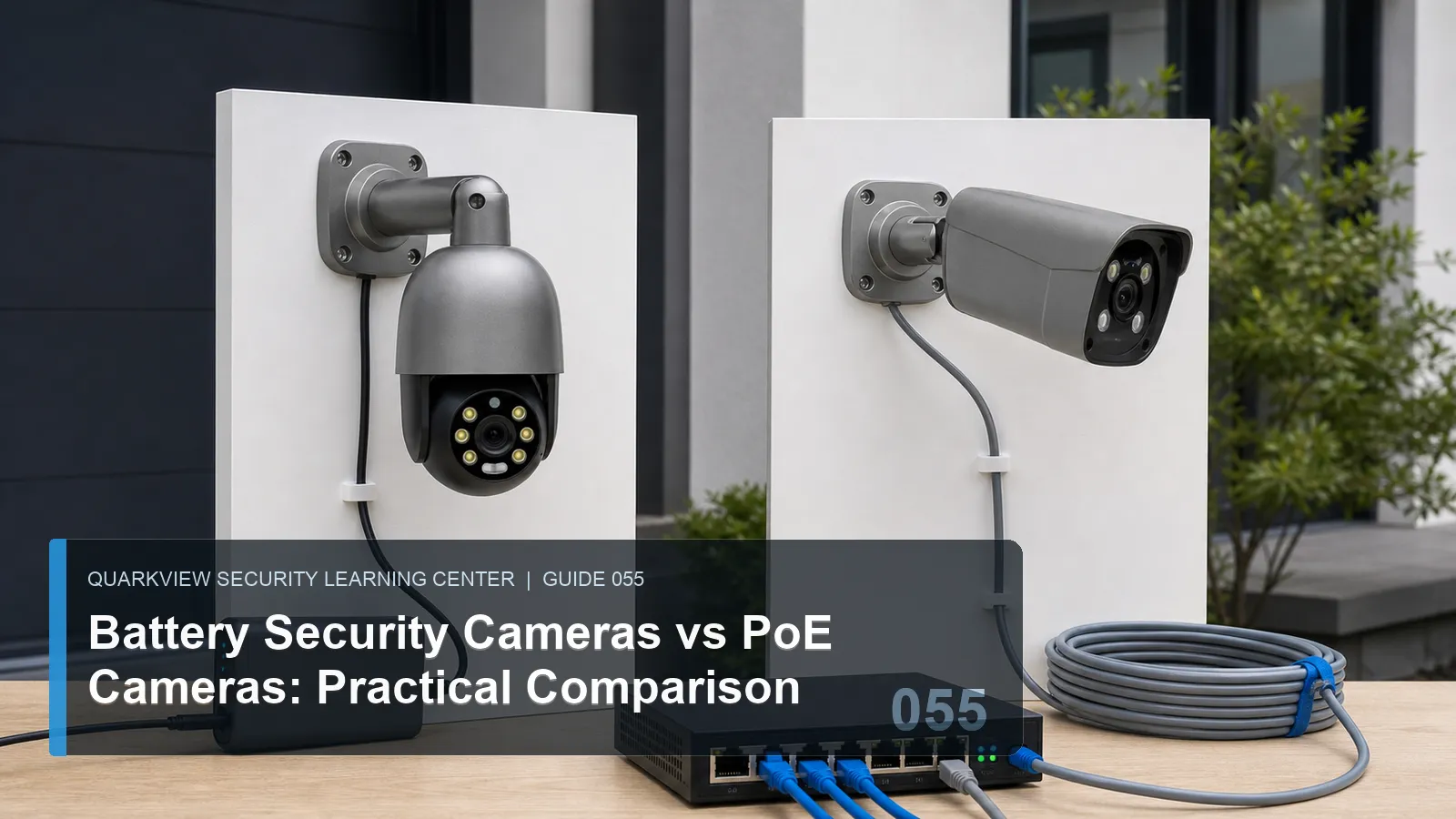
Planning guide
Battery Security Cameras vs PoE Cameras: Practical Comparison
Compare battery and PoE cameras by recording needs, cable access, charging effort and behavior during power or network interruptions.
Read guide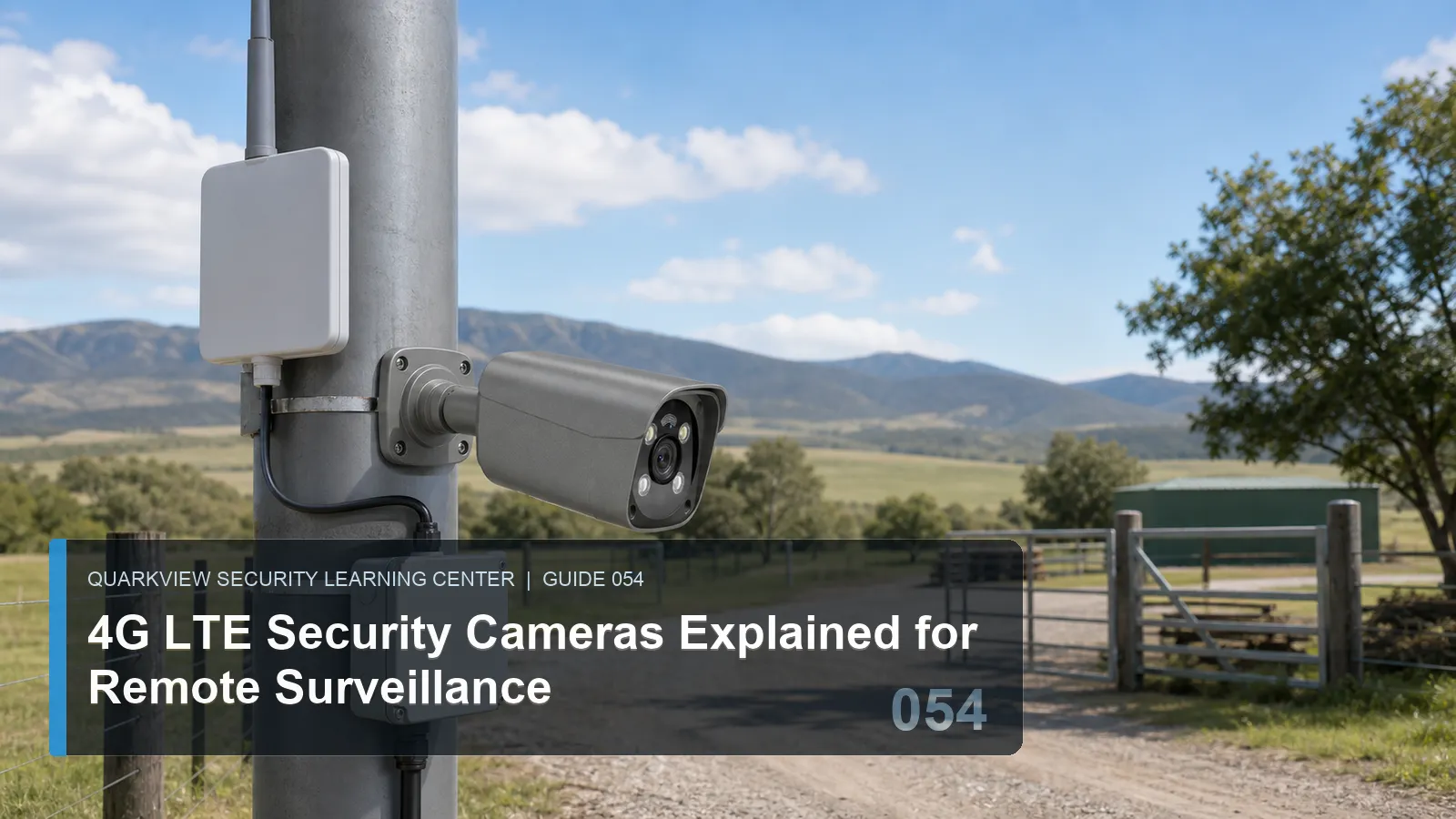
Planning guide
4G LTE Security Cameras Explained for Remote Surveillance
Plan a cellular camera around carrier coverage, available power, data use and local recording at the intended remote site.
Read guide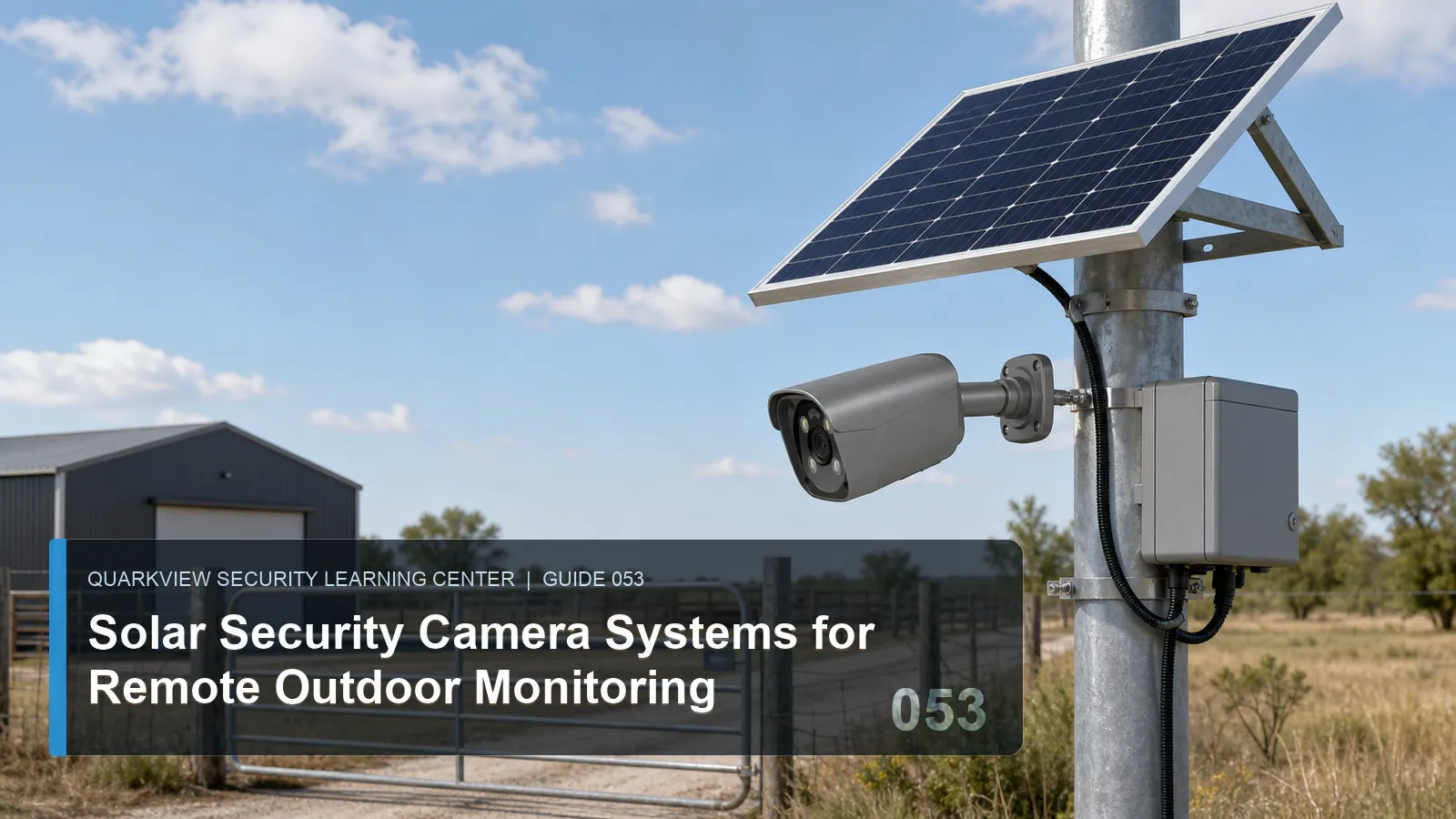
Planning guide
Solar Security Camera Systems for Remote Outdoor Monitoring
Size a remote camera's solar power around its operating load, low-sun conditions, battery reserve and realistic recording schedule.
Read guideAll buying guides